
 Models
 Materials
 HDRIs
 Scenes
 Brushes
 Node Groups
 Printables
 Creators
 Creations
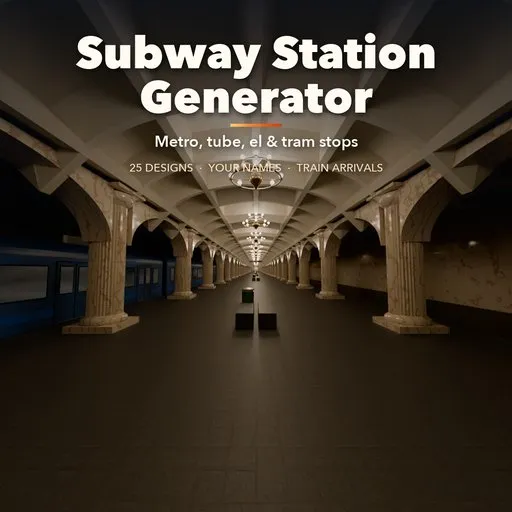
Subway Station Generator
 add-on
Procedural metro stations: 25 designs from New York stops, Paris vaults and London tubes to Moscow palaces, rock caves, screen-door platforms, elevated els, tram stops and ghost stations, with your own station name.
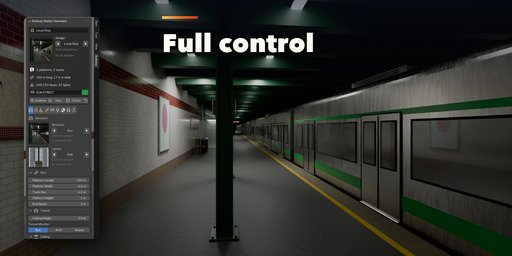
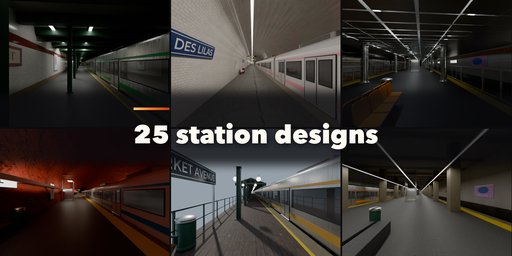
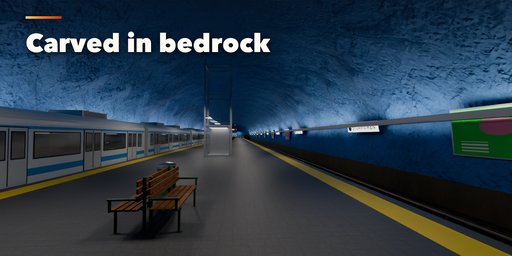
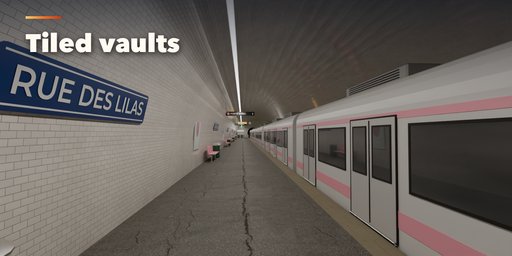
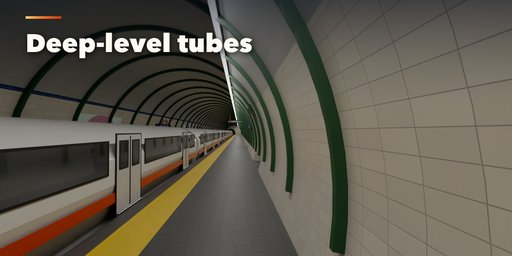
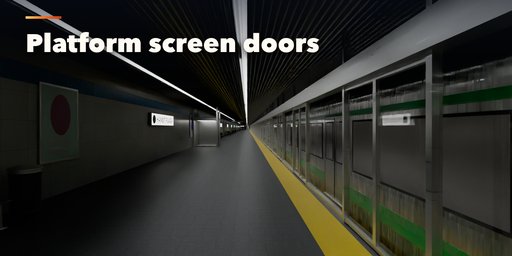
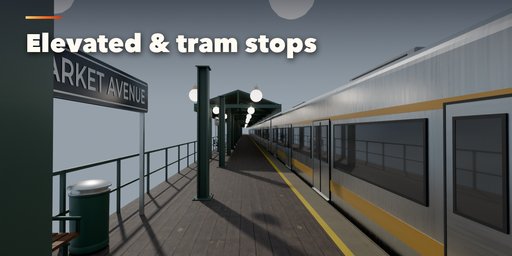
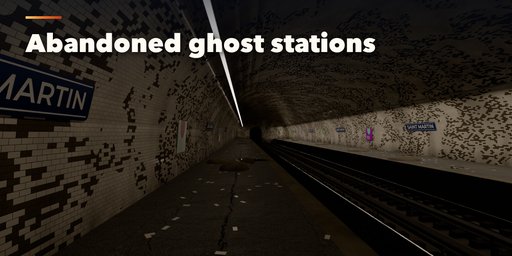
Subway Station Generator builds complete metro stations right inside Blender: New York local and express stops with I-beam columns, Paris elliptical vaults in white bevelled tile, deep-level London tubes, Moscow palaces with chandeliers and pylon halls, Stockholm rock caves, coffered concrete vaults, Tokyo and Seoul platforms behind screen doors, Hong Kong color-coded halls, elevated els and modern viaducts, light rail, tram stops and abandoned ghost stations.
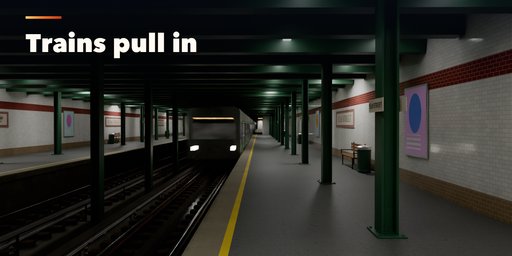
Pick one of 25 designs, type your own station name and change anything: the station rebuilds live. Platforms, tracks, tunnels, stairs, escalators, fare gates, signs, lights and the train are all generated, at real scale and in real meters. A train can pull into the platform and stop on any frame you choose, ready for an animation. Convert to Mesh or Make LODs turns a station into plain, named, UV-mapped meshes with PBR materials based on scanned Poly Haven textures, ready for games and film.
Features
- 25 designs in four families: classic, grand, modern and open-air, plus ghost stations
- Island, side, single, Spanish solution and express layouts with up to four tracks
- Box halls, vaults, multi vaults, round tubes, rock caves and open-air stops with flat, gable, butterfly, barrel or shelter roofs
- Columns in I-beam, round, square, octagon and classical styles, and plain, beamed, coffered, ribbed, slatted or panelled ceilings
- Tracks on concrete slab, ballast, grass or street, with wood, concrete or block sleepers, third rail, fourth rail or overhead wire
- Platform edges with yellow lines and tactile strips, half or full-height screen doors, benches, ads, departure boards and clocks
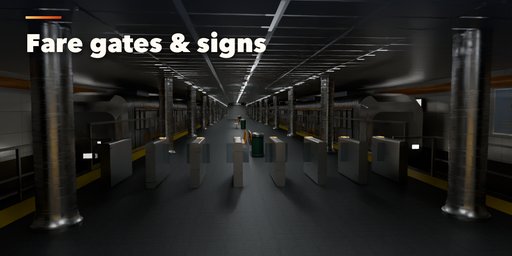
- Stairs, escalators, elevators, street entrances, fare gates (tripod, flap, glass and rotor), ticket machines and a booth
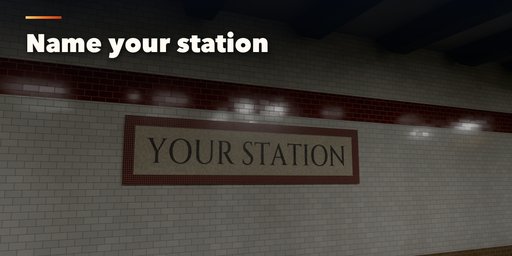
- Editable signs: your station name on mosaic tablets, enamel plates, ring and bar signs, backlit boxes or raised letters, with line badges and directions
- Fluorescent tubes, LED lines, pendants, chandeliers, wall lamps, uplight coves and lamp posts, with real lights and dead lamps
- Subway tile, bevelled tile, enamel panels, marble, concrete, painted rock and brick, with grime, water stains and decay
- Trains in four profiles with an arrival animation that slows into the platform
- Surprise, Vary and Colors buttons, a picture gallery in the sidebar and a Shift+A menu
- Game-ready: real scale, named parts and materials in their own collection, three detail levels, Make LODs and Convert to Mesh
- Works in Cycles and EEVEE
Requires Blender 4.2 or newer. Tested on Blender 4.2, 4.5 and 5.2 LTS.
How to use
Installation
In Blender open Edit, Preferences, Get Extensions, then use Install from Disk and pick the subway_station_generator zip.
Usage
- Open the Subway tab in the 3D viewport sidebar (N). With no station selected, click the picture to pick one of the 25 designs, then press Add Subway Station. You can also use Shift+A, Mesh, Subway Station.
- The card at the top shows the design, the number of platforms and tracks, the size, face count and light count. Type a name in the text field to put it on every station sign. Surprise makes a new random station, Vary changes the current one a little, Colors picks new colors and the arrow resets the design.
- The icon tabs hold every setting: Structure (layout, tunnel or hall, ceiling and columns), Track (bed, sleepers, rails and power), Platform (floor, edges, screen doors, benches, ads and boards), Access & Fares (stairs, escalators, elevator, entrance and fare gates), Signs (name, line, directions and sign styles), Lights, Finish (tiles, colors, marble, grime and decay), Train (trains and their arrival) and Parts & Export (part visibility, detail, Convert to Mesh, Make LODs).
- On the Train tab set the frame at which the train stops and press Play Arrival to watch it pull in.
- Every station is built in real meters with its origin on the platform floor. Each part is its own named object in the station's collection, so you can hide parts, convert to plain meshes or make three LODs for a game engine.
FAQ
Which Blender versions are supported?
Blender 4.2 and newer. It is tested on Blender 4.2, 4.5 and 5.2 LTS.
Can I use the stations in a game engine?
Yes. Stations are built at real scale with UVs, named parts and PBR materials. Make LODs creates three joined meshes at high, medium and low detail, and Convert to Mesh gives you plain meshes to export.
Can I use my own station name?
Yes. Type it in the name field at the top of the panel. It appears on every name sign as real geometry, in the sign style you pick. The Signs tab also sets the line badge, the line color and the direction signs.
Does it include the train?
Yes. Trains in four profiles can stand at one or both platforms, and the first one can pull in and stop on a frame you choose.
Does it work in EEVEE?
Yes, in both Cycles and EEVEE. The materials use scanned CC0 textures from Poly Haven that ship with the addon.


