
 Models
 Materials
 HDRIs
 Scenes
 Brushes
 Node Groups
 Printables
 Creators
 Creations
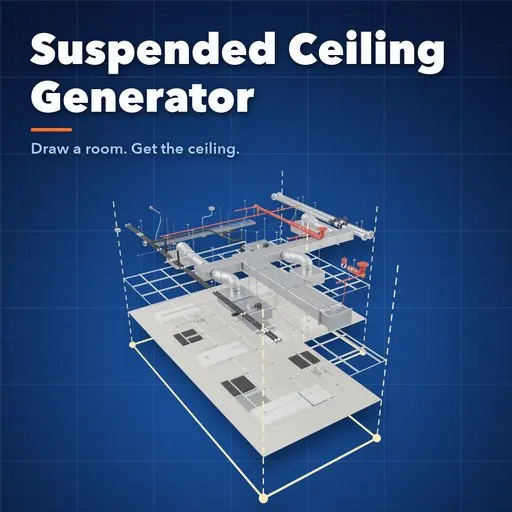
Suspended Ceiling Generator
 add-on
Draw any room and get a full suspended ceiling: wall-aligned T-bar grid, tiles, lights, air conditioning, pipes, sprinklers and electrics, rebuilt live.
Explore all my Blender addons
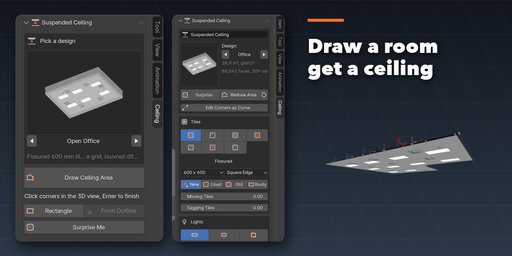
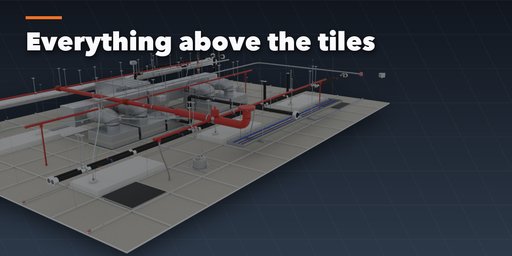
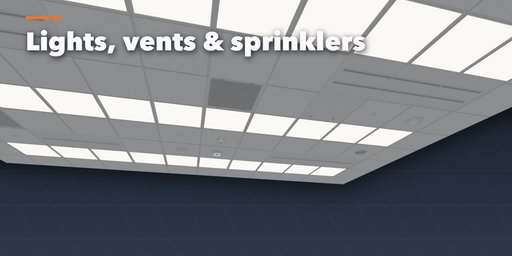
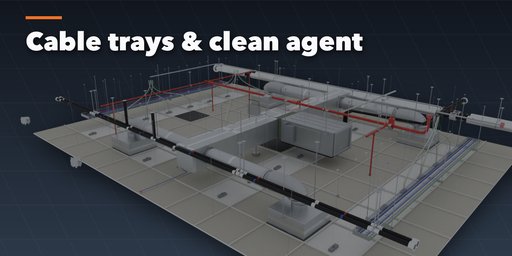
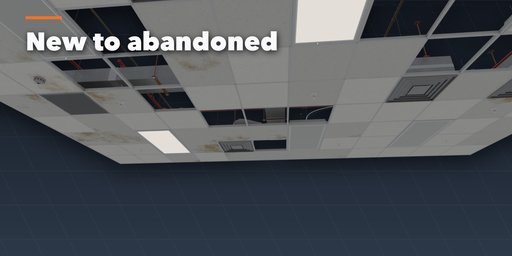
Suspended Ceiling Generator builds a complete drop ceiling inside any room you draw: click the corners of an area in the 3D view (or follow a curve or mesh outline, columns included) and get a T-bar grid, tiles, lights, air conditioning, pipes, fire protection and electrics, rebuilt live as you change a setting.
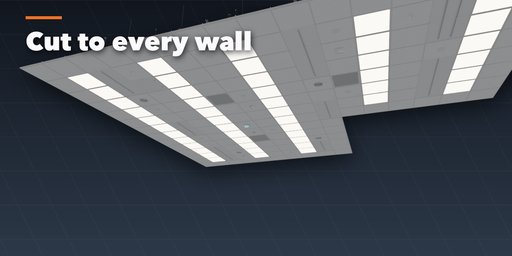
The grid always follows the room. It snaps to the wall direction most walls share, in 90 degree steps, border tiles are cut exactly to every wall and column, and the layout balances the cut tiles on opposite walls like a real installer would.
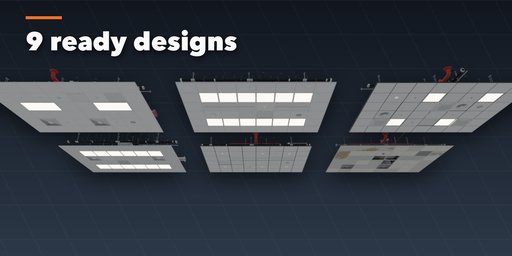
Pick a design from a picture gallery (open office, hospital, school, retail, server room, hotel lobby, laboratory, stockroom, abandoned building), then change anything, or press Surprise Me.
Features
- Draw any polygon, redraw it, or follow an editable curve or mesh outline; holes become columns
- 7 tile styles (fissured, pinhole, smooth, scored, perforated, metal, textured), 5 module sizes, square, tegular and bevelled edges
- Missing tiles in clusters, sagging and bowed tiles, stains, yellowing, rust and dirt from New to Rusty
- Lights: 9 fixture types, 6 layout patterns, a frequency slider, lit and faulty shares, optional real area lights
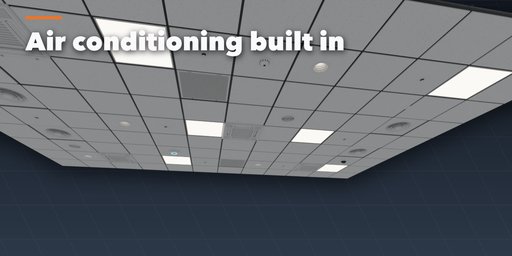
- Air conditioning: 4 diffuser types, return grilles, ceiling cassettes, fan coils, ducts and flexible connections
- Pipes: water, chilled water, insulated AC refrigerant lines, condensate and drains with hangers
- Fire protection: pendant, recessed, concealed and upright sprinklers or clean agent nozzles, smoke detectors, horn strobes
- Cable trays, conduits, speakers, Wi-Fi access points, cameras, sensors and hinged access panels
- Concrete or metal deck, beams, plenum walls, hanger wires and seismic bracing
- Game-ready: real scale, UVs, PBR materials; works in Cycles and EEVEE
Requires Blender 4.2 or newer. Tested on Blender 4.2, 4.5 and 5.2 LTS.
How to use
Installation
In Blender open Edit, Preferences, Get Extensions, then use Install from Disk and pick the zip.
Usage
- Open the Ceiling tab in the 3D viewport sidebar (N).
- Pick a design and press Draw Ceiling Area, click the corners, press Enter.
- Change tiles, lights and the systems above the ceiling; press Surprise Me for a new look.
FAQ
Which Blender versions are supported?
Blender 4.2 and newer. It is tested on Blender 4.2, 4.5 and 5.2 LTS.


