
 Add-ons
 Models
 Materials
 HDRIs
 Scenes
 Brushes
 Node Groups
 Printables
 Creators
 Creations
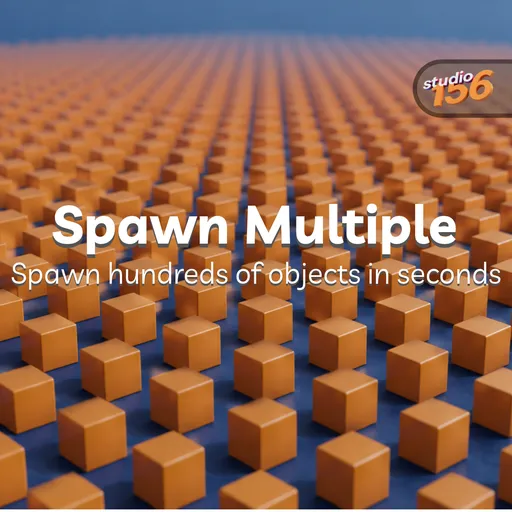
Instead of repeatedly adding the same primitive manually, simply choose the number of objects and the object type, and the add-on will create them for you.
Features
- Spawn multiple objects at once
- Choose the number of objects to create
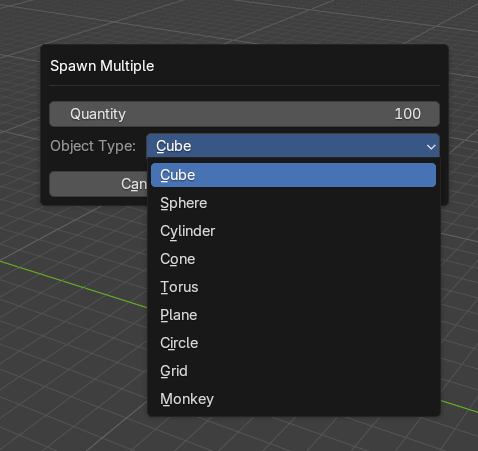
- Choose from several built-in Blender mesh primitives:
- Cube
- Sphere
- Cylinder
- Cone
- Torus
- Plane
- Circle
- Grid
- Monkey
- Automatically arrange the objects in an evenly spaced grid
- Newly created objects are selected automatically
- Works with Blender's standard undo system
Usage
- Open the 3D Viewport.
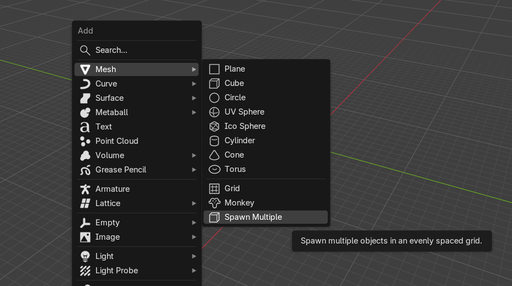
- Open the Add menu.
- Go to Mesh → Spawn Multiple.
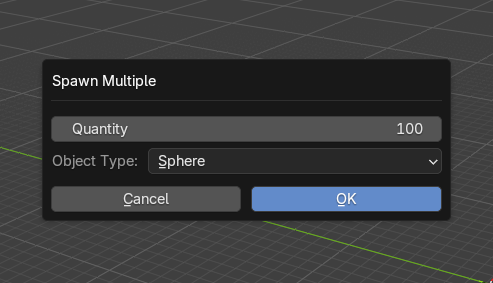
- A small window will appear with two options:
- Quantity — the number of objects to create.
- Object Type — the type of mesh primitive to create.
- Set the desired values and click OK.
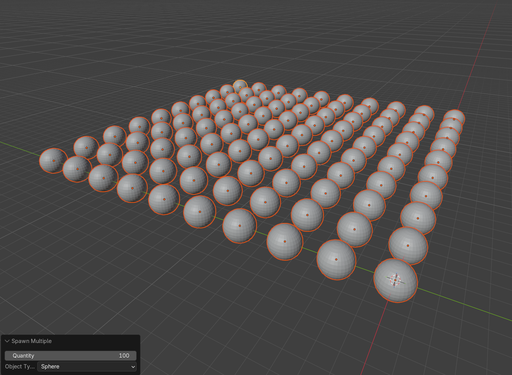
The objects will be created and arranged in a grid, with equal spacing between their origins. All newly created objects will be selected after the operation.
Installation
- Download the .zip file containing the add-on.
- In Blender, open Edit → Preferences → Add-ons.
- Click the Install from Disk... button.
- Select the downloaded .zip file.
- Enable Spawn Multiple in the add-ons list.
After installation, the operator is available from:
3D Viewport → Add → Mesh → Spawn Multiple
By


