
 Models
 Materials
 HDRIs
 Scenes
 Brushes
 Node Groups
 Printables
 Creators
 Creations
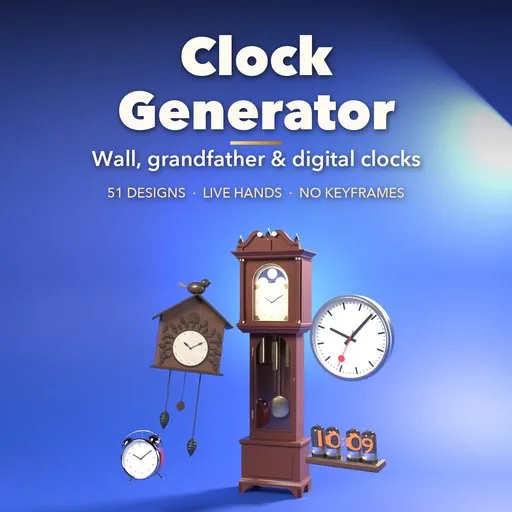
Clock Generator
 add-on
51 realistic clocks that keep time: wall, cuckoo, mantel, grandfather and digital. Set the time or animate it: ticking hands, swinging pendulums, moon dials and counting digits, no keyframes.
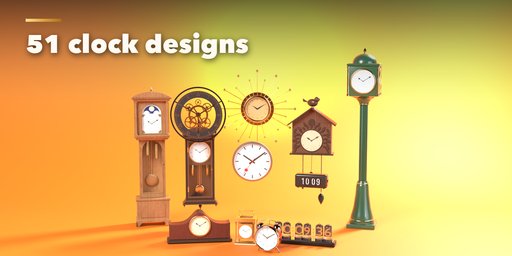
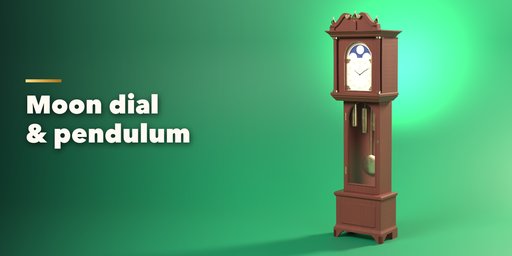
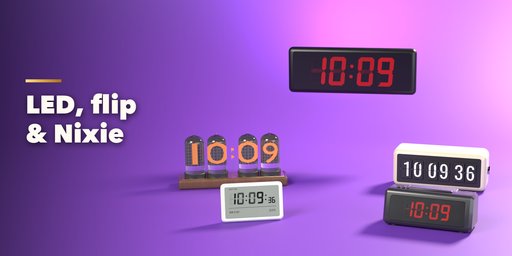
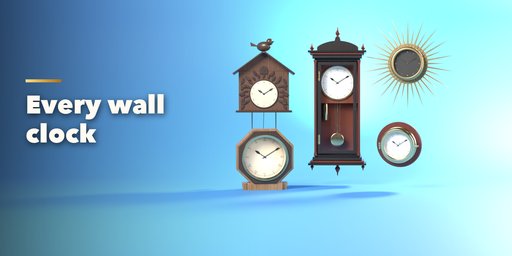
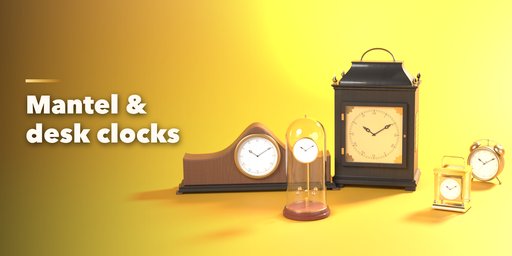
Clock Generator builds realistic clocks inside Blender, and every one of them keeps time. Pick one of 51 ready-made designs from the picture gallery, from a school wall clock or a Swiss-style station clock to a cuckoo clock, a Vienna regulator, a mahogany grandfather clock with a turning moon dial, a twin-bell alarm clock, a flip clock or a glowing Nixie tube clock, then change anything you like.
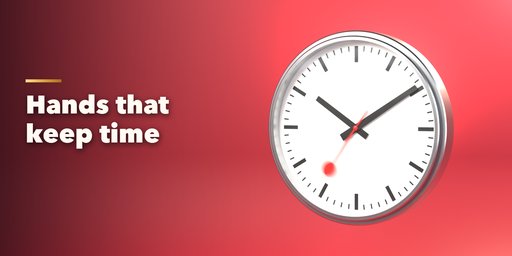
Set a time, or click Set to Now, and the hands point to it. Turn on Animate and the clock runs on playback: the seconds hand ticks or sweeps, the minute hand creeps or jumps like a railway clock, pendulums swing at the real rate for their length, the moon disc turns, skeleton gears spin and digital digits count with a blinking colon. Speed it up to show hours passing in seconds. It is all drivers, no keyframes, so it renders the right time on every frame.
Analog clocks
- Wall: round school clock, double-sided station clock, sunburst, schoolhouse, Vienna regulator, cuckoo, skeleton, frameless, square, ship's porthole and farmhouse
- Mantel and desk: tambour, bracket clock, carriage clock, twin-bell alarm, anniversary clock with a torsion pendulum, modern desk clock
- Floor: grandfather with moon dial, weights and pendulum, grandmother, mission, modern floor clock and a street post clock
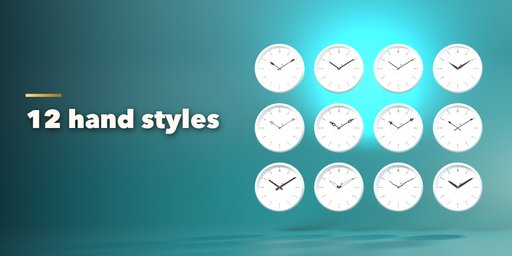
- 12 hand styles (spade, Breguet, fleur, cathedral, dauphine, baton, station and more), 4 seconds hands, 9 numeral styles and 6 minute tracks
Digital clocks
- LED wall, big gym and office displays, bedside alarm, flip clock, Nixie tubes, wood LED and LCD desk clocks
- Seven-segment or glyph digits in red, amber, green, blue, white or VFD cyan, 12 or 24 hour, with or without seconds
Look
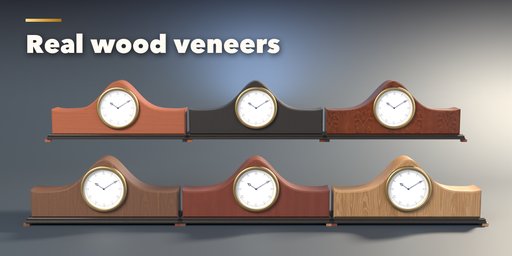
- Real wood veneers (walnut, oak, cherry, mahogany, rosewood, ash, ebony), brass, chrome, gold and painted finishes
- Enamel, sunburst and aged dials, glass with a dome
- Brand New, Used or Old condition: ambient-occlusion grime in the crevices, dust on top, worn edges, tarnished brass with verdigris, yellowed and foxed dials
- Picture gallery for designs, case styles, finishes, numerals and hands; one-click randomize
Requires Blender 4.2 or newer. Tested on Blender 4.2, 4.5 and 5.2 LTS. Works in Cycles and EEVEE.
How to use
Installation
In Blender open Edit, Preferences, Get Extensions, then use Install from Disk and pick the clock_generator zip.
Usage
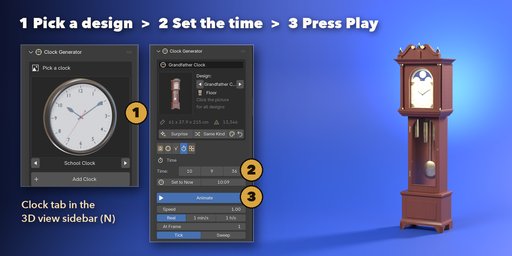
- Open the Clock tab in the 3D viewport sidebar (N). Click the picture to choose a design from the gallery, then press Add Clock. You can also use Shift+A, Mesh, Clock.
- The card at the top changes the design with the arrows, or gives you a random one with Surprise and Same Kind.
- The tabs hold every setting: Case (kind, size, finish, condition and the case's own options), Dial (color, numerals, track, text), Hands (style, finish, seconds hand), Display on digital clocks (digit kind, color, 12/24 hour) and Time.
- In the Time tab set the hours, minutes and seconds or click Set to Now. Turn on Animate and press Play: the clock runs from that time. Speed makes it run faster; Tick or Sweep picks the seconds hand motion.
- Parts shows or hides each part. Make Real keeps the clock as plain objects (the moving parts keep their drivers); Delete removes it.
FAQ
Which Blender versions are supported?
Blender 4.2 and newer. It is tested on Blender 4.2, 4.5 and 5.2 LTS.
Do the hands really move?
Yes. Hands, pendulums, moon discs, gears and digital digits are driven by the scene frame, so playback and renders show the right time on every frame. No keyframes are needed, and you can set any start time and speed.
Can I use the clocks in a game engine?
Yes. Every part is a plain mesh with PBR materials, and each moving part is its own object with its pivot at the arbor, ready to rotate in Unity or Unreal. Use Make Real to keep them as plain objects.


