
 Models
 Materials
 HDRIs
 Scenes
 Brushes
 Node Groups
 Printables
 Creators
 Creations
Power Line Generator
 add-on
Procedural overhead lines: 37 real-world pylon, pole and railway catenary designs with physically correct cable sag, along any curve, over terrain or between your own objects.
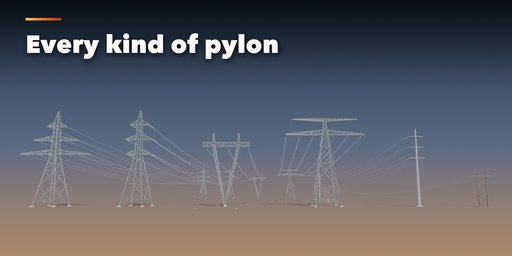
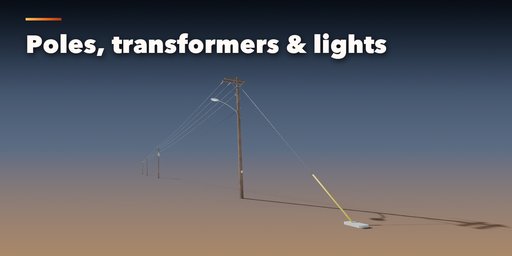
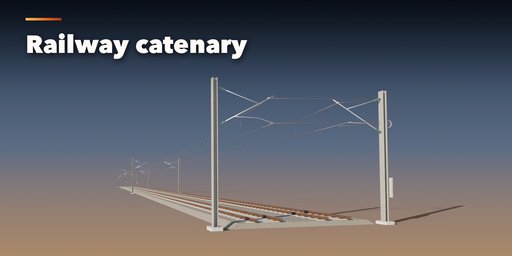
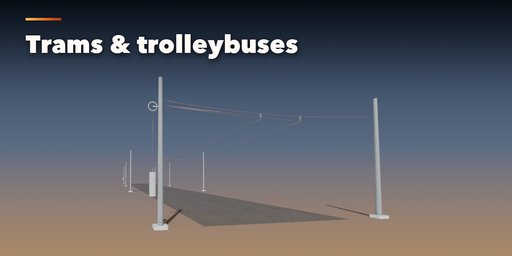
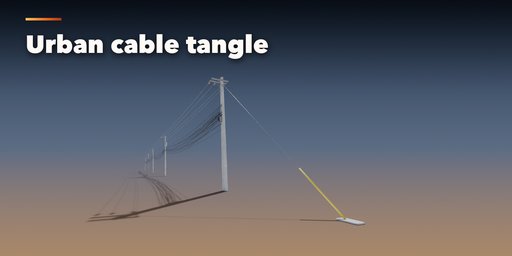
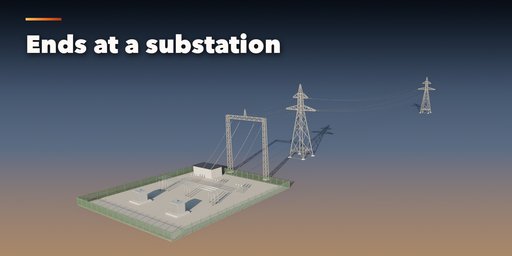
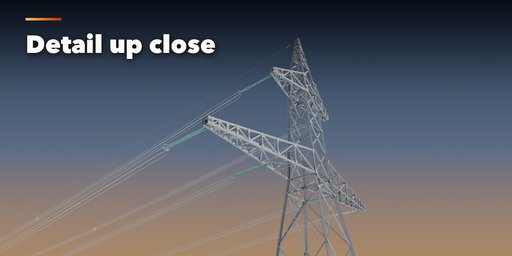
Power Line Generator builds complete overhead lines inside Blender: a German Danube pylon line with quad bundles and glass insulator strings, a British barrel tower line, a US wooden utility pole street with transformers and cobra-head lights, a Japanese urban pole, an Asian cable tangle, a historic telegraph line, or the overhead catenary of a main line railway, a high-speed line, a tram or a trolleybus street. Pick one of 37 designs, then change anything: every part is a number, a choice or a switch, and the line rebuilds live as you drag.
The cables hang the way real ones do. The sag is solved as a true catenary from the ruling span, so longer spans hang lower, spans on slopes hang between supports at different heights, and the panel shows the ground clearance.
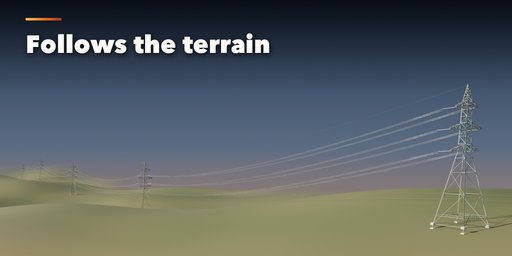
Run the line straight, along any curve you draw, or string it between objects you already have. Pick a terrain object and every support stands on the ground while the wires sag over the hills.
Features
- 37 real-world designs: transmission, distribution, urban, telegraph and railway lines
- 7 support types: lattice pylons, steel monopoles, wooden, concrete and H-frame poles, guyed-V and portal towers
- 17 head layouts, from flat, delta and barrel to Danube, Christmas tree, four circuits and low-voltage racks
- Suspension, V-string, pin and line-post insulators in glass, porcelain or polymer
- Single to eight-wire bundles with spacers, dampers, earth wires, comm cables, bird diverters and aircraft markers
- Pole transformers, streetlights, guy wires and a substation at either end
- Railway catenary with cantilevers, portals, headspans or span wires, ballasted or street track
- Draw lines by clicking on the ground: lines that touch connect into one network with shared junction poles
- Straight, along a curve, over a terrain, or between selected objects, plus crossing lines
- Rust, paint, aged conductors and weathered wood, with Poly Haven textures packed in
- UV-mapped game-ready meshes, three detail levels and Convert to Mesh for export
- Surprise and Vary buttons for endless new lines
- Picture-driven sidebar with tabs and a Shift+A menu
- Works in Cycles and EEVEE
Requires Blender 4.2 or newer. Tested on Blender 4.2, 4.5 and 5.2 LTS.
How to use
Installation
In Blender open Edit, Preferences, Get Extensions, then use Install from Disk and pick the power_line_generator zip.
Usage
- Open the Power tab in the 3D viewport sidebar (N). Click the big picture to browse the designs, then press Add Power Line to place one at the 3D cursor. With a curve selected the line follows the curve; with several objects selected, Wire Selected Objects strings cables between them. You can also use Shift+A, Mesh, Power Line.
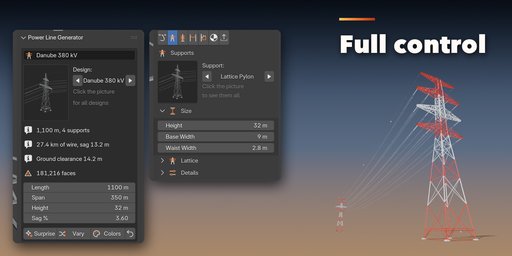
- The card at the top shows the design, the line length, the number of supports, the wire length and sag, the ground clearance and the face count, plus the main sizes. Surprise makes a new random line and Vary changes the current one a little.
- The icon tabs hold every setting: Route (straight, curve or objects, span, terrain, dead ends), Support (type, height, bracing, section), Head (layout, voltage, arms, insulators), Wires (bundle, diameter, sag, earth and comm wires, spacers, dampers, markers), Catenary (masts, cantilevers or portals, contact wire, tracks), Equipment (transformers, streetlights, substation), Finish (paint, rust, wood, insulator colors) and Parts (part visibility, detail level, Convert to Mesh).
- When the line follows a curve or stands on a terrain, edit the curve or the ground and the line rebuilds. Convert to Mesh keeps it as plain meshes; Delete Line removes it with all its parts.
All sizes are in meters. The root empty sits on the ground at the start of the line and the line runs along its Y axis. Sag is given in percent of the span and solved as a true catenary.
FAQ
Which Blender versions are supported?
Blender 4.2 and newer. It is tested on Blender 4.2, 4.5 and 5.2 LTS.
Is the cable sag realistic?
Yes. Each span hangs as a true catenary solved from the ruling span of the section, so the sag grows with the span, follows slopes and is shown together with the ground clearance in the panel.
Can I use the lines in a game engine?
Yes. Every part is a UV-mapped mesh with Principled BSDF materials. Pick the Low detail level, use Convert to Mesh and export as usual (FBX, glTF).
Can the line follow my own path or terrain?
Yes. Select a curve and add the line along it, pick a terrain object so every support stands on the ground, or select your own objects and string wires between them.
Are the textures included?
Yes. The wood, concrete, rust, gravel and asphalt textures are CC0 textures from Poly Haven, packed inside the addon, so nothing has to be downloaded.


