
 Models
 Materials
 HDRIs
 Scenes
 Brushes
 Node Groups
 Printables
 Creators
 Creations
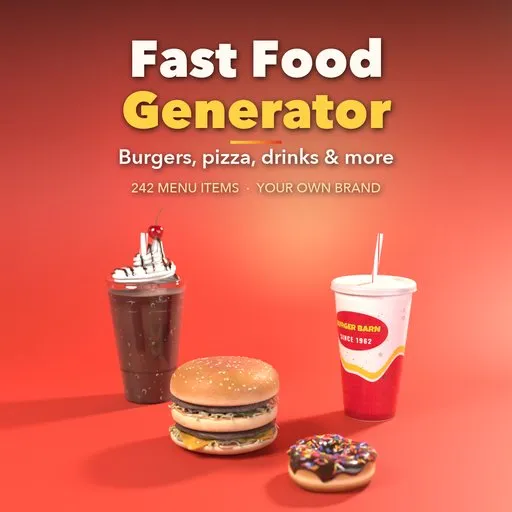
Fast Food Generator for Blender
 add-on
Photoreal fast food in one click: 242 burgers, pizzas, tacos, bowls, drinks and desserts, editable ingredient layers, painted PBR textures and your own brand printed on cups, boxes and bags.
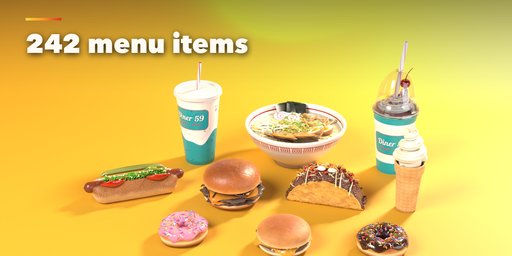
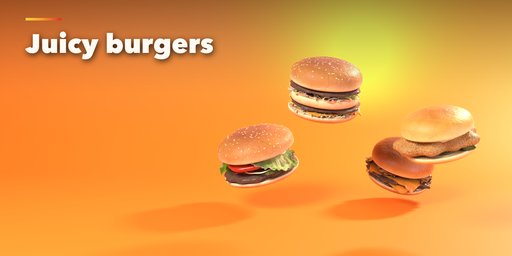
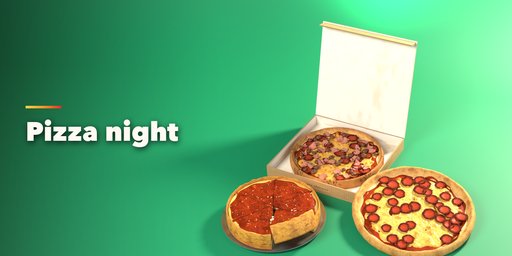
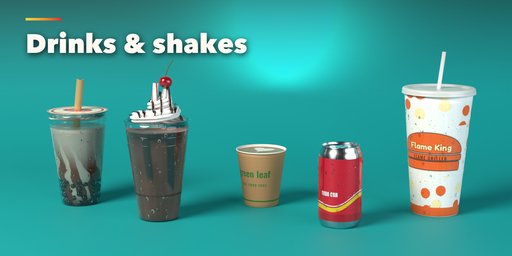
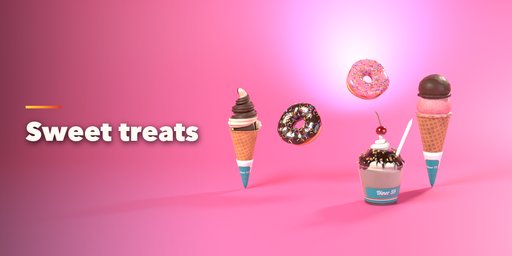
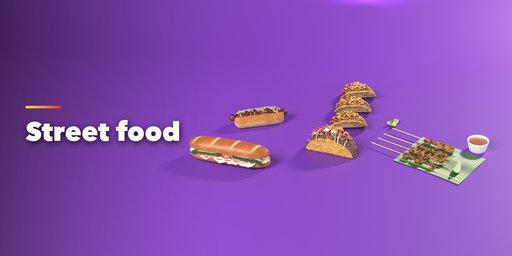
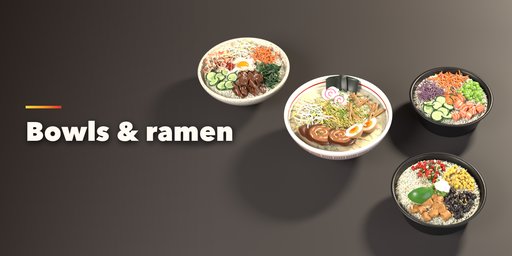
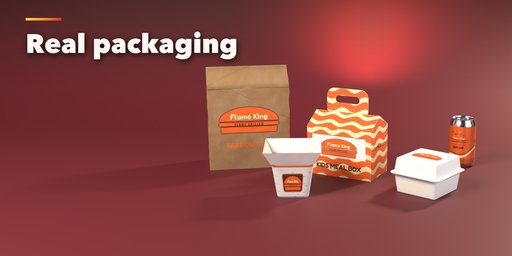
Fast Food Generator builds photoreal fast food inside Blender in one click: burgers, sandwiches, hot dogs, subs, tacos, burritos, wraps, pizza, fries, fried chicken, bowls, ramen, skewers, drinks, shakes, coffee, donuts, ice cream and all the cups, boxes, buckets and bags they come in.
The menu holds 242 ready-made items in 11 forms: stacked burgers, long sandwiches, wraps, folded tacos and pastries, piles of fries and nuggets, flat pizzas and flatbreads, bowls, skewers, drinks, desserts and packaging. Every item is real geometry built layer by layer, so a burger has a toasted bun, seared patties, melting cheese, crisp lettuce and dripping sauce that you can reorder, resize, cook more or less and make neat or messy.
Every surface gets painted photoreal PBR textures (color, roughness and normal), so the food looks right in Cycles and EEVEE and exports cleanly to game engines.
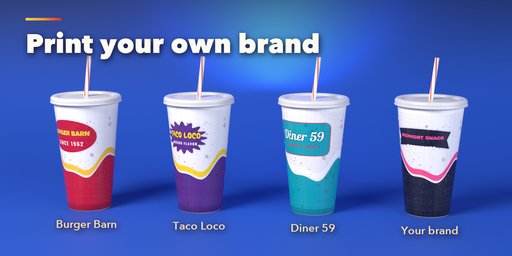
Print your own brand: type a chain name and tagline, pick colors, lettering and a badge, and the logo and product name print on cups, wrappers, boxes, buckets and bags. Twelve made-up brands are included to start from, and Brand to All dresses a whole meal at once.
Features
- 242 menu items in 11 forms, each with a picture in the sidebar
- Ingredient layers: add, remove, reorder and tune bun, patties, cheese, veggies, sauces and toppings
- Cook, size, amount and mess sliders with live rebuild
- Surprise and Vary buttons for endless variations
- Your own brand printed on cups, boxes, wrappers, buckets and bags
- Add a Meal: burger, side and drink in one click, all in one brand
- Photoreal painted PBR textures from 256 px to 2K
- Mesh detail from low (crowds, games) to high (close-ups)
- Make Real turns any item into a plain mesh for FBX, OBJ or glTF export
Requires Blender 4.2 or newer. Tested on Blender 4.2, 4.5 and 5.2 LTS.
How to use
Installation
In Blender open Edit, Preferences, Get Extensions, then use Install from Disk and pick the fast_food_generator zip.
Usage
- Open the Fast Food tab in the 3D viewport sidebar (N). Click the big picture to see the whole menu, or browse it by category, then press Add.
- Add a Meal places a burger, a side and a drink side by side in one brand.
- With a food selected, click its picture to turn it into any other menu item. Surprise picks a random item of the same kind, Vary makes a new variation and the drop button makes it messier.
- Build: form, bun, size and shape of the item.
- Ingredients: add, remove, reorder and duplicate layers, and set each layer's size, thickness, cook, amount and mess.
- Brand: pick a made-up brand or type your own name and tagline, colors, lettering and badge. The logo and product name print on cups, wrappers, boxes and bags. Brand to All copies it to every selected item.
- Export: mesh and texture detail. Make Real turns the food into a plain mesh with its materials, ready for FBX, OBJ or glTF.
Switch the viewport to Material Preview or Rendered to see the painted textures.
FAQ
Which Blender versions are supported?
Blender 4.2 and newer. It is tested on Blender 4.2, 4.5 and 5.2 LTS.
Can I put my own brand on the packaging?
Yes. Type your brand name and tagline, pick colors, lettering and a badge, and it prints on cups, wrappers, boxes, buckets and bags. The brand names that come with the add-on are all made up.
Can I use the food in a game engine?
Yes. Set Mesh Detail to Low for background food, then Make Real turns any item into a plain mesh with PBR image textures, ready for FBX, OBJ or glTF export.
Can I change the ingredients?
Yes. Layered items (burgers, sandwiches, wraps, tacos, pizza) list their ingredients as layers you can add, remove, reorder, resize, cook more or less and make neat or messy.


