
 Models
 Materials
 HDRIs
HDRIs
 Scenes
 Brushes
 Node Groups
 Printables
 Creators
 Creations
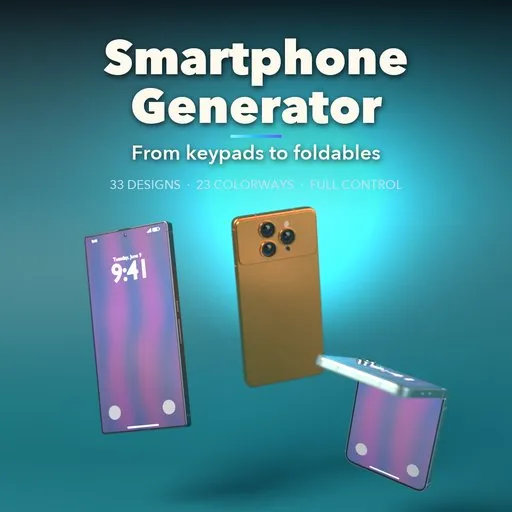
Smartphone Generator
 add-on
Procedural smartphones in one click: 33 designs from classic keypads and QWERTY phones to modern flagships and foldables, with live screens, 23 colorways and full control.
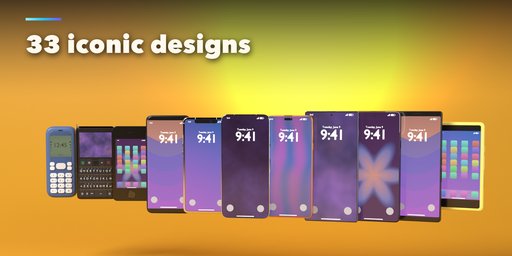
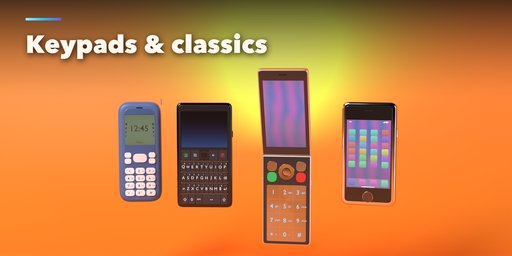
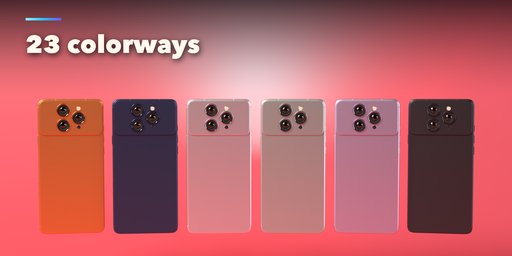
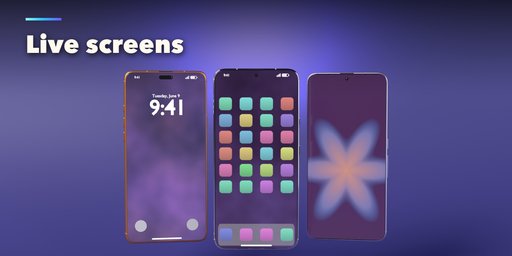
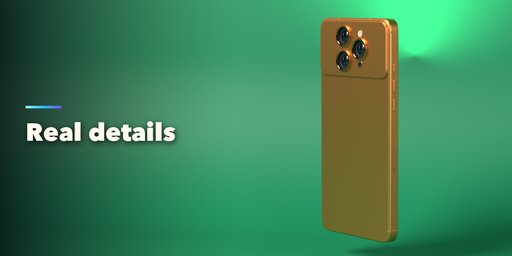
Smartphone Generator builds detailed, realistic phones inside Blender in one click. Pick one of 33 designs modeled on famous phones, from the classic candybar keypad and the QWERTY messenger to today's titanium flagships, camera-heavy Android phones and book or flip foldables, then change anything. Every part is a number, a choice or a switch, and the phone rebuilds live as you drag.
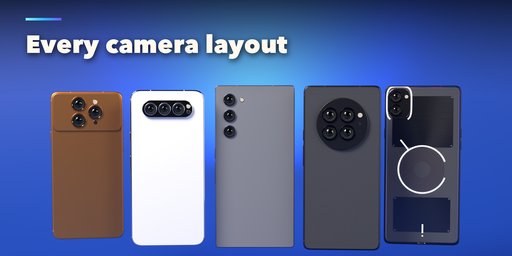
Phones are built like the real thing: true millimeter sizes, rounded or flat frames with matching screen corners, side buttons and ports on the frame, speaker grilles, SIM trays and antenna lines. Camera bumps come as islands, bars, circles and plateaus with real lenses, flash and sensors.
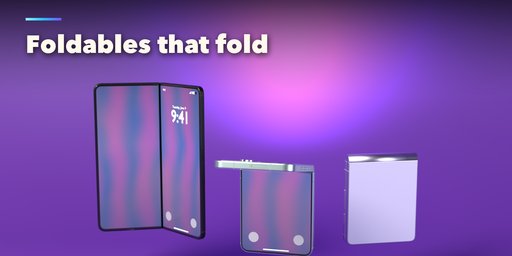
Screens show a lock screen with a clock, a home screen with app icons, a wallpaper, your own image or deep black glass. Foldables open and close with a single Fold slider.
Features
- 33 ready-made designs: modern flagships, Android phones, foldables and classic keypad phones
- Touchscreen, keypad and full QWERTY fronts; bar, book fold, flip fold and classic clamshell forms
- Camera layouts from a single lens to quad arrays, with islands, bars, circles and plateaus
- Live screen content: lock screen, home screen, 7 wallpapers or any image
- 23 colorways and titanium, aluminum, glass, frosted, metal and plastic finishes
- Notches, islands, punch holes and under-display cameras, bezels and home buttons
- Buttons, ports, speakers, SIM trays and antenna lines placed on the frame
- Randomize and Reset buttons, picture sidebar with six tabs, Shift+A menu and Convert to Mesh
- Works in Cycles and EEVEE
Requires Blender 4.2 or newer. Tested on Blender 4.2, 4.5 and 5.2 LTS.
How to use
Installation
In Blender open Edit, Preferences, Get Extensions, then use Install from Disk and pick the smartphone_generator zip.
Usage
- Open the Smartphone tab in the 3D viewport sidebar (N) and pick a design to add it at the 3D cursor. You can also use Shift+A, Mesh, Smartphone.
- The tabs hold every setting: Body (form, size, corners, edges, fold), Screen (bezels, cutout and what the screen shows), Camera (layout, bump, lenses), Buttons & Ports, Finish (colorway and materials) and Extras (logo, lights, keypad and export).
- Randomize makes a new phone, Reset to Design brings back the picked design. Foldables open and close with the Fold slider.
- Convert to Mesh keeps the phone as plain meshes; Delete removes it with all its parts.
FAQ
Which Blender versions are supported?
Blender 4.2 and newer. It is tested on Blender 4.2, 4.5 and 5.2 LTS.
Can I put my own image on the screen?
Yes. Set the screen to Image and pick any image file; it fills the screen with the right corners and cutout.
Are brand logos included?
No. The designs follow the shape and size of well-known phones, but no brand logos are drawn. The logo on the back is your own word mark.
Can I edit the result as a normal mesh?
Yes. Convert to Mesh turns the phone into plain mesh objects, ready to edit or export.


