
 Models
 Materials
 HDRIs
 Scenes
 Brushes
 Node Groups
 Printables
 Creators
 Creations
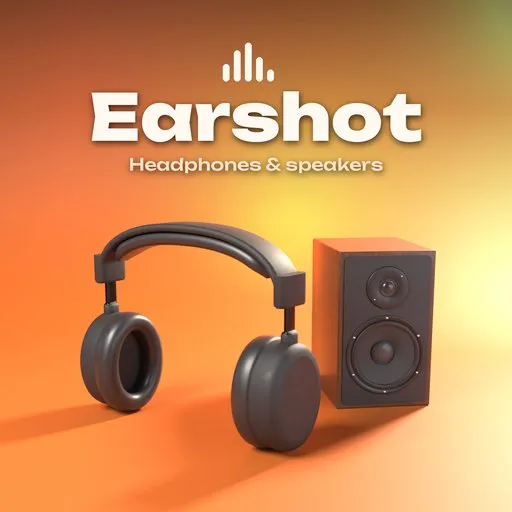
Earshot – Headphone & Speaker Generator for Blender
 add-on
59 photoreal headphones, earbuds, IEMs and speakers in one click: real cones, tweeters, grilles, ear pads and charging cases, live sidebar editing and one-click randomize.
Explore all my Blender addons
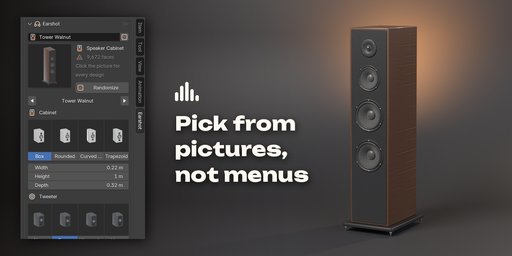
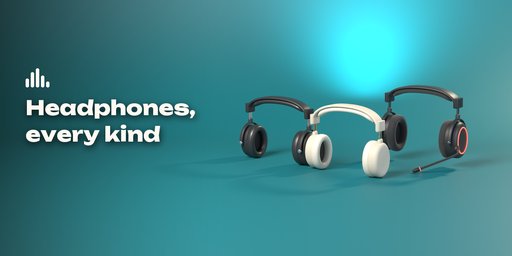

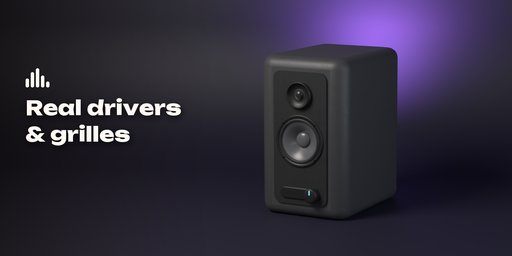
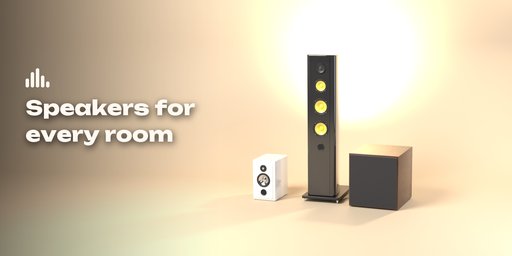
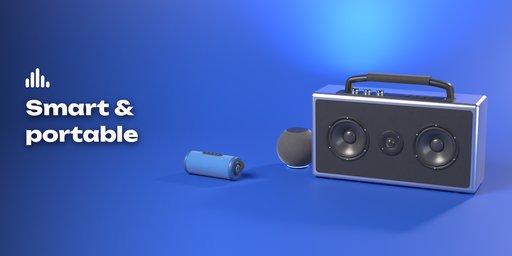
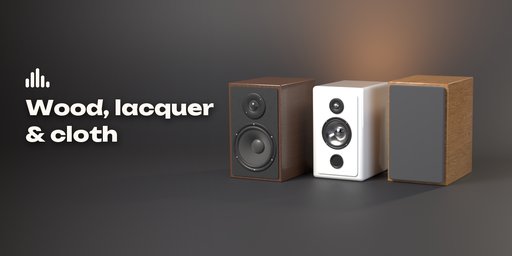
Earshot builds realistic headphones, earbuds and speakers in one click, straight inside Blender. Pick a design from the picture gallery, press Add, then change any part live from the sidebar: cups, headband, drivers, grilles, cabinet, colors and materials.
59 ready designs in 9 kinds
- Headphones: closed and open-back studio, wireless noise-cancelling, aluminium, gaming with boom mic and RGB, DJ with coiled cable, retro foam on-ears, planar open-backs, kids with cat or bear ears
- Earbuds: true wireless stem, bean and pebble buds with open or closed charging cases, sport ear hooks, wired earbuds and in-ears
- In-ear monitors with clear resin, swirl or wood faceplates and braided ear-hook cables, neckbands and bone conduction headsets
- Speakers: bookshelf, floorstanding towers, studio monitors, subwoofers, center speakers, vintage 70s hi-fi, PA cabinets with horns, party speakers with LED rings, boomboxes
- Soundbars with an optional subwoofer, fabric smart speakers (cylinder, sphere, puck, tall, cube) and portable Bluetooth speakers (capsule, rugged, retro)
Real details
- Woofers with cones, dust caps, rubber surrounds and screws in real holes, dome, waveguide and horn tweeters, front, slot and rear ports, passive radiators
- Perforated metal and fabric grilles, leather, velour, knit and foam ear pads, headband sliders, yokes, buttons, status LEDs, USB-C ports and jack plugs
- Photoreal PBR materials with bundled textures: walnut, oak, teak, rosewood and ash veneers, piano lacquer, anodized aluminium, soft-touch plastic, leather and grille cloth
Easy to use
- Picture gallery with prev/next arrows, picture buttons for every shape choice, one-click Randomize within the family
- Stereo pairs for speakers, one object per design with clean material slots, game-friendly face counts
- Editing one design never changes another, including Shift+D and Alt+D copies
- Make Static keeps the mesh as a plain object; also in Shift+A > Mesh > Earshot
No real brand logos: every design is generic and safe for commercial renders. Works in Cycles and EEVEE.
Requires Blender 4.2 or newer. Tested on Blender 4.2, 4.5 and 5.2 LTS.
How to use
Installation
In Blender open Edit, Preferences, Get Extensions, then use Install from Disk and pick the headphone_speaker_generator zip.
Usage
- Open the Earshot tab in the 3D viewport sidebar (N). With nothing selected, pick a family (Headphones, Earbuds, Speakers), click the picture to choose a design from the gallery and press Add. You can also use Shift+A, Mesh, Earshot, or Add Random.
- With a design selected, the same tab edits it: click the design picture or use the arrows to switch designs, press Randomize for another design of the same family.
- Click the picture buttons to change shapes (cups, headband, bud style, case, cabinet, tweeter, grille...) and open the collapsible sections for sizes, drivers, ports, feet, handles, lights, mic and cable.
- Colors and Materials sets the body finish, wood, cushions, fabric, cones and metal.
- Make Static keeps the mesh as a plain object; Delete removes the design and its own materials.
FAQ
Which Blender versions are supported?
Blender 4.2 and newer. It is tested on Blender 4.2, 4.5 and 5.2 LTS.
Are there real brand logos?
No. Every design is generic, inspired by common product types, so you can use the renders commercially without trademark worries.
Can I use the models in a game engine?
Yes. Each design is one mesh with UVs and standard PBR materials; most designs are between 1,000 and 15,000 faces, and Mesh Detail lowers or raises the count. Use Make Static before exporting.
Does editing a copy change the original?
No. Shift+D and Alt+D copies get their own mesh and materials as soon as you edit them.


