
 Models
 Materials
 HDRIs
 Scenes
 Brushes
 Node Groups
 Printables
 Creators
 Creations
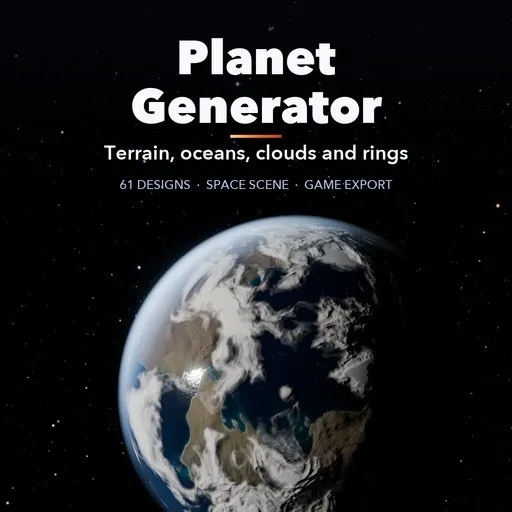
Planet Generator - Procedural Planets for Blender
 add-on
Photoreal procedural planets in one click: 61 designs with terrain, oceans, clouds, atmosphere, rings and moons, a one-click space scene with NASA stars and game-ready export.
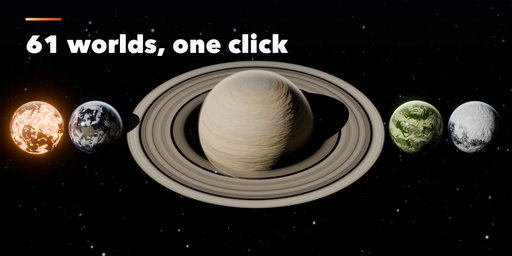
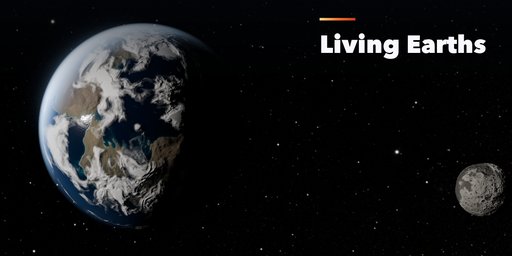
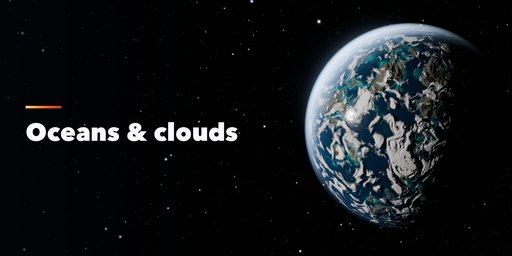
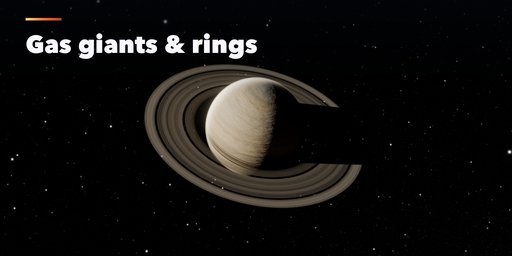
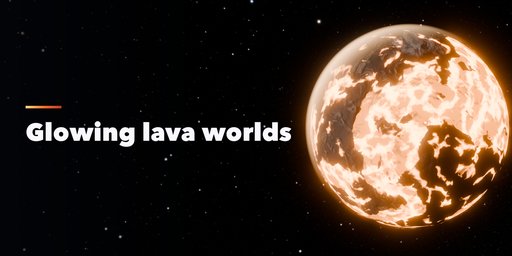
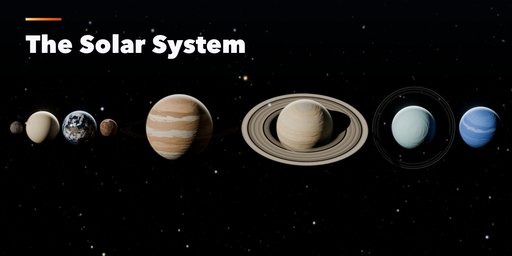
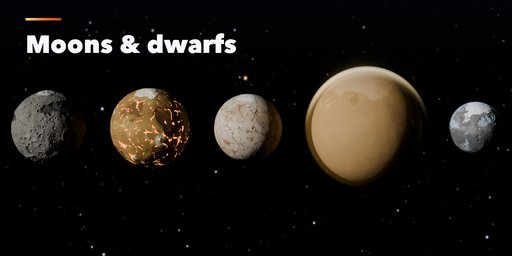
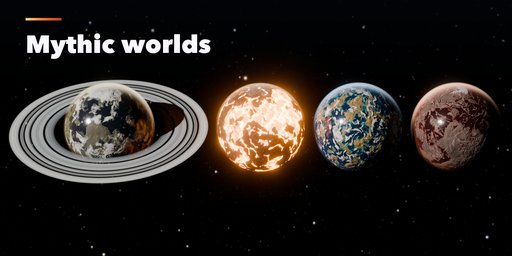
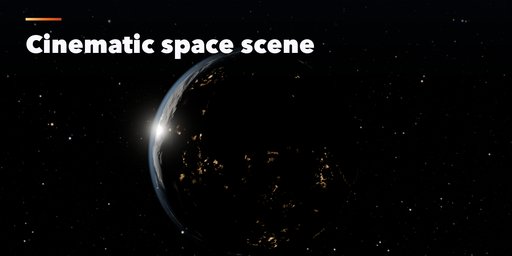
Planet Generator builds complete, photoreal planets inside Blender with one click: real terrain, oceans, clouds, a glowing atmosphere, rings and moons. Pick one of 61 designs, from an Earth-like world with city lights on its night side to a molten lava world, a banded gas giant with wide icy rings or the frozen moon Europa, then change anything and the planet rebuilds.
Designs come in five families: Planet Types (ocean, desert, jungle, snowball, eyeball, lava, toxic, crystal and more), the Solar System from Mercury to Neptune, Moons and Dwarfs (the Moon, Io, Europa, Titan, Pluto), Gas and Ice Giants, and Mythic Worlds inspired by the myths of twenty cultures, such as Asgard, Olympus, Duat, Xibalba and Avalon.
The Create Space Scene button sets everything up for a render: a sun with real star colors, a NASA deep star map background, a framed camera with five cinematic shots (hero, crescent, orbit, eclipse and wide), AgX color and a soft glow. Animate makes the planet, clouds and moons turn, and the export tab writes game-ready GLB, glTF, FBX or OBJ files with LODs and baked PBR textures.
Features
- 61 one-click designs in 5 families, each fully editable
- Real terrain with mountains, craters, canyons and polar caps, plus normal maps
- Oceans, lava, acid and methane seas, cloud layers, atmosphere glow and city lights
- Gas giants with bands and storms, rings with gaps, up to 6 moons
- Create Space Scene: sun, NASA star map, camera and five framings
- Animate button for spinning planets and orbiting moons
- Game export to GLB, glTF, FBX and OBJ with LODs and PBR textures
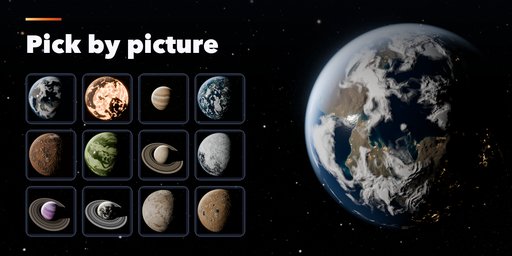
- Picture-based sidebar: pick a world by its thumbnail
- Works in Cycles and EEVEE
Requires Blender 4.2 or newer. Tested on Blender 4.2, 4.5 and 5.2 LTS. Star map: NASA/Goddard Space Flight Center Scientific Visualization Studio; Gaia DR2: ESA/Gaia/DPAC.
How to use
Installation
In Blender open Edit, Preferences, Get Extensions, then use Install from Disk and pick the planet_generator zip.
Usage
- Open the Planet tab in the 3D viewport sidebar (N). Pick a family, then click a world's picture to add it at the 3D cursor. You can also use Shift+A, Planet.
- With a planet selected, the tabs hold every setting: terrain, surface colors, ocean, clouds, atmosphere, rings, moons and motion. Change a value and the planet rebuilds.
- Click Create Space Scene to add a sun, the star background, a camera and render settings. Choose a framing (Hero, Crescent, Orbit, Eclipse, Wide) and render.
- Animate adds turning planets, clouds and orbiting moons. The Export tab writes GLB, glTF, FBX or OBJ with LODs and PBR textures for game engines.
Star map: NASA/Goddard Space Flight Center Scientific Visualization Studio; Gaia DR2: ESA/Gaia/DPAC.
FAQ
Which Blender versions are supported?
Blender 4.2 and newer. It is tested on Blender 4.2, 4.5 and 5.2 LTS.
Can I use the planets in a game engine?
Yes. The Export tab writes GLB, glTF, FBX or OBJ files with LODs and PBR textures (base color, roughness, normal, emission) that work in Unity, Unreal and Godot.
Can I use the star background commercially?
Yes. It is NASA's Deep Star Maps 2020, free for commercial use with the credit NASA/Goddard Space Flight Center Scientific Visualization Studio; Gaia DR2: ESA/Gaia/DPAC.
Does it work in EEVEE?
Yes, in both Cycles and EEVEE. Create Space Scene can set up either engine.


