
 Models
 Materials
 HDRIs
 Scenes
 Brushes
 Node Groups
 Printables
 Creators
 Creations
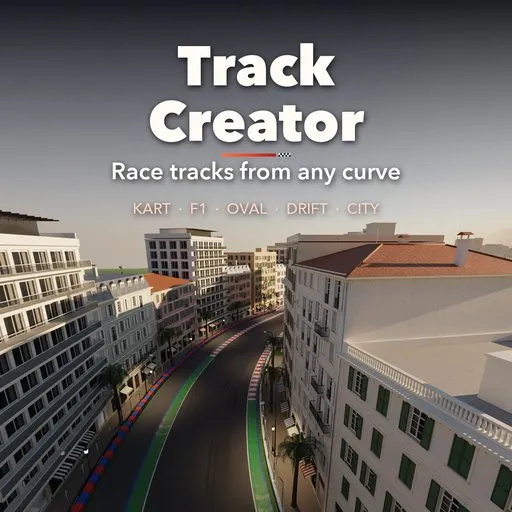
Track Creator - Race Track Generator
 add-on
Photoreal race tracks from a curve: kart, Formula / GP, oval and drift, 22 layouts, Monaco-style city streets, curbs, barriers, pits, grandstands and glTF export.
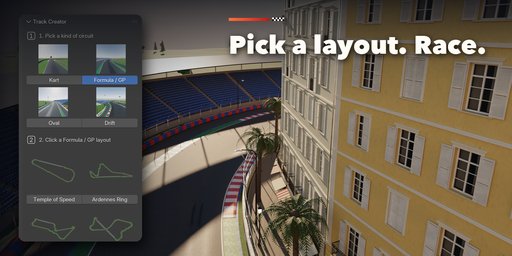
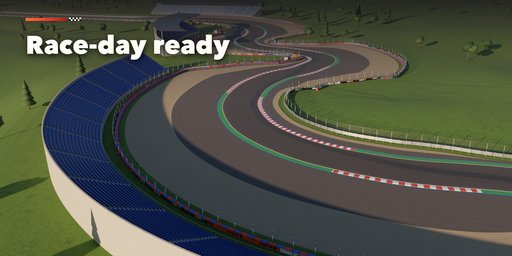
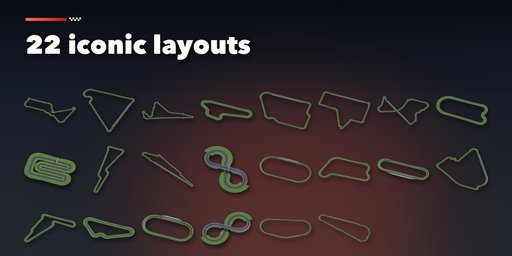
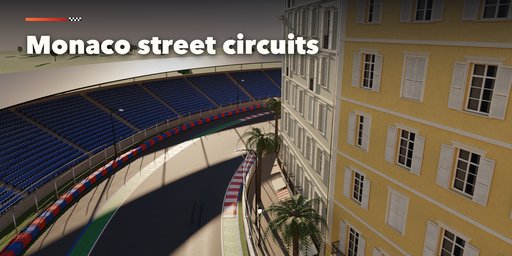
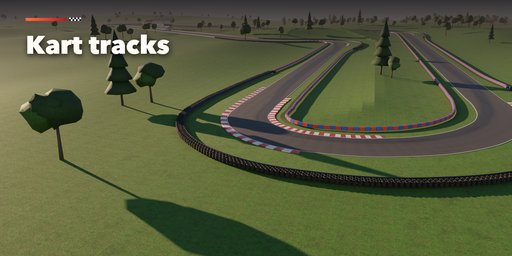
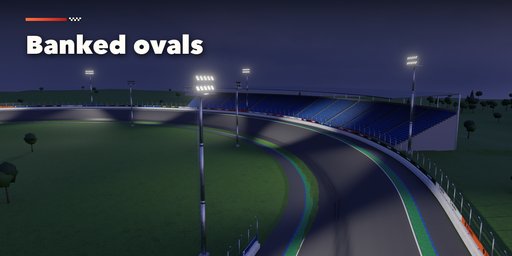
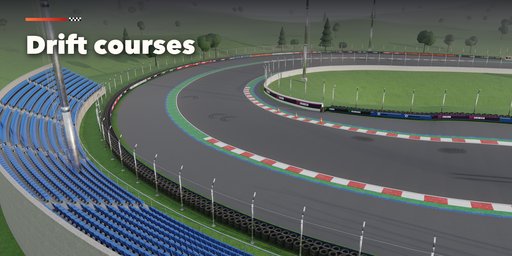
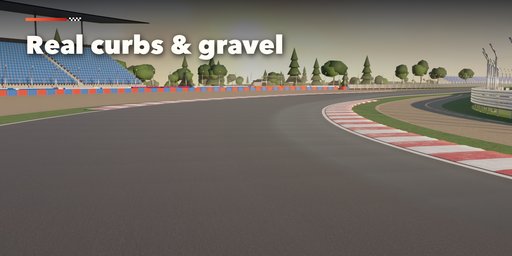
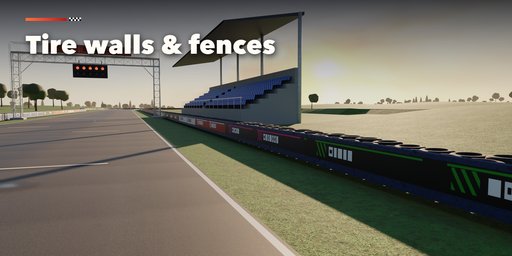
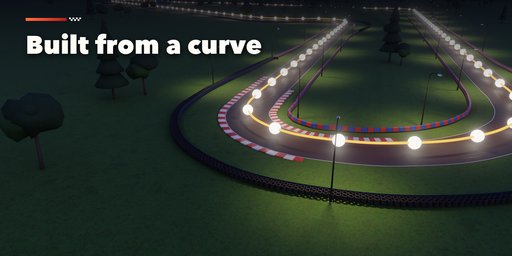
Track Creator builds complete, photoreal race tracks inside Blender: kart tracks, Formula and Grand Prix circuits, banked ovals and drift courses. Pick a discipline, click one of 22 layouts inspired by famous circuits or press Random Circuit, and a finished track appears with asphalt, curbs, runoff, gravel traps, barriers, catch fences, pits and grandstands. Trees and terrain around the track are optional and off until you turn them on.
The track is a curve. Edit its points and everything rebuilds live around it: the asphalt follows, curbs move to the new corners, runoff and barriers wrap around, and banking, bridges over crossings and elevation are handled for you. Draw your own curve and turn it into a track with one click.
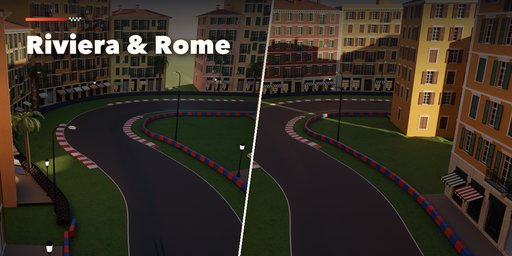
Street circuits are built in too: turn on City Blocks and the track runs between Monaco palazzi, Italian Riviera houses or Roman streets, with real facades, shutters, balconies, shops, palms and lanterns along a continuous street wall.
Every setting sits in a picture-driven sidebar: low resolution thumbnails show what each choice looks like before you click, and icon tabs group the controls for layout, surface, curbs, runoff, barriers, trackside, ground and export.
Features
- 4 disciplines: Kart, Formula / GP, Oval and Drift
- 22 built-in layouts plus endless random circuits, each with its real length
- Live rebuild from any curve, with banking, elevation and bridges over crossings
- Rumble, flat, sausage and kart curbs placed on every corner automatically
- Grass, gravel trap, asphalt, asphalt + gravel and dirt runoff
- Armco, tire walls, TecPro, concrete, jersey, SAFER walls and kart blocks, with catch fences and sponsor boards
- City blocks in three styles (Monaco, Italian Riviera, Rome) for street circuits
- Pit lane and garages, start gantry, grandstands, marshal posts, distance boards, street lights and floodlights
- Racing line rubber, skid marks, edge lines, starting grid and checkered start line
- Photo-scanned PBR textures (CC0) that work in game engines
- glTF export for Unreal, Unity and Godot, and Make Real to keep plain meshes
Requires Blender 4.2 or newer. Tested on Blender 4.2, 4.5 and 5.2 LTS.
How to use
Installation
In Blender open Edit, Preferences, Get Extensions, then use Install from Disk and pick the track_creator zip.
Usage
- Open the Track tab in the 3D viewport sidebar (N). With no track selected, pick a kind of circuit (step 1), then click a layout picture (step 2) or press Random Circuit. The track is added at the 3D cursor.
- To use your own shape, select a curve and press Track From Curve.
- The card at the top shows the layout, its length, turns and longest straight. Edit Shape opens the curve in edit mode: move, add or delete points and the track rebuilds live. Variation gives new scattered details (and a new shape for random circuits).
- The icon tabs hold every setting: Layout, Surface (width, asphalt, rubber, lines, grid), Curbs, Runoff, Barriers, Trackside (pits, grandstands, lights, trees), Ground and Export.
- Export writes a glTF file for game engines. Make Real turns the track into plain meshes; Delete removes it with all its parts.
Turn Live Update off on very long circuits while you edit, and press Rebuild when you are done.
FAQ
Which Blender versions are supported?
Blender 4.2 and newer. It is tested on Blender 4.2, 4.5 and 5.2 LTS.
Can I use the tracks in a game engine?
Yes. All materials are Principled BSDF with image textures, and the Export tab writes a glTF file that Unreal, Unity and Godot import with materials. Make Real gives plain meshes if you want to edit them by hand.
Can I draw my own track?
Yes. Draw any curve, select it and press Track From Curve, or press Edit Shape on a track and move its points. Everything rebuilds around the curve.


