
 Models
 Materials
 HDRIs
 Scenes
 Brushes
 Node Groups
 Printables
 Creators
 Creations
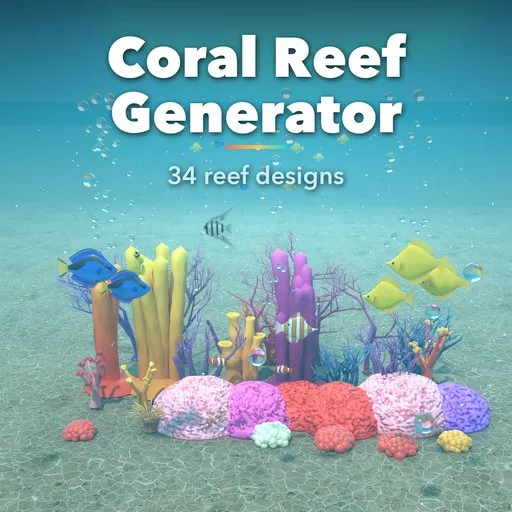
Coral Reef Generator
 add-on
One-click corals, anemones, sponges and full reef patches: staghorn, brain, table, sea fans, bubble-tip anemones, barrel sponges and more, with water sway and game-ready colors.
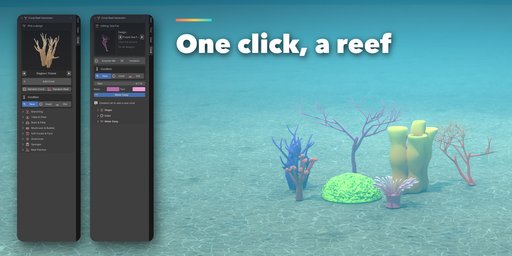
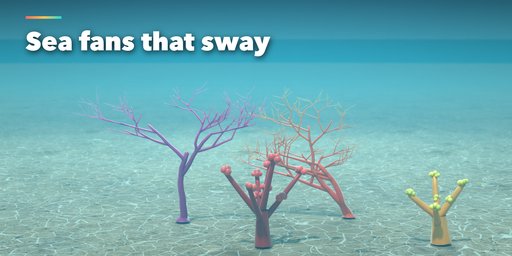
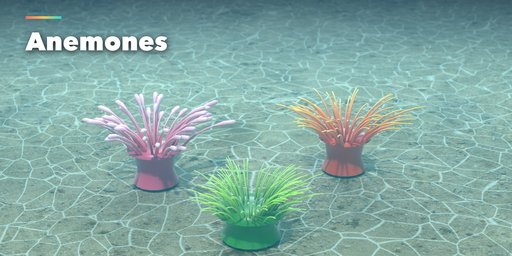
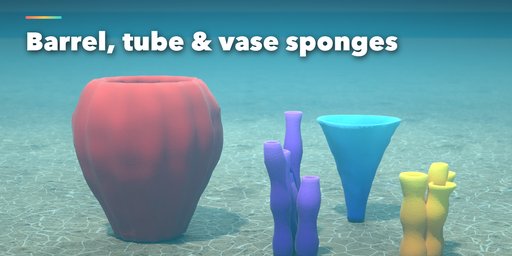
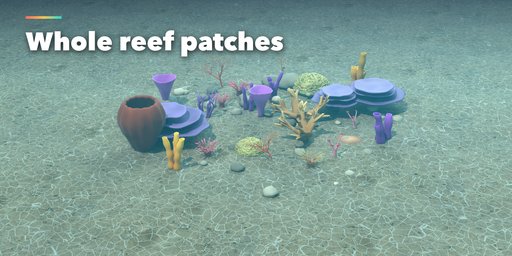
Coral Reef Generator builds corals, anemones, sponges and complete reef patches in one click, right inside Blender. Pick a design from the sidebar and a finished, colored model appears at the 3D cursor. Every design stays editable: change size, branch count, spread, thickness, colors or the seed and the model rebuilds live.
It covers the real reef types you need for underwater scenes, aquariums and games, from fine staghorn thickets and broad elkhorn antlers to brain corals with meandering grooves, mushroom corals with radial septa, sea fans and swaying anemones.
What you can make
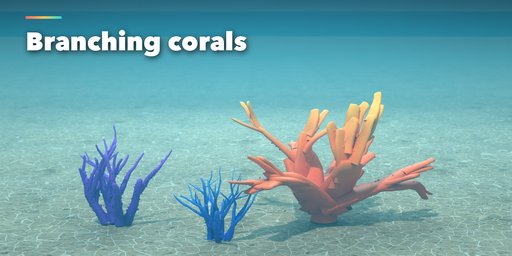
- Branching corals: staghorn, purple and blue Acropora, elkhorn
- Table and plate corals, lettuce coral tiers
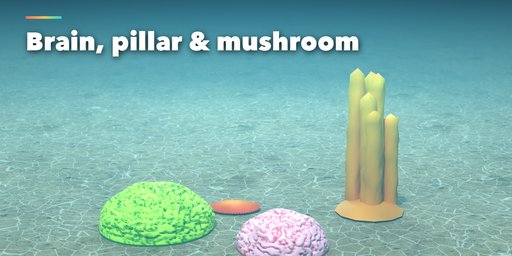
- Brain, pillar, mushroom and bubble corals
- Sea fans (gorgonians), tree soft coral and leather coral
- Sea anemones, carpet anemones and bubble-tip anemones
- Barrel, tube and vase sponges
- Whole reef patches: rippled sand bed, coral rubble and a spaced mix of corals
Easy to use
- 34 one-click designs plus Random Coral and Random Reef buttons
- Randomize and Variation buttons for endless new shapes of the same type
- Rare options tucked into collapsible panels
Animated and game ready
- Water sway for anemone tentacles, sea fans and soft corals, driven by scene time in Geometry Nodes, no drivers or scripts
- Colors baked into vertex colors with simple PBR materials, so they survive export to game engines
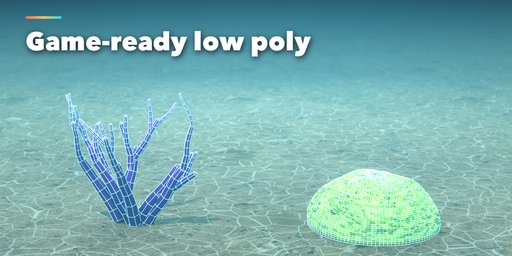
- Detail slider from low poly to close-up quality
Requires Blender 4.2 or newer. Tested on Blender 4.2, 4.5 and 5.2 LTS.
How to use
Installation
In Blender open Edit, Preferences, Get Extensions, then use Install from Disk and pick the zip.
Usage
- Open the 3D Viewport sidebar (N) and the Coral tab.
- With nothing selected, click any design (or Random Coral / Random Reef) to add it at the 3D cursor.
- Keep the coral selected to edit it: change type, size, colors, or press Randomize / Variation.
- Open Shape, Color, Water Sway and Reef Patch sub-panels for fine control.
- Press play on the timeline to see the water sway. Deselect everything to add another coral.
Game export
Set Detail to 0 for low poly. Colors live in the Col vertex color attribute, which glTF and FBX export.
FAQ
Which Blender versions are supported?
Blender 4.2 and newer. It is tested on Blender 4.2, 4.5 and 5.2 LTS.
Does the sway animation need drivers or Python auto-run?
No. The sway is a Geometry Nodes modifier that reads the scene time, so it plays back and renders without any drivers or scripts.
Can I use the corals in a game engine?
Yes. Apply the modifiers and export. Colors are stored as vertex colors and the materials are simple Principled BSDF, and the Detail slider lowers the polygon count.


