
 Models
 Materials
 HDRIs
 Scenes
 Brushes
 Node Groups
 Printables
 Creators
 Creations
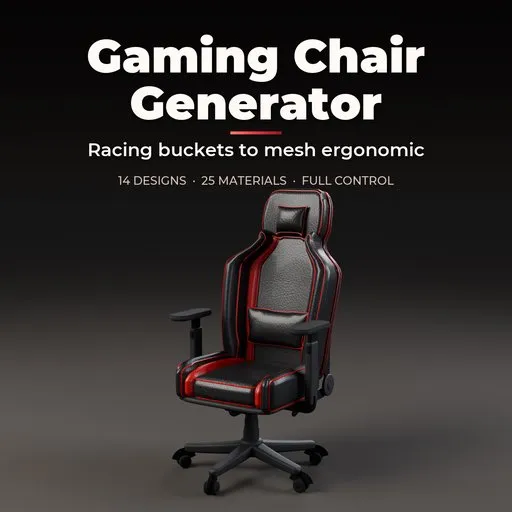
Gaming Chair Generator
 add-on
Photoreal procedural gaming chairs: 14 real-world designs from racing buckets and winged seats to mesh ergonomic, quilted executive, rockers and recliners, with picture-driven controls and PBR materials.
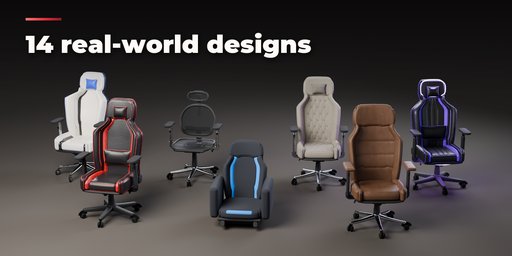
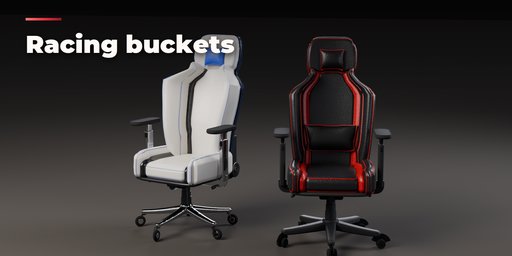
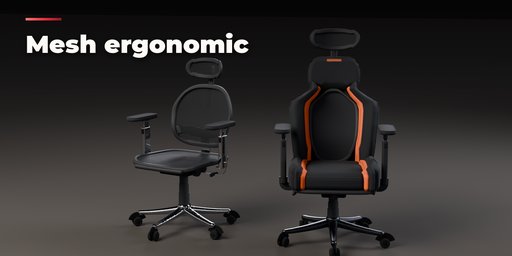
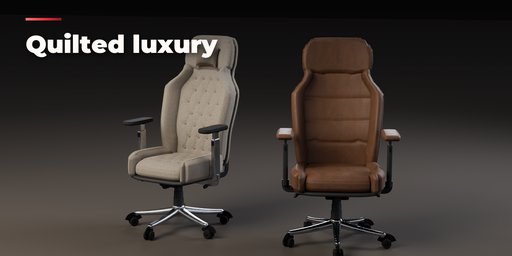
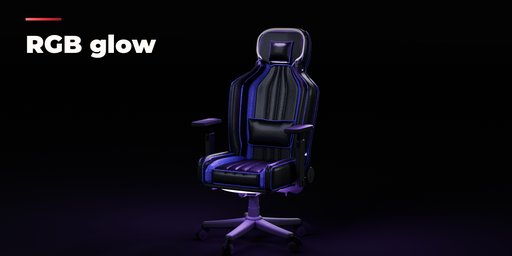
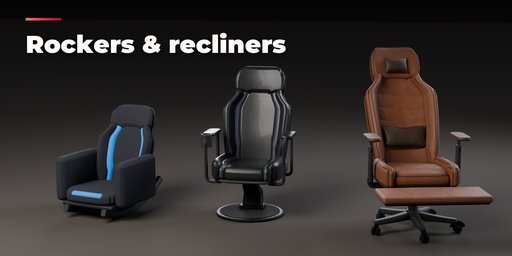
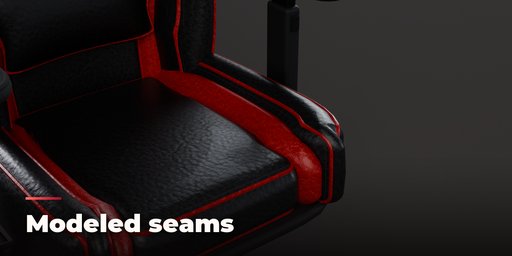
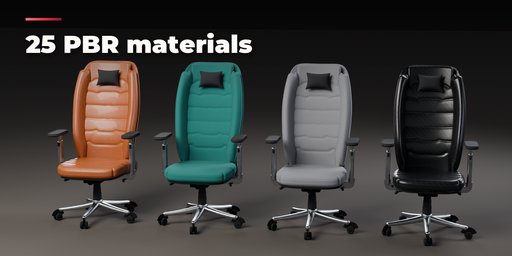
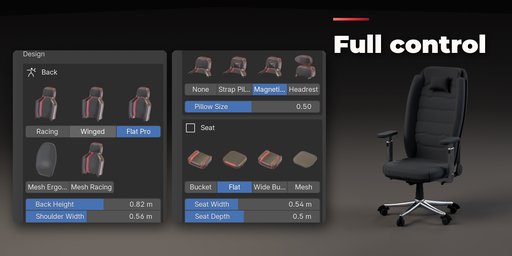
Gaming Chair Generator builds photorealistic gaming chairs inside Blender: racing buckets with wings and harness slots, mesh ergonomic chairs, quilted executive seats, floor rockers, pedestal rockers and reclining chairs with a footrest. Pick one of 14 designs modeled on real chairs, then change anything. Every part is a number, a choice or a switch, and the chair rebuilds live while you drag.
The sidebar is picture-driven: back shapes, seat shapes, armrests, bases, casters, mechanisms and pillows are chosen from rendered thumbnails of the actual result, so you never guess what an option does. Seven tabs cover the design, the arms, the base, the upholstery, the materials, the pose and the output.
Upholstery is modeled, not painted: soft cushions with crown, wrinkles and bolsters, piped, welted or topstitched seams, diamond quilting, channels, ribs and buttons, center panels, racing stripes, logos, rear covers and lumbar and head pillows with straps. Materials are PBR texture sets (leather, fabrics, suede, elastomer mesh, nylon, aluminium, chrome, carbon fibre) with recolor, gloss, relief and stitch controls, ready for game engines.
Features
- 14 real-world designs: racing, pro esports, formula winged, luxe quilted, mesh ergo, mesh racing, recliner, RGB neon, floor rocker, pedestal rocker, junior, executive, pastel white and carbon stealth
- 5 back styles, 4 seat styles, 4 panel styles, 3 lumbar and 4 headrest options, harness slots, speakers and logos
- 7 armrest styles from fixed to 4D, loop and integrated, with 3 pad shapes
- Nylon, aluminium and steel star bases, pedestals and floor rockers; twin casters, skate wheels and glides
- Butterfly, multi-tilt and synchro mechanisms with disc, bracket or hidden recline hinges, footrests, cup holders
- RGB LED strips along the back, the head outline or the base ring, with real light objects
- 25 PBR materials in 9 color slots, each with color, gloss, texture scale, relief and stitch thread controls
- Seat height, recline, tilt and swivel pose controls; S to XL sizing
- Surprise Me, random colors and seed buttons for endless chairs; Low to Ultra detail levels
- Shift+A menu, Convert to Mesh for export; works in Cycles and EEVEE
Requires Blender 4.2 or newer. Tested on Blender 4.2, 4.5 and 5.2 LTS.
How to use
Installation
In Blender open Edit, Preferences, Get Extensions, then use Install from Disk and pick the gaming_chair_generator zip.
Usage
- Open the Gaming Chair tab in the 3D viewport sidebar (N). With no chair selected, pick a design from the picture gallery and press Add to place it at the 3D cursor. You can also use Shift+A, Mesh, Gaming Chair.
- The card at the top shows the design and its size. Surprise Me makes a new random design, the palette button picks new colors and the dice changes the seed of the wrinkles and quilting.
- The icon tabs hold every setting: Design (back and seat shapes, pillows, headrest, size), Arms (style, pad shape, height), Base (star, pedestal or rocker, casters, mechanism, hinge, footrest, cup holder, speakers), Upholstery (softness, seams, quilting, panels, stripes, logo), Materials (every color slot: material, color, gloss, scale, relief, stitches), Pose (seat height, recline, tilt, swivel) and Output (part visibility, detail, LEDs, Convert to Mesh).
- Convert to Mesh keeps the chair as plain meshes; Delete removes it with all its parts.
Materials are PBR texture sets on metric UVs, so the meshes export cleanly to game engines. Use Rendered view to see the LED glow.
FAQ
Which Blender versions are supported?
Blender 4.2 and newer. It is tested on Blender 4.2, 4.5 and 5.2 LTS.
Can I use the chairs in a game engine?
Yes. Materials are Principled BSDF with PBR texture sets (color, roughness, normal) on metric UVs. Convert to Mesh in the Output tab turns the chair into plain mesh objects, ready to export as FBX or glTF.
How detailed are the chairs?
A chair at Medium detail is 20,000 to 50,000 faces with beveled edges, modeled seams and stitches. Low detail is lighter for backgrounds, Ultra adds subdivision for close-ups.
Does it work in EEVEE?
Yes, in both Cycles and EEVEE. The RGB LED strips glow and add real light objects in both engines.


