
 Models
 Materials
 HDRIs
 Scenes
 Brushes
 Node Groups
 Printables
 Creators
 Creations
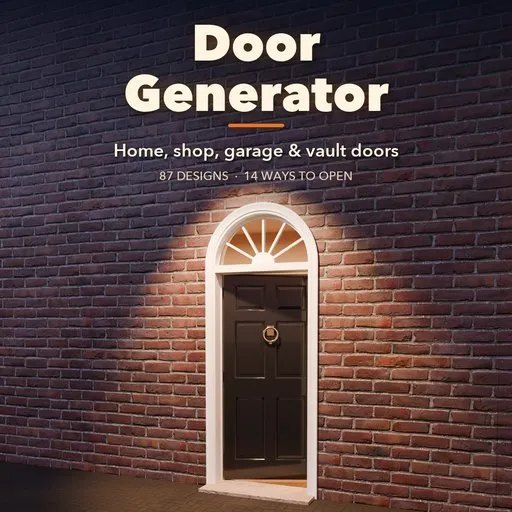
Doorwright – Door Generator for Blender
 add-on
Complete doors in one click: 87 designs, 14 opening types that animate: interior, entry, shop, revolving, barn, garage, roll-up and vault doors with hardware and real PBR finishes.
Explore all my Blender addons
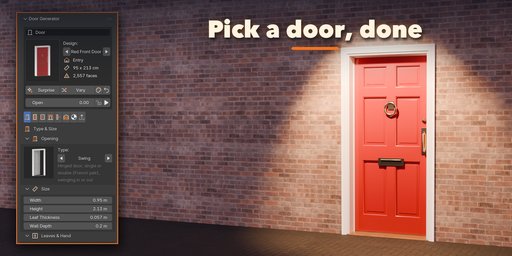
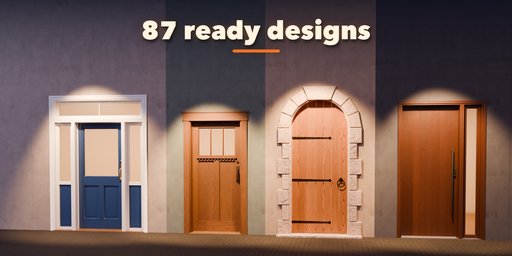
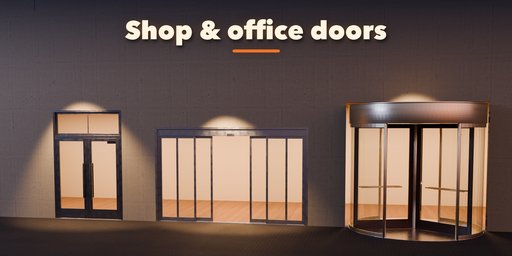
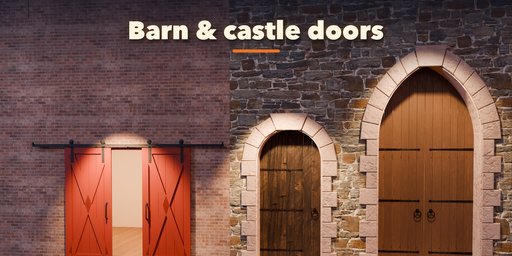
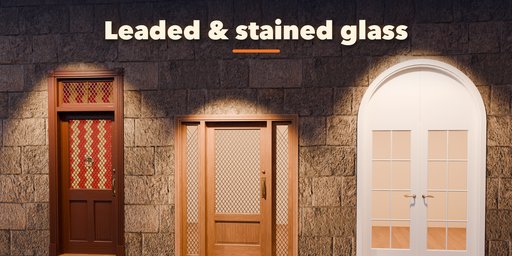
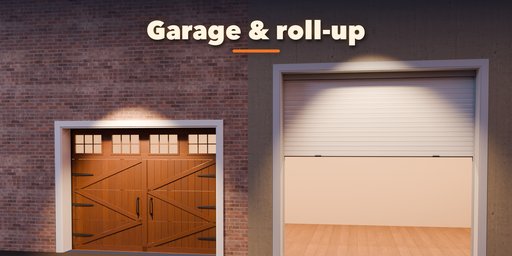
Doorwright builds complete, real-scale doors in Blender with one click: the leaf, the frame and casing, the glass, the hinges, handles and locks, and if you want, the piece of wall around it. Pick one of 87 designs from a picture gallery, change anything in the sidebar and the door rebuilds live.
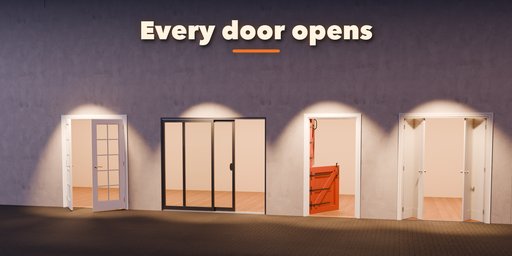
Every door really opens. One Open slider swings, slides, folds, rolls or lifts it the way the real door moves, and Animate keys it for you, so the same door works for stills, walkthroughs and games.
What you get
- 87 ready-made designs in six families: interior, entry, glass and sliding, shop and commercial, barn and medieval, garage and vault
- 14 ways to open: single and double swing, Dutch, cafe, pivot, barn slider, pocket, patio slider, bifold and multi-panel folding, automatic shop slider, revolving, sectional garage, tilt-up garage, roll-up shutter and bank vault
- Shop and office doors: aluminium storefronts, frameless glass with patch fittings, automatic sliders with side screens and sensor header, three and four wing revolving doors, elevator doors, fire exits with panic bars, hospital and kitchen swing doors, shop grilles and vision roll-ups
- Stile and rail doors with 18 layouts: Colonial six-panel, Shaker, Craftsman, half lite, French, louver, shoji and more, with raised, flat, double hip or beadboard panels and real moulding profiles
- Flush slabs with grooves, metal inlays and vision lites; plank doors with ledges, Z braces, X frames and chevrons
- Glass: clear, frosted, reeded, rain, tinted, leaded, stained and insect screen
- Frames with 8 casing styles (Colonial, Craftsman, Victorian, stone surround and more), round, segmental, Gothic and Tudor arches, transoms, fanlights and sidelights
- Hardware: butt, strap, T, barrel and pivot hinges, levers, knobs, push plates, panic bars, handlesets, pulls, ring pulls, thumb latches, deadbolts, smart locks and barn rollers
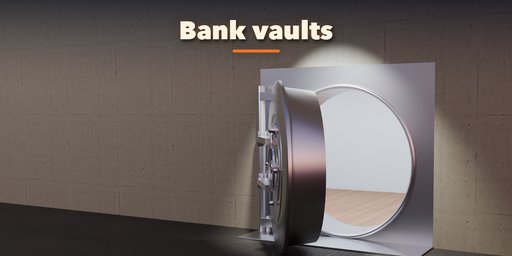
- Garage sections with ribbed, panel, carriage and full-view styles; one-piece tilt-up doors; roll-up curtains (solid, grille or vision slats) that coil onto their drum; vaults with bolts, wheel and dial
- Real PBR finishes: oak, walnut, cherry, teak, mahogany, weathered and peeling planks, satin and gloss paint in any color, steel, stainless, brushed stainless, anodized aluminium and rusty steel
- Randomize the proportions, the finish or the whole design in one click
- Editing one door never changes another, Shift+D and Alt+D copies included
Easy to use
Open the Door tab in the sidebar, click a design picture and the door appears at the 3D cursor. Each part has its own tab with picture pickers, and rare options live in collapsible panels. Convert to Mesh turns the result into plain objects for export.
Requires Blender 4.2 or newer. Tested on Blender 4.2, 4.5 and 5.2 LTS. Works in Cycles and EEVEE.
How to use
Installation
In Blender open Edit, Preferences, Get Extensions, then use Install from Disk and pick the zip.
Usage
- Open the Door tab in the 3D viewport sidebar (N), or use Add, Mesh, Door.
- Click a design picture, then Add Door. It appears at the 3D cursor.
- With the door selected, change it in the tabs: Type & Size, Leaf, Glass, Frame, Hardware, Garage & Vault, Finish and Parts & Export. The door rebuilds live.
- Drag Open to open and close it, or press Animate for an opening animation.
- Randomize gives new proportions, a new finish or a surprise design; Reset goes back to the picked design.
- Convert to Mesh (Parts & Export tab) keeps the result as plain objects for export.
FAQ
Which Blender versions are supported?
Blender 4.2 and newer. It is tested on Blender 4.2, 4.5 and 5.2 LTS.
Do the doors open?
Yes. One Open slider moves every door the way the real one moves: swing, slide, fold, revolve, roll up, tilt up, lift on a track or swing a vault open after its bolts retract. Animate keys an opening for you.
Can I use the doors in games?
Yes. Doors are clean meshes with real-world UVs and PBR materials, with a Detail setting for lighter meshes, and Convert to Mesh turns them into plain objects for export.


