
 Models
 Materials
 HDRIs
 Scenes
 Brushes
 Node Groups
 Printables
 Creators
 Creations
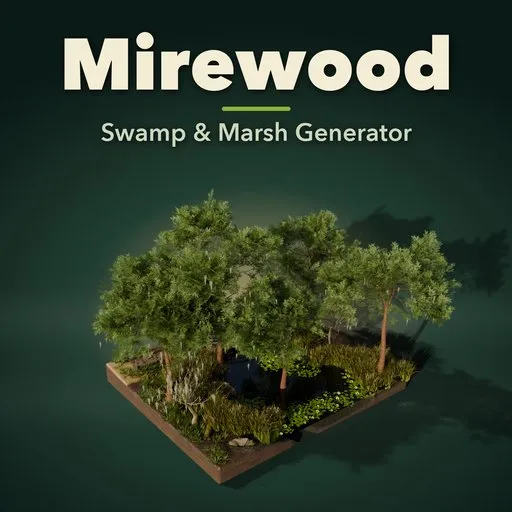
Mirewood – Swamp & Marsh Generator for Blender
 add-on
Photoreal swamps and marshes in one click: 45 designs of bayou, cypress swamp, marsh, peat bog, salt marsh and mangrove, with real plants, moss-draped trees, lily pads and boardwalks.
Explore all my Blender addons
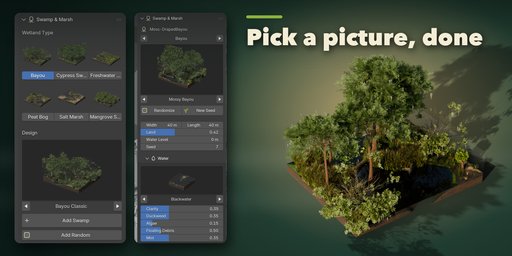
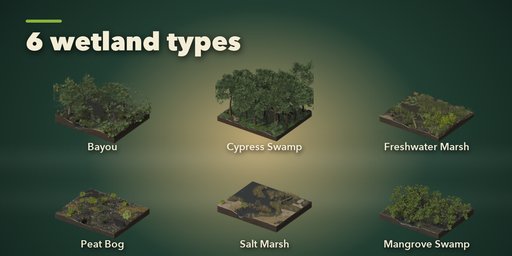
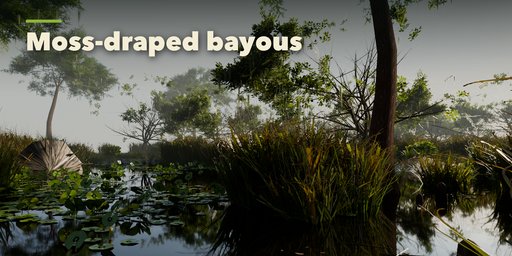
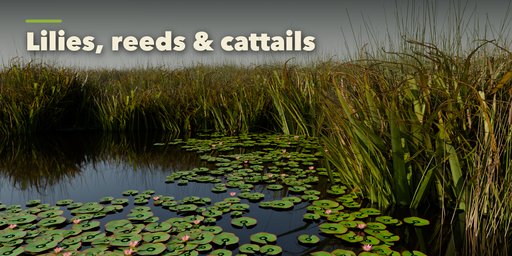
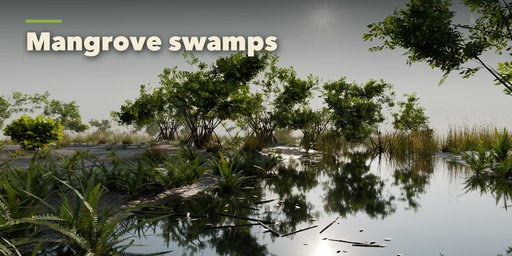
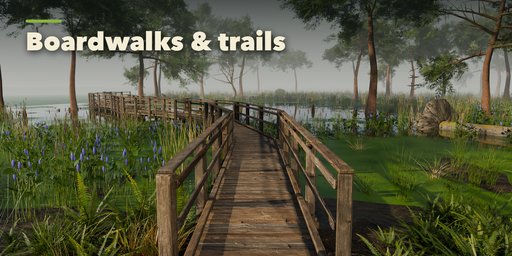
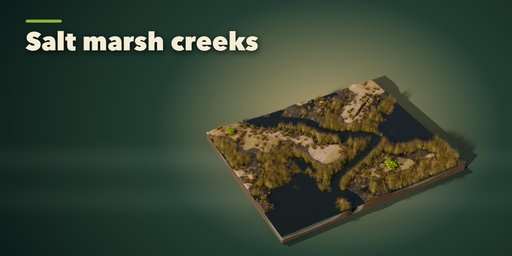
Mirewood builds complete swamps and marshes inside Blender in one click: dark still water with duckweed and floating debris, muddy peat banks, beds of cattails and reeds, lily pads in flower, bald cypress trees on buttressed trunks with their knees, live oaks hung with Spanish moss, mangroves on arching prop roots, fallen logs and a wooden boardwalk winding through it all. Pick one of 45 designs in six wetland types, change anything, and the whole scene rebuilds in a fraction of a second.
Every plant is a real plant: trees, reeds, rushes and lilies are grown from scanned leaves and bark, and the water, mud, moss, peat and planks use photo-scanned PBR textures. Thousands of plants stay light because they are instanced from one shared library, so even a 60 m bayou stays fast in the viewport. Plants follow the water: reeds stand in the shallows, sedges line the banks, lilies float on deeper water and cypress knees ring their trees.
Wetland types
- Bayou: slow black channels through cypress and moss-draped live oak
- Cypress swamp: flooded cypress and tupelo forest, cypress domes, ghost swamps
- Freshwater marsh: cattails, reeds, bulrush, sawgrass, pickerelweed and lily ponds
- Peat bog: sphagnum, dark pools, cotton grass, stunted pine and birch, plank trails
- Salt marsh: cordgrass, tidal creeks, low-tide mudflats and drowned ghost forests
- Mangrove swamp: red mangrove prop roots and black mangrove pencil roots
Features
- 45 designs in 6 wetland types, picked from pictures
- 6 water looks: blackwater, tannin, algae green, muddy, brackish, peat
- Duckweed carpet, algae scum, floating twigs and leaves, low mist
- 7 marsh plant beds, 4 lily kinds with white, pink or yellow flowers
- 10 tree kinds with Spanish moss, cypress knees, prop and pencil roots
- Fallen logs, root plates, stumps and dead snags
- 4 boardwalk styles with viewing platforms
- Water level, land amount, channel, relief and density sliders
- Randomize and New Seed for endless new wetlands
- Each swamp is independent: editing one never changes another or its copies
- Make Plants Real turns the instances into objects for export
- Works in Cycles and EEVEE
Requires Blender 4.2 or newer. Tested on Blender 4.2, 4.5 and 5.2 LTS.
How to use
Installation
In Blender open Edit, Preferences, Get Extensions, then use Install from Disk and pick the swamp_marsh_generator zip.
Usage
- Open the Swamp tab in the 3D viewport sidebar (N). With nothing selected, click a wetland type picture, then click the design picture to choose one of its designs, and press Add Swamp. Add Random makes a surprise wetland. You can also use Shift+A, Mesh, Swamp & Marsh.
- With the swamp selected, the sidebar edits it: step through types and designs with the arrows, press Randomize for a new look of the same type or New Seed for a new layout, and set the size, land amount and water level.
- The sub-panels hold every setting: Water (look, duckweed, algae, debris, mist), Marsh Plants (plant bed, density, lily pads and flowers), Trees (kind, count, size, Spanish moss, knees, logs and snags), Ground (style, relief, wetness), Boardwalk (style, length, bends, platform) and Detail & Export.
- Make Plants Real (Detail & Export) turns the instanced plants into separate objects for export to game engines.
Plants are instances, so large swamps stay fast. Use Rendered view for real water reflections.
FAQ
Which Blender versions are supported?
Blender 4.2 and newer. It is tested on Blender 4.2, 4.5 and 5.2 LTS.
Will a big swamp slow down my scene?
No. Every plant and tree is an instance of one shared library mesh, so thousands of reeds and trees cost little memory. A rebuild takes well under a second.
If I copy a swamp and edit the copy, does the first one change?
No. Each swamp keeps its own meshes and materials. Shift+D and Alt+D copies get their own data as soon as you edit them.
Can I export it to a game engine?
Yes. Make Plants Real turns the instances into normal objects, and all materials are standard PBR with image textures, so they export with FBX or glTF.
Does it work in EEVEE?
Yes, in both Cycles and EEVEE.


