
 Models
 Materials
 HDRIs
 Scenes
 Brushes
 Node Groups
 Printables
 Creators
 Creations
Paperwright – Paper Generator for Blender
 add-on
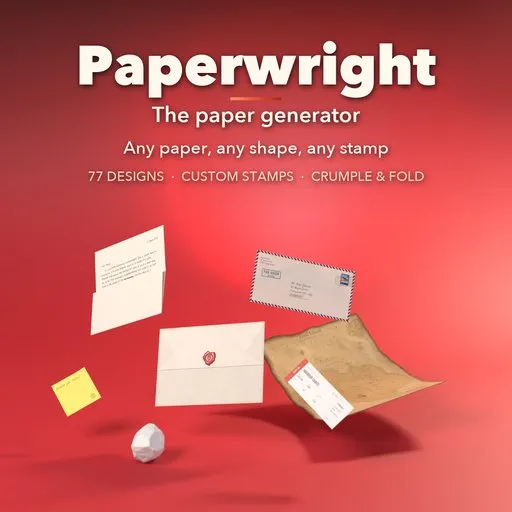
Photoreal paper props: 77 letters, envelopes, newspapers, notes, tickets and maps that fold, crumple and burn, with realistic stamps and your own PNG or SVG stamps.
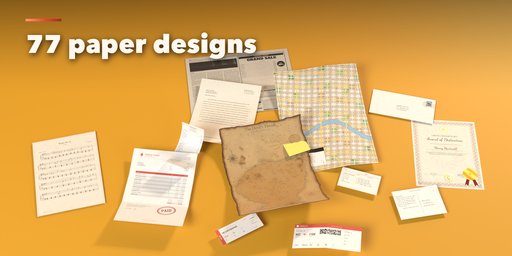
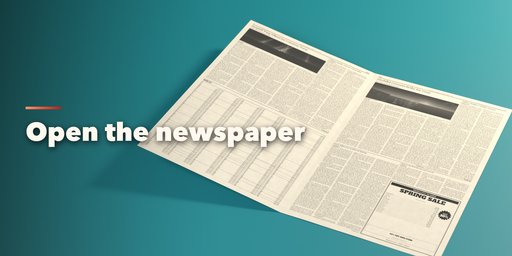
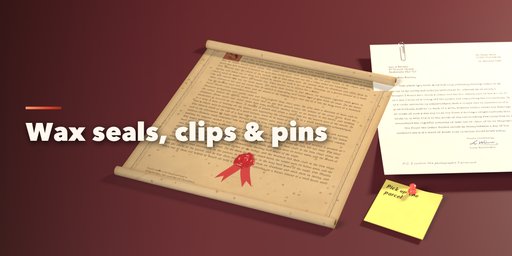
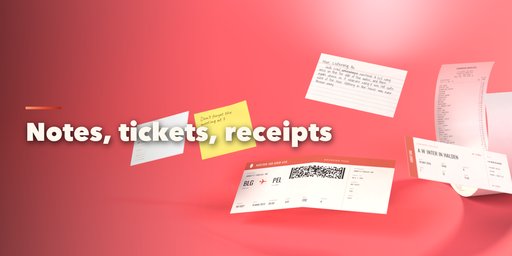
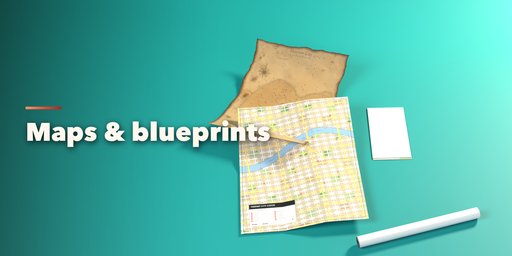
Paperwright is a paper generator that makes photorealistic paper props inside Blender: typed and handwritten letters, envelopes with stamps and postmarks, postcards, telegrams, newspapers you can open page by page, magazine pages, flyers, posters, menus, invoices, forms, memos, faxes, sticky notes, notebook pages, index cards, receipts, tickets and boarding passes, road maps, city maps, blueprints, sheet music, treasure maps, royal decrees, certificates and plain ruled, grid or dotted sheets.
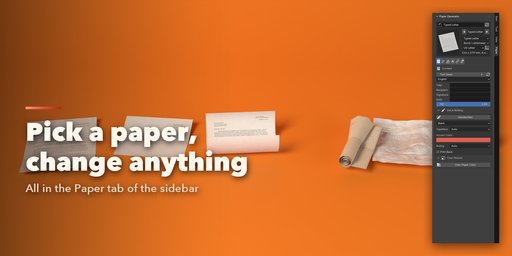
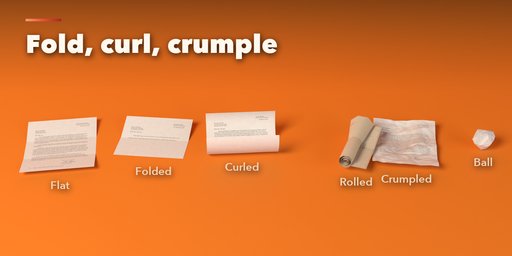
Every paper is a real, thin sheet with true thickness and real size, printed with crisp generated text in 14 languages, handwriting, logos, photos and barcodes. Shape it the way paper really behaves: fold it in half, in thirds or like a road map, dog-ear a corner, curl it, roll it into a scroll, crumple it, or squeeze it into a paper ball. Tear, deckle, perforate or burn the edges.
Stamps
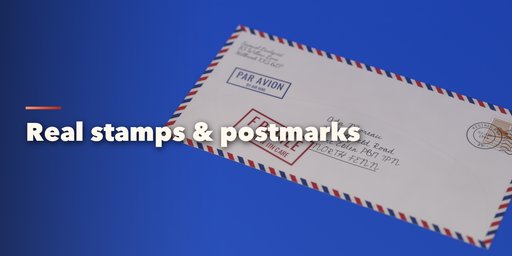
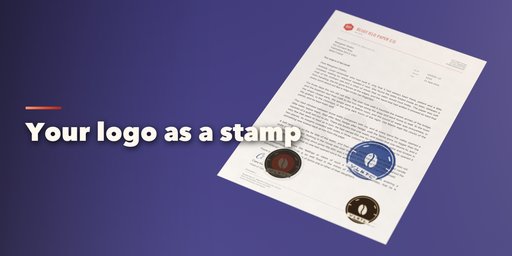
Stamps are editable layers you can stack, move and click to place on the paper: perforated postage stamps with round or wavy cancellations, inked rubber stamps (APPROVED, PAID, CONFIDENTIAL, PAR AVION and more, or your own words), embossed notary seals, foil stickers and printed images. Load your own PNG or SVG logo and use it as a rubber stamp, a die-cut sticker, an embossed seal, a postage stamp picture or a print. Wear, pressure, ink bleed, smudge, double strike and fading make every impression look stamped by hand.
Features
- 77 designs in 8 families, plus Random Paper
- Folds, dog ears, curl, roll, crumple and paper ball, all animatable with one click
- Custom stamps from your PNG or SVG files, with realistic ink, emboss and foil
- Wax seals with 6 emblems, ribbons, paper clips, binder clips, staples, push pins, thumbtacks and tape
- 19 paper stocks and 22 real sizes, from A4 and Letter to broadsheet and receipt rolls
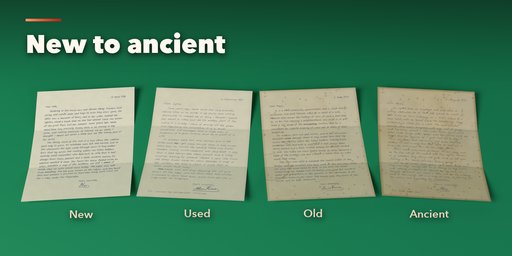
- New to ancient: age, coffee rings, water marks, foxing, fingerprints, scorch and burn
- Your own text, fonts and images on the page
- Game-ready: one mesh with PBR materials per paper
Requires Blender 4.2 or newer. Tested on Blender 4.2, 4.5 and 5.2 LTS.
How to use
Installation
In Blender open Edit, Preferences, Get Extensions, then use Install from Disk and pick the paper_generator zip. The add-on is listed as Paper Generator.
Usage
- In Object Mode press Shift+A and choose Mesh, Paper, or open the Paper tab in the 3D viewport sidebar (N). Click a design picture and press Add, or press Random.
- With a paper selected, the sidebar shows tabs: Content, Shape, Condition, Stamps, Extras and Quality. Every setting rebuilds the paper live.
- Content: the text, language, ink, handwriting, typeface, your own body text or image.
- Shape: pick a fold picture and drag Folded, or use Curl, Roll, Crumple and Ball. Edges can be clean, deckled, torn, perforated or burnt.
- Stamps: add a Postage, Rubber, Emboss, Sticker or Print layer, choose a built-in design, type your own words or press Stamp from PNG / SVG File. Press Click on the Paper to Place, then click on the paper. Ink, wear and fade settings sit below.
- Extras: wax seal, ribbon, paper clip, binder clip, staple, pin or tape. Animate keyframes unfolding, folding, crumpling or unrolling in one click.
- Condition: move from New to Ancient or tune stains, foxing, fingerprints and burn by hand.
Switch the viewport to Material Preview or Rendered to see the printed paper.
FAQ
Which Blender versions are supported?
Blender 4.2 and newer. It is tested on Blender 4.2, 4.5 and 5.2 LTS.
Can I use my own stamp or logo?
Yes. Load any PNG, JPG or SVG file as a stamp layer. Use it as an inked rubber stamp in one color, a die-cut sticker, an embossed seal, the picture of a postage stamp or a full-color print, then click on the paper to place it.
Can I put my own text on the paper?
Yes. Type your own body text, names and addresses, pick a typeface, handwriting or your own font file, or load an image to print the whole page.
Can I animate the paper?
Yes. Animate keyframes a letter unfolding, folding, crumpling into a ball, opening back up, unrolling or an envelope flap opening. Fold, roll, crumple and ball can also be keyframed by hand.
Does it work in game engines?
Each paper is a single mesh with UVs and standard PBR materials, so it exports to FBX, OBJ or glTF for Unity, Unreal and Godot.


