
 Models
 Materials
 HDRIs
 Scenes
 Brushes
 Node Groups
 Printables
 Creators
 Creations
Asset Catalog Studio
 add-on
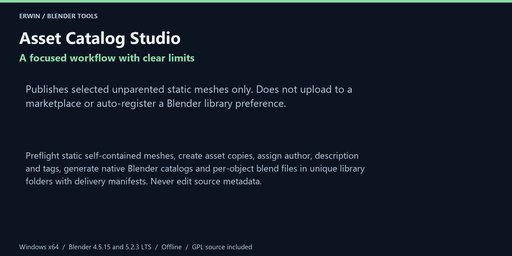
Preflight static self-contained meshes, create asset copies, assign author, description and tags, generate native Blender catalogs and per-object blend files in unique library folders with delivery manifests. Never edit source metadata.
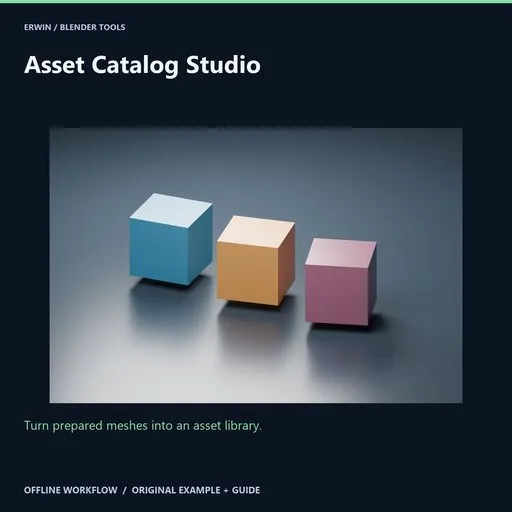
Turn prepared meshes into an asset library.
Preflight static self-contained meshes, create asset copies, assign author, description and tags, generate native Blender catalogs and per-object blend files in unique library folders with delivery manifests. Never edit source metadata.
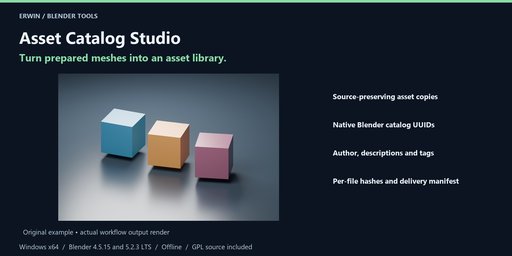
Included workflow- Source-preserving asset copies
- Native Blender catalog UUIDs
- Author, descriptions and tags
- Per-file hashes and delivery manifest
Preflight static self-contained meshes, create asset copies, assign author, description and tags, generate native Blender catalogs and per-object blend files in unique library folders with delivery manifests. Never edit source metadata.
InstallationWindows x64. Intended Blender builds: 4.5.15 LTS and 5.2.3 LTS. See the included verification notes for completed verification; version targeting alone is not evidence of a passed test.
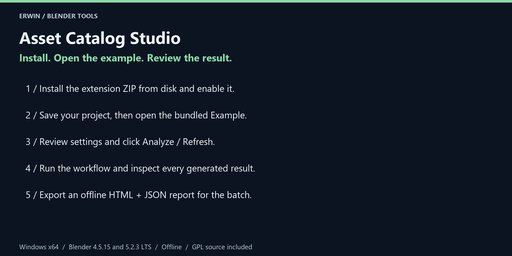
In Blender choose Edit > Preferences > Get Extensions > menu > Install from Disk. Select asset_catalog_studio-1.0.0.zip without extracting it, and enable the extension.
In the 3D Viewport press N and open the Asset Catalog tab. No account, activation, external Python, subscription or network service is required.
Save a backup before bulk operations. Example opens the bundled scene only after you have saved your current changes. Guide opens this local offline documentation in your browser.
- Select 1–100 prepared unparented static mesh objects with DATA-linked material slots. Apply modifiers to a reviewed copy. Animation, linked datablocks, shape keys, constraints, parenting and instancing are blocked. Maximum 250,000 polygons / 500,000 vertices per mesh.
- Pack all clean saved still texture images used by selected materials. Save generated images to disk and reload them as file images before packing. Generated, UDIM, sequence, movie, linked images, dirty pixels, linked/animated materials and node groups, external scripts, IES, point-density and external-object shader dependencies are blocked. This tool does not chase arbitrary plugin dependencies or unknown node semantics.
- Enter a native catalog path such as Studio/Props, author, description and comma-separated tags. At most 20 tags of 64 characters, catalog 160 characters, author 100 and description 2,000. Empty, traversal, colon, backslash and multiline catalog components are blocked.
- Analyze checks every selected object before writing. Choose an existing output directory. Publish reviewed asset library creates a uniquely named library folder; it never merges into or overwrites an existing library or catalog.
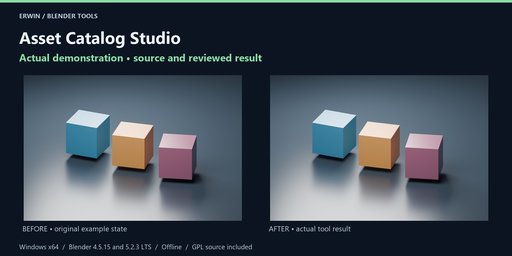
- Each asset is an independent object and mesh copy marked as an asset, with the requested metadata and catalog UUID. Blender writes one compressed .blend per object, including its material dependency tree and packed images. Temporary copies are removed; source asset metadata, selection, geometry and materials remain unchanged. Auto-generated thumbnail rendering is not included; Blender can generate previews after loading the assets.
- The folder also contains blender_assets.cats.txt using Blender's native VERSION 1 catalog format and manifest.json with filenames, sizes and SHA-256. Add this folder manually in Edit > Preferences > File Paths > Asset Libraries, then browse it in the Asset Browser.
- Files are staged with a .partial suffix and committed individually. A failed publish retains an incomplete manifest; review or remove the unique incomplete folder yourself. It is not a resume or overwrite workflow. Share only a successfully completed reviewed library.
- This tool publishes a local Blender asset library. It does not upload to Blendkit/Superhive, change sharing permissions, register preferences automatically or license third-party content for resale. Include only assets you have permission to distribute.
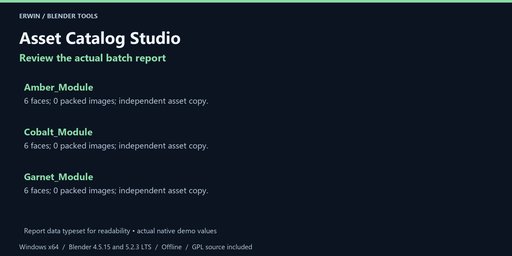
Choose an existing output folder and click Export offline report after analysis or completion. Every export uses a new timestamp/UUID folder. HTML and JSON are offline, with escaped user data in the HTML. Reports do not overwrite your existing files. They may contain private local paths and object names; review before sharing.
Settings, reports and supported restoration records are saved with your .blend file. Blender Undo applies to scene-data operations, not files written to disk. Keep separate project backups. None of the tools runs a background network service or deletes your source files.
GPL-3.0-or-later, complete original Python source included. Original example scene included. Blender itself is not included. Use Blendkit creator messaging for support; provide your Blender version, exact error and a minimal non-confidential reproduction project.
No income, runtime performance, target-engine compatibility or arbitrary-scene conversion guarantee is made. Review actual results before delivery.


