Add-ons
 Models
 Materials
 HDRIs
 Scenes
 Brushes
 Node Groups
 Printables
 Creators
 Creations
Set Objects Origins to the Bottom Center in One Click
-
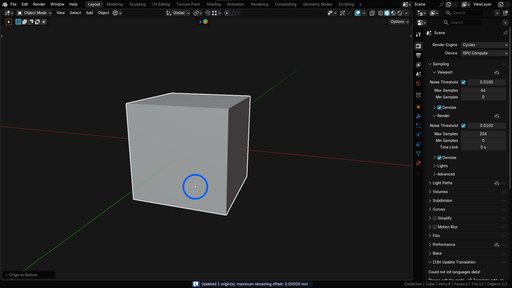
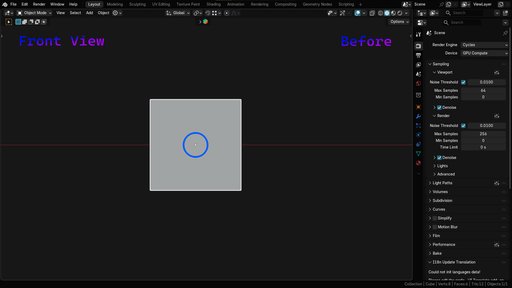
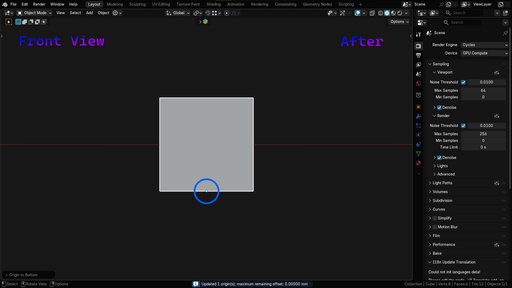
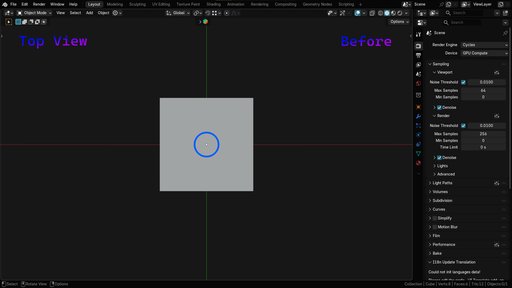
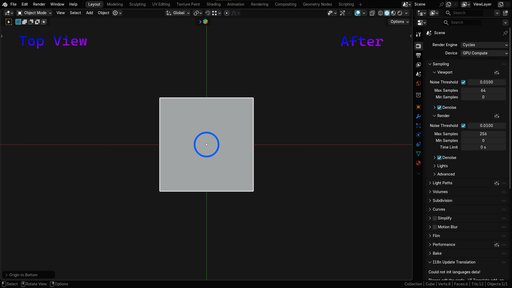
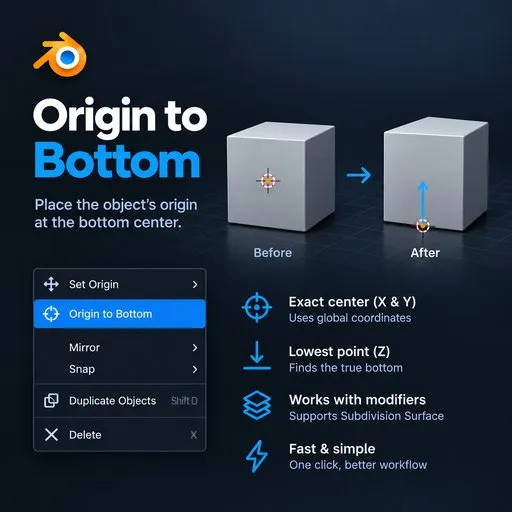
Instant Bottom-Center Origin Placement: Set the origin of any selected object to the exact bottom-center of its geometry with a single click, without manually selecting vertices or repositioning the 3D cursor.
-
Accurate Lowest-Point Detection: Automatically identifies the lowest vertices of an object and calculates their center to position the origin precisely at the bottom.
-
Global-Space Calculation: Uses global coordinates to determine the bottom-center position, helping maintain consistent results regardless of object rotation or placement in the scene.
-
Multi-Object Support: Select multiple objects and set each origin independently, saving time when preparing multiple assets.
-
Broad Object Compatibility: Works with different object types, including meshes, curves, armatures, and other supported geometry types.
-
Linked Mesh Data Support: Handles objects sharing the same mesh data without unintentionally changing the origins of other linked objects.
-
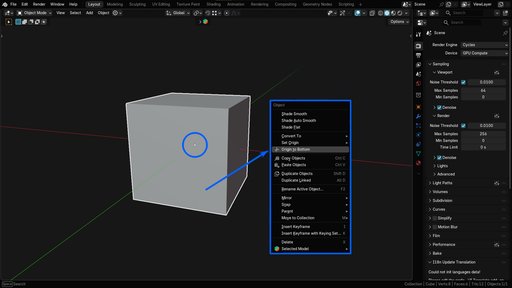
Convenient Access: Available directly in the right-click context menu below Set Origin ⬇ Origin to Bottom, keeping the workflow quick and accessible.
-
3D Modelers: Quickly placing origins at the bottom of any models with one cick.
-
Environment & Architectural Artists: Preparing furniture, props, buildings, and architectural assets for easy placement and alignment.
-
Game Asset Creators: Setting consistent object origins for easier asset placement, animation, and export workflows.
-
3D Artists & General Blender Users: Anyone who regularly needs to position object origins at the bottom-center without repetitive manual steps.
-
Developed By: PixelMesh Studios
-
Website: Join our Discord Server for updates, artwork showcase and many more
-
Documentation & Setup: Installation instructions and usage details are included in the package README.
- Blender Version: Blender 4.2.0+
- Category: Object / Add-on
- License: GNU General Public License v3.0 or later (GPL-3.0-or-later)
- Maintained By: PixelMesh Studios
Tool Panel: Right Click Menu integration for 3D Viewport