Models
 Materials
 HDRIs
HDRIs
 Scenes
 Brushes
 Node Groups
 Printables
 Creators
 Creations
Maya Bridge
 add-on
Send meshes to Maya and return mesh changes or UVs. Reuse a running instance, clean imports and sync saves from one Blender sidebar. Windows only; Autodesk Maya sold separately.
Maya Bridge
Send meshes to Maya, work there, and return everything, mesh changes or UVs. Reuse a running instance, apply import cleanup and sync saves without manual file handling.
Windows only. Autodesk Maya is required and sold separately. No Autodesk software or license is included. Tachyon Studio is independent of Autodesk.
One click each way
- Send: selected meshes open in Maya.
- Work: edit in Maya, manually or with save synchronization.
- Get: choose what returns to Blender. UV-only returns preserve Blender mesh geometry.
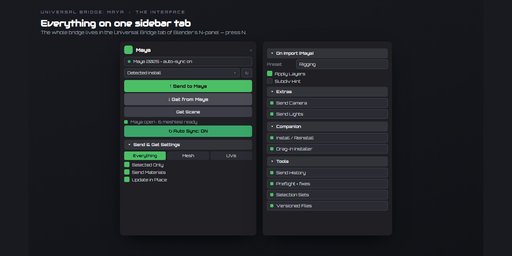
Everything lives in the Universal Bridge sidebar tab in Blender. Press N to open it.
Tools included
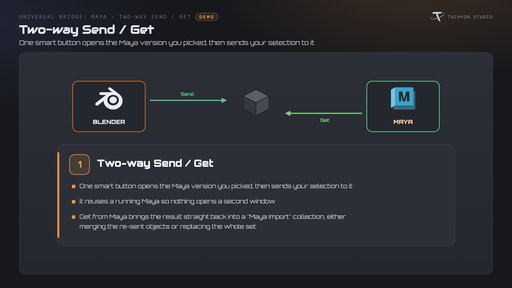
- Two-way Send / Get: reuse or launch Maya, send selected objects and merge or replace returned imports.
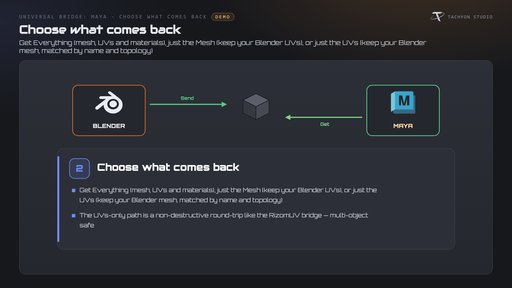
- Choose what comes back: return everything, meshes only or UVs only. UV matching uses names and topology.
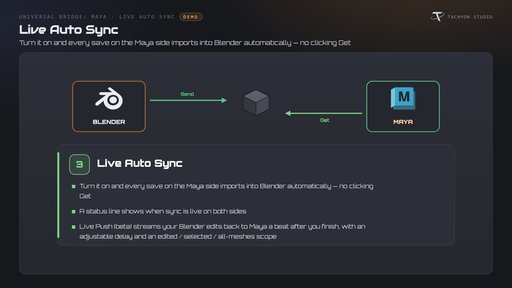
- Live Auto Sync: sync Maya saves automatically. Optional experimental Live Push sends Blender edits back with configurable delay and scope.
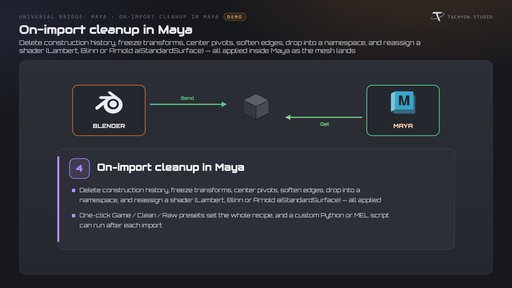
- On-import cleanup: history, transforms, pivots, shading and namespaces, with presets and optional Python/MEL hooks.
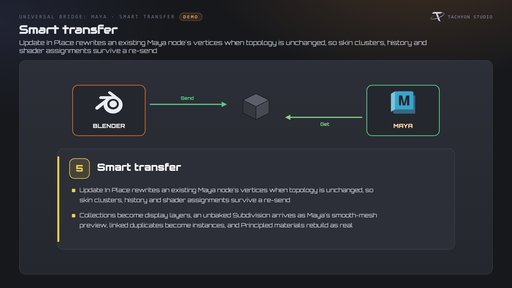
- Smart transfer: update unchanged-topology meshes in place; translate layers, subdivision previews, instances and Principled materials.
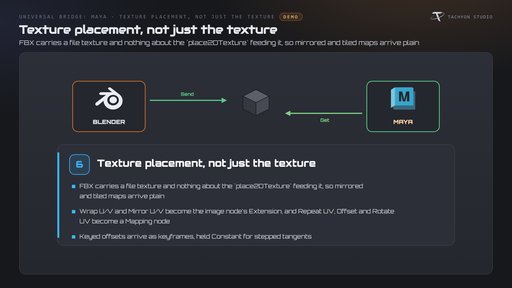
- Texture placement: rebuild wrapping, tiling, offsets and rotation, including animated offsets with stepped timing.
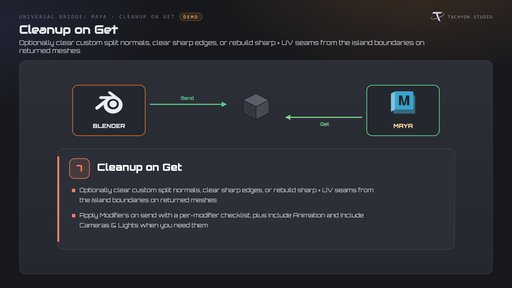
- Cleanup on Get: clean normals, sharp edges and UV seams; choose sent modifiers, animation, cameras and lights.
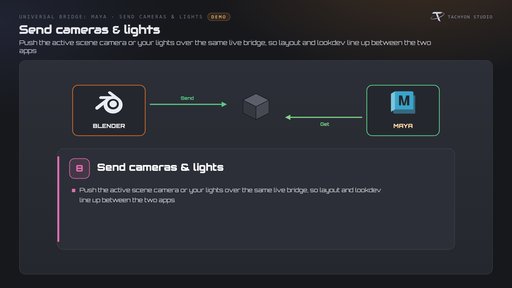
- Cameras and lights: send the active camera or scene lights to align layout and look development.
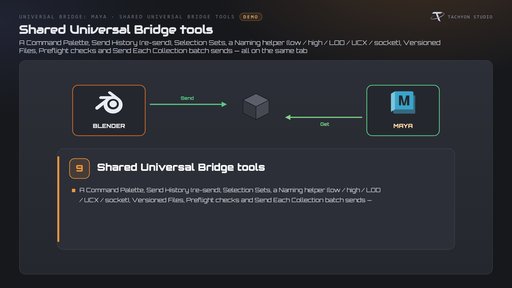
- Shared tools: command palette, history, selection sets, naming, versioned files, preflight and collection batching.
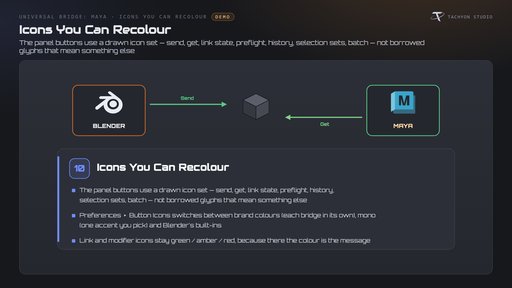
- Icon preferences: branded, monochrome or Blender-native icons; link and modifier status colors remain meaningful.
Requirements and setup
- Platform: Windows only. macOS and Linux are not supported.
- Blender: this BlendKit download is the extension package for Blender 4.2–5.2. The separate classic Blender 3.3–4.1 package is not included in this listing's download.
- Maya: your own Autodesk Maya license and installation are required. Choose a detected installation or executable, then install the included matching-version companion script.
- Network: local exchange; no external internet service required for the bridge workflow.
- Works independently. The Universal Bridge Manager hub is included.
Earlier release highlights — 2.0.6
Texture-placement round-tripping rebuilds wrapping, mirroring, repeats, offsets and rotation. Animated offsets preserve keyed values and stepped timing. Rebuild Texture Placement is enabled by default in Get settings.
Reinstall the Maya companion script after updating: its sidecar supplies texture-placement data. Modifier lists page at ten rows, multiple bridges share the viewport status overlay correctly, setup uses the correct add-on, and cancelling setup restores the previous panel layout.
Known limit: Maya mirrors per axis, while Blender's image extension applies to both axes. Single-axis mirrors use the closest available setting; affected textures are reported in the console.
Documentation and support
Installation and workflow documentation · Questions and support on the Tachyon Discord
Created by Tachyon Studio.