
 Models
 Materials
 HDRIs
HDRIs
 Scenes
 Brushes
 Node Groups
 Printables
 Creators
 Creations
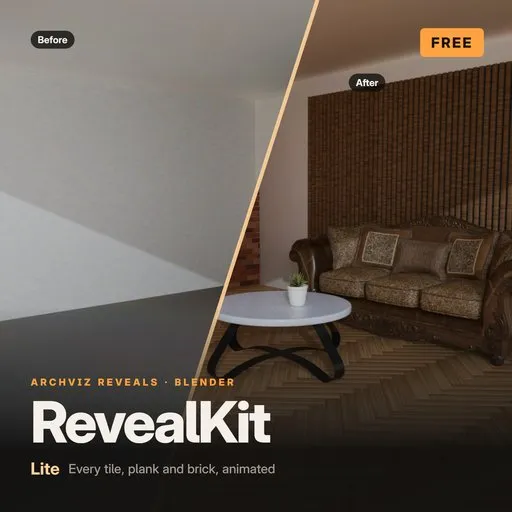
RevealKit Lite – Animated Archviz Reveals for Blender
 add-on
Animate every tile, plank and brick of a mesh as its own piece in one click: herringbone floors drop into place, brick walls build row by row, furniture assembles from its parts. Non-destructive Geometry Nodes, no keyframes. Free for Blender 4.5 LTS
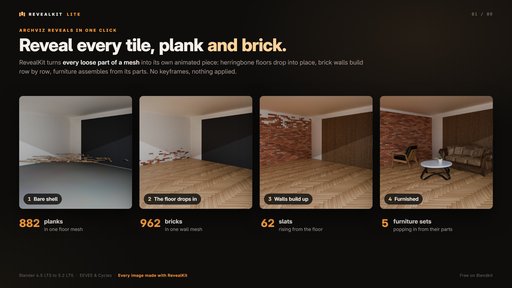
Reveal every tile, plank and brick in one click.
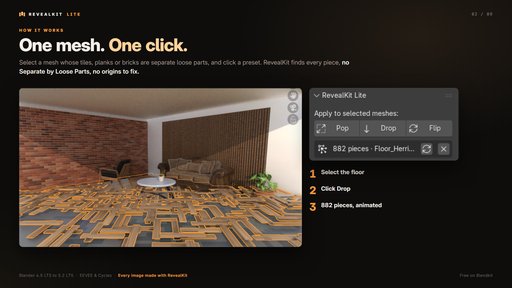
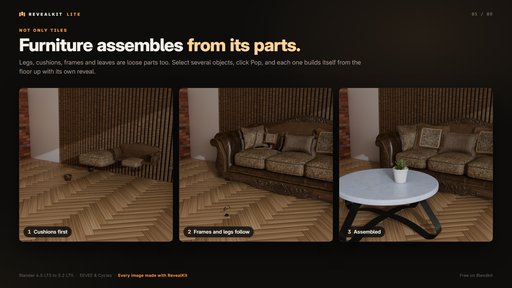
RevealKit Lite turns every loose part of a mesh into its own animated piece. Select a herringbone floor, click Drop, and 882 planks fall into place one after another. Brick walls build row by row, wall slats rise from the floor, and furniture assembles from its own parts.
Features
- One mesh, one click: no Separate by Loose Parts, no origins to fix, no thousands of objects in your Outliner. The sidebar shows how many pieces were found.
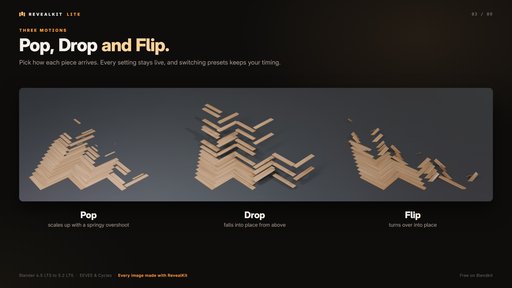
- Pop, Drop and Flip: choose how each piece arrives. Switch presets any time; your timing and order stay.
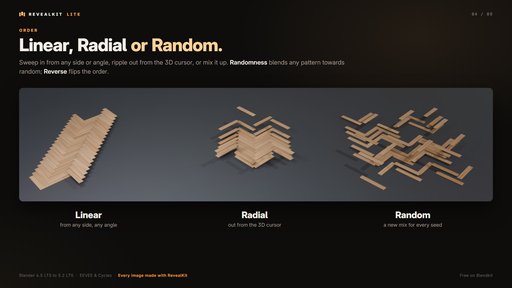
- Linear, Radial or Random order: sweep in from any side or angle, ripple out from the 3D cursor, or mix it up. Randomness and Reverse included.
- Furniture assembles from its parts: select several objects and each one gets its own reveal.
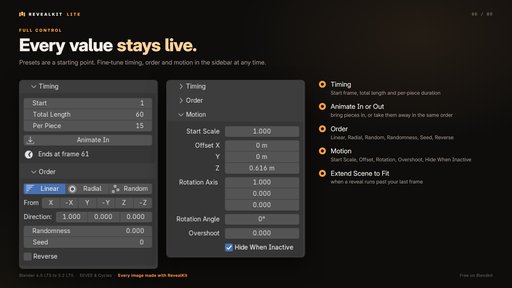
- Every value stays live: start frame, total length, per-piece duration, scale, offset, rotation and overshoot. One click extends your scene if the reveal runs past the end.
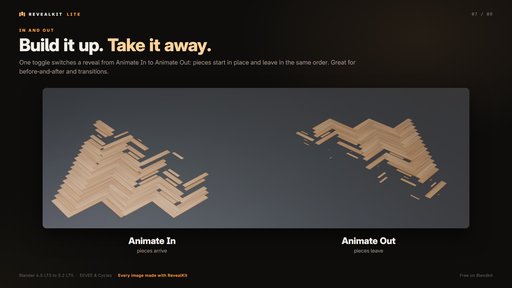
- Animate In or Out: build it up, or take it away in the same order.
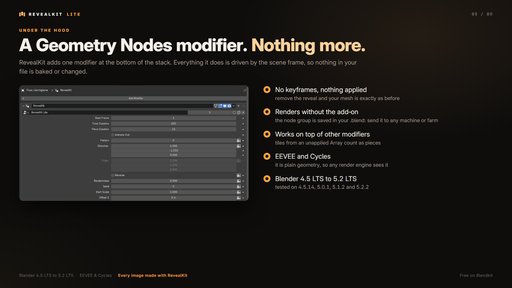
- Non-destructive: a single Geometry Nodes modifier. No keyframes, nothing applied; remove it and your mesh is exactly as before. Files render on any machine, even without the add-on. Works on top of an unapplied Array modifier.
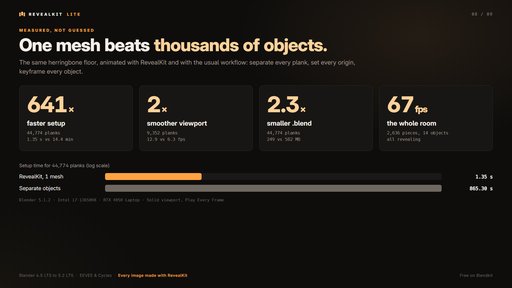
Fast on big scenes (same herringbone floor vs. separating and keyframing every plank; Blender 5.1.2, i7-13650HX, RTX 4050 Laptop):
- 641× faster setup: 44,774 planks ready in 1.35 s instead of 14.4 minutes
- About 2× smoother viewport: 12.9 vs 6.3 fps at 9,352 planks
- 2.3× smaller .blend file
Requirements
- Blender 4.5 LTS to 5.2 LTS (tested on 4.5.14, 5.0.1, 5.1.2 and 5.2.2). EEVEE and Cycles.
- No internet, account or extra downloads needed.
- Tiles, planks or bricks must be separate loose parts of one mesh (Ctrl + J joins objects; Mesh → Split → Faces by Edges separates connected tiles).
Install: Edit → Preferences → Get Extensions → ⌄ → Install from Disk (don't unzip). Find it in the 3D Viewport sidebar (N) → RevealKit tab.
Support: message me on Blendkit with your Blender version.
License: GPL-3.0-or-later. © 2026 Ashish Maurya.


![AnimTex - Animate Texture Transitions [BETA]](https://public.blenderkit.com/thumbnails/assets/b4b2eba28e0741768c4faa3072aa5363/files/thumbnail_8c69b4bc-abf4-432d-81d3-d88d138f8e1c.png.1024x1024_q85_crop-%2C.jpg.webp?webp_generated=1767519976)


