Add-ons
 Models
 Materials
 HDRIs
HDRIs
 Scenes
 Brushes
 Node Groups
 Printables
 Creators
 Creations
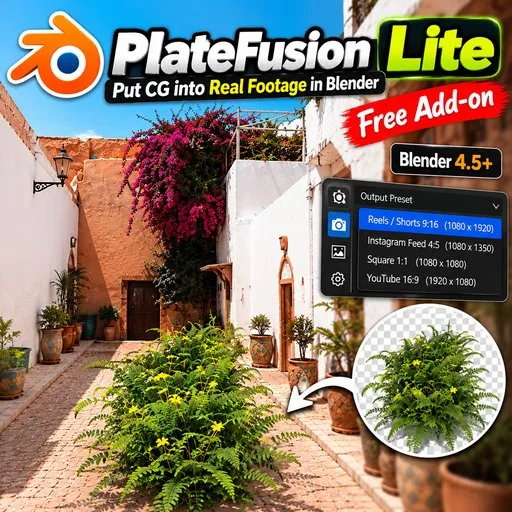
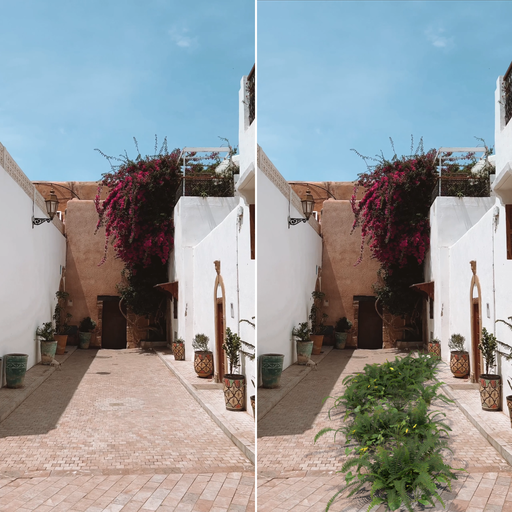
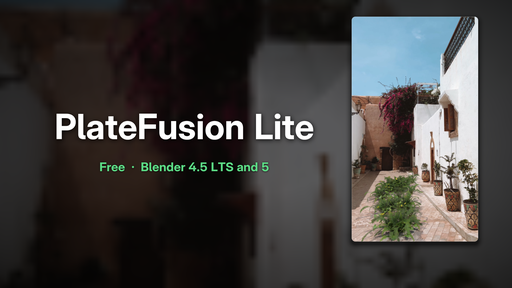
PlateFusion Lite turns tracked footage into a finished CGI shot, step by step, from one sidebar panel. It wraps Blender's own tracking and rendering tools in a guided workflow, so you spend time on the creative part instead of the setup.
SHOT SETUP
• Import Footage – video or image sequence; resolution, frame rate (incl. 29.97/59.94) and frame range matched in one click; camera with the plate behind it
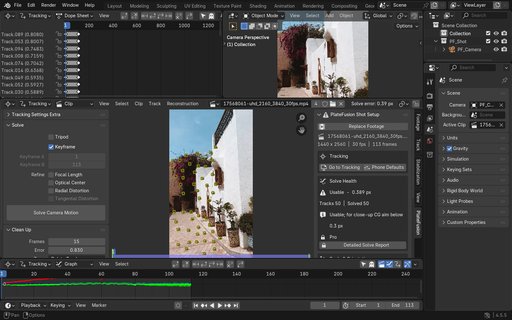
• Go to Tracking + Phone Defaults – good tracker settings for handheld phone footage
• Solve Health – solve error with a clear Good / Usable / Bad verdict and a tip
• Set Floor / Wall / Origin and Set Scale – straight from your tracks, with safety checks
• Bake Camera – solved motion to plain keyframes
PLATE INTEGRATION
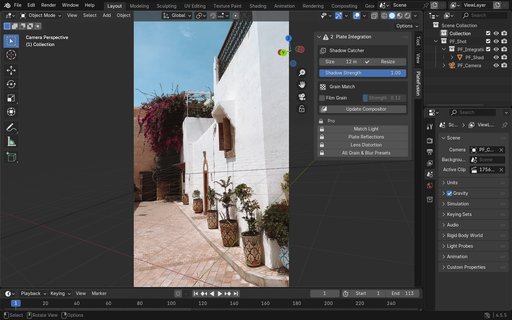
• One-click shadow catcher (Cycles + Eevee fallback) with a Shadow Strength slider
• Plate compositing built for you – no node setup needed
• Grain match for CG
OCCLUSION
• Holdout proxies (plane/box) – hide CG behind real objects, as many as you need
FOOH TEMPLATES
• Billboard Pop-out template: place at the 3D cursor, facing the camera, or as a Floor Portal
• Replace Product with your own model, with a size control
OUTPUT
• Social presets: Reels/Shorts 9:16, Instagram 4:5, 1:1, YouTube 16:9 (1080p), centre-cropped without breaking the camera match
• Render MP4 in one click
• Shot Checklist – see what's done and what's missing, with Fix buttons
Supported: Blender 4.5 LTS and Blender 5.x
Requirements: none – no registration, no internet, no extra downloads.
Note: buttons with a lock icon preview upcoming PlateFusion Pro features; they can be hidden in the add-on preferences.
A full step-by-step video tutorial is linked below.