Models
 Materials
 HDRIs
 Scenes
 Brushes
 Node Groups
 Printables
 Creators
 Creations
ZBrush Bridge
 add-on
Send meshes to ZBrush as SubTools and bring sculpts back through GoZ or the included ZPlugin. Includes live sync, topology rescue and Blender sculpt tools. Windows only; ZBrush licensed separately.
Your sculpting round trip, with the details preserved.
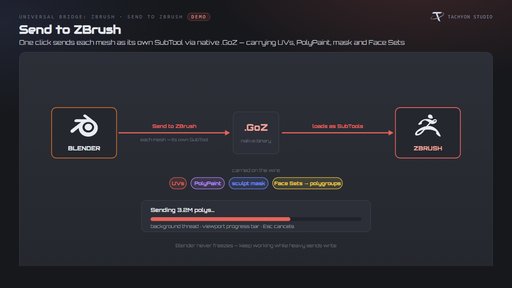
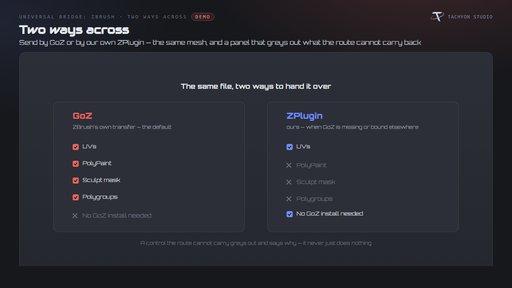
Send meshes to ZBrush as SubTools, sculpt, and return the result to Blender. Choose native GoZ or the included ZPlugin route when GoZ is unavailable.
Windows only. Requires your own licensed ZBrush 2021 or newer. No Maxon software or license is included. Tachyon Studio is independent of Maxon.
Tools included
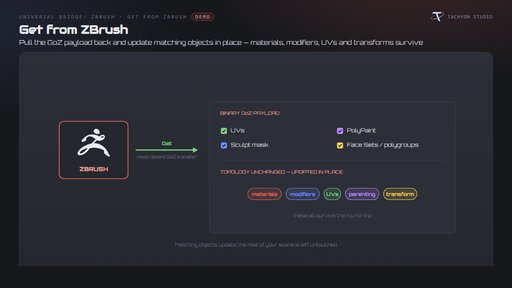
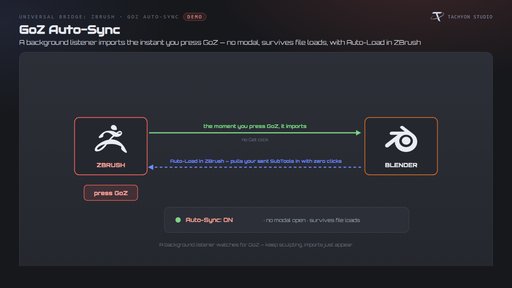
- Two-way GoZ: transfer UVs, PolyPaint, sculpt masks and Face Sets as polygroups. With unchanged topology, update matching Blender objects in place. Heavy sends use a background thread with progress and cancellation.
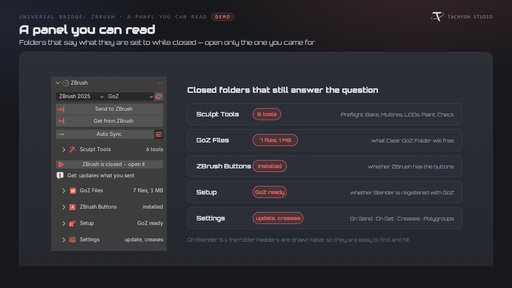
- Alternative ZPlugin route: send the mesh even when GoZ is missing or points to another ZBrush. PolyPaint, masks and polygroups return only through GoZ; the panel identifies route limitations.
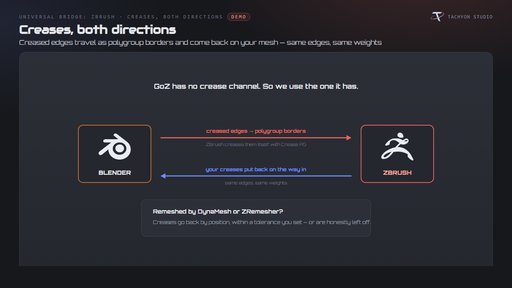
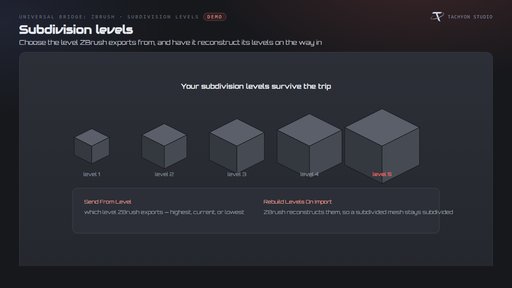
- Creases and subdivision: carry creases using polygroup borders, restore Blender crease weights and choose exported subdivision levels. Remeshed crease recovery uses a configurable positional tolerance.
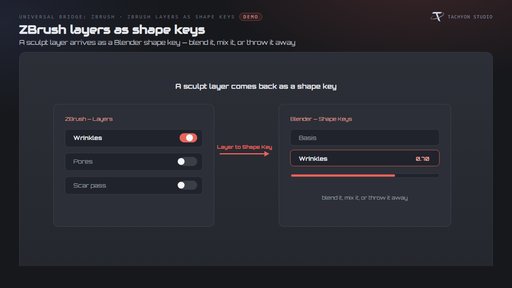
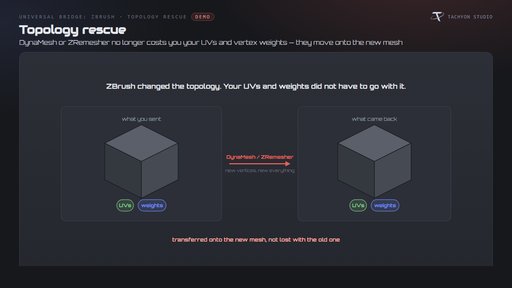
- Layers and topology rescue: import ZBrush layers as shape keys when topology matches; re-project UVs and vertex-group weights after topology changes.
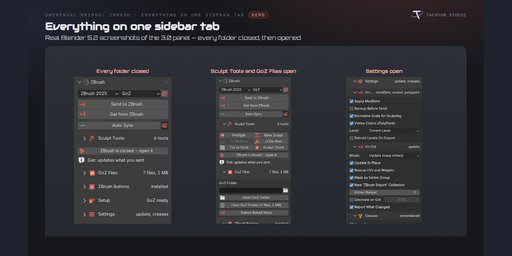
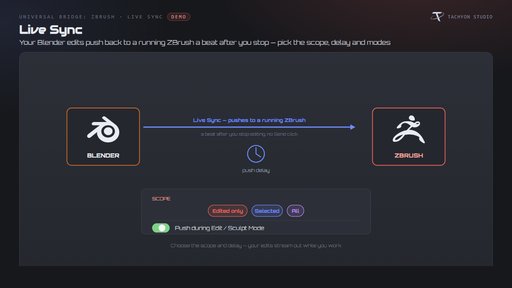
- Live Sync: automatically receive GoZ transfers and push Blender edits after a configurable delay.
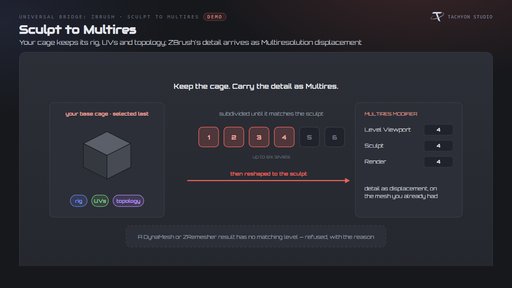
- Sculpt to Multires: transfer matching sculpt detail onto a subdivided base cage; incompatible remeshed topology is reported.
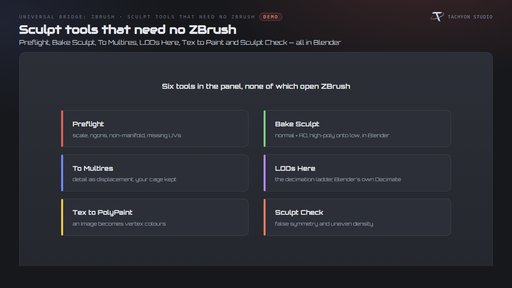
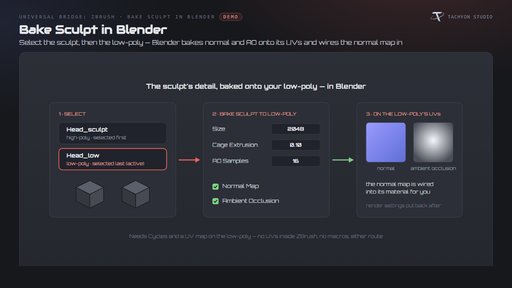
- Blender sculpt tools: Preflight, Bake Sculpt, To Multires, LODs Here, Tex to Paint and Sculpt Check. Bake normal/AO maps, build decimated copies and inspect common mesh issues.
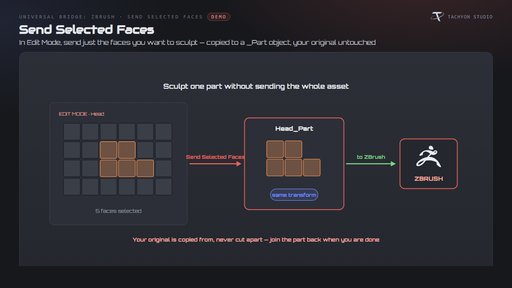
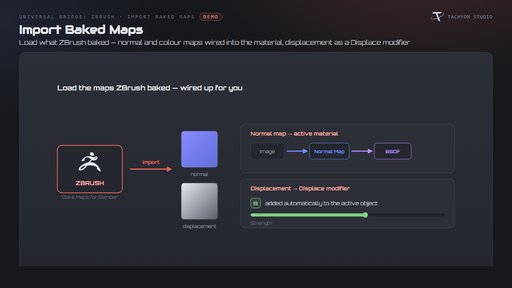
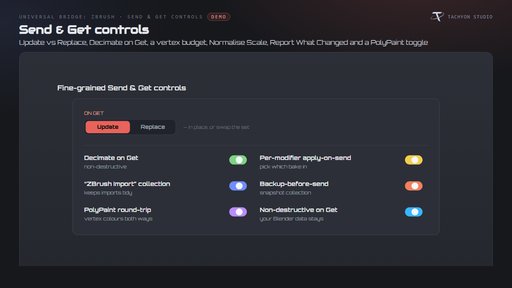
- Workflow controls: send selected faces as a separate part, import baked maps, normalize sculpting scale, warn on vertex budgets and choose update versus replace.
Requirements and setup
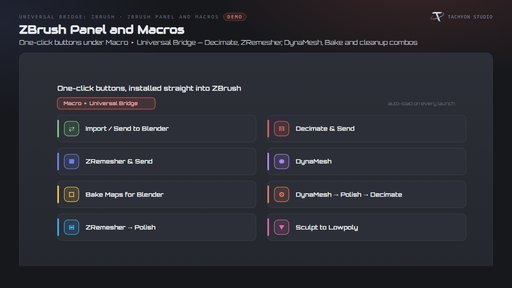
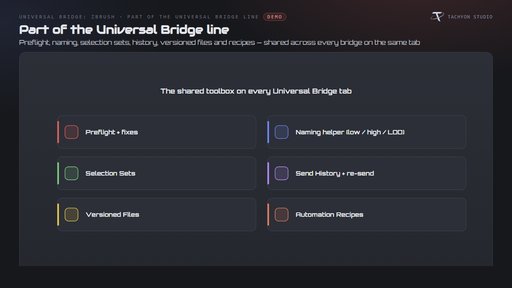
This listing includes the Blender 4.2–5.2 extension. The separate classic Blender 3.3–4.1 installer is not included. Windows only; macOS and Linux are unsupported. Choose your ZBrush executable and install the included buttons/macros as described in the documentation. Find the bridge in the Universal Bridge sidebar tab (N). Transfers use local files, not an internet connection. Works independently; Universal Bridge Manager is included.
Documentation and support
Installation and workflow documentation · Tachyon Studio Discord support
Created by Tachyon Studio.