
 Models
 Materials
 HDRIs
HDRIs
 Scenes
 Brushes
 Node Groups
 Printables
 Creators
 Creations
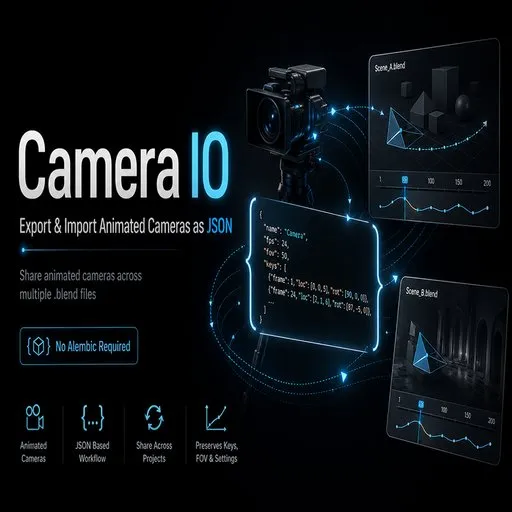
Camera IO
 add-on
Export and import animated cameras as lightweight JSON files, with no Alembic required.
Description
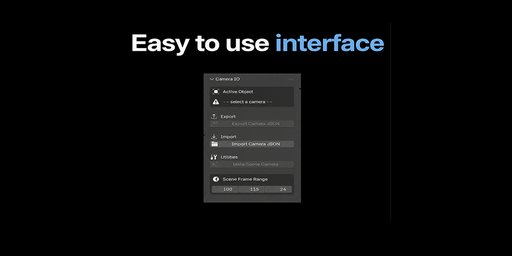
Camera IO is a lightweight Blender add-on for exporting and importing animated cameras as portable JSON files.
It is designed for artists who split complex shots across multiple .blend files, work with heavy scenes, or need a simple way to move camera animation between projects without relying on Alembic.
With Camera IO, you can export a camera’s animation, lens settings, field of view, depth of field, clipping values, sensor settings, and other key camera data, then import it into another Blender scene with just a few clicks.
It is especially useful when you want to keep your camera move consistent while separating layout, animation, lighting, simulation, rendering, or compositing work into different files.
Key Features
- Export animated Blender cameras to JSON
- Import cameras into new or existing .blend files
- Preserve camera transforms, FOV, lens settings, sensor data, clipping values, and depth of field
- Supports animated camera movement and camera properties
- Optional timeline markers for imported shots
- Useful for splitting complex scenes into lighter production files
- No Alembic required
- Human-readable JSON format for pipeline-friendly workflows
Why use Camera IO?
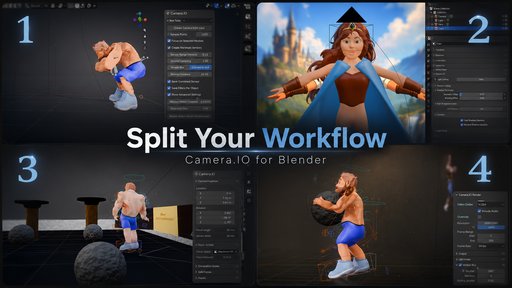
Large Blender scenes can become difficult to render and manage, especially when animation, simulations, lighting, and rendering all live in the same file. Camera IO lets you keep the camera as a portable piece of shot data, making it easier to move between files while preserving the same framing and animation.
Instead of duplicating entire scenes or setting up heavier export formats, Camera IO gives you a simple, focused way to transfer exactly what you need: the camera.


