
 Models
 Materials
 HDRIs
 Scenes
 Brushes
 Node Groups
 Printables
 Creators
 Creations

Quick Replace
 add-on
Quickly replace object mesh
$10
$6.70
Introduction
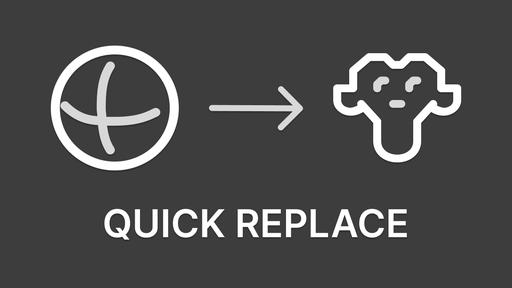
Quick Replace is a Blender addon that replaces the mesh of selected objects with a particular object mesh. This addon is invaluable for blocking out layouts for game level design. You can organize objects into categories and cycle through them with hotkeys. This addon is perfect for anyone who wants to improve their workflow and productivity in Blender.
Features
- Categories List
- Objects List
Workflow
- SHIFT+SCROLL — loop from top of object list
- CTRL+SCROLL — loop from active object
- SHIFT+CTRL+SCROLL — switch active category
- ALT+[ — rotate -90° Z
- ALT+] — rotate +90° Z
Categories List
Create categories to organize objects.
- + button to create a new category.
- Double-click on a category name to rename it.
- - button to remove the selected category.
- SHIFT+X to remove all categories.
Objects List
Add objects to a category.
- Dropdown to add an object to the list.
- Reload button to load the selected objects.
- X button to remove the selected object.
- SHIFT+X to remove all objects.
Support
Join our Discord server to stay updated.


