
 Models
 Materials
 HDRIs
 Scenes
 Brushes
 Node Groups
 Printables
 Creators
 Creations
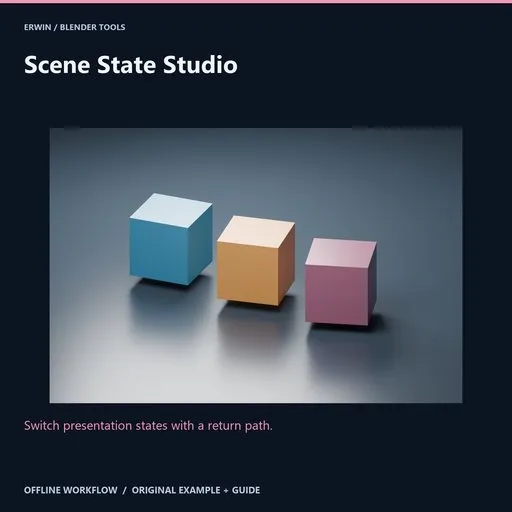
Scene State Studio
 add-on
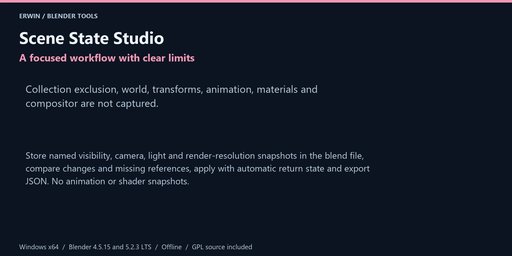
Store named visibility, camera, light and render-resolution snapshots in the blend file, compare changes and missing references, apply with automatic return state and export JSON. No animation or shader snapshots.
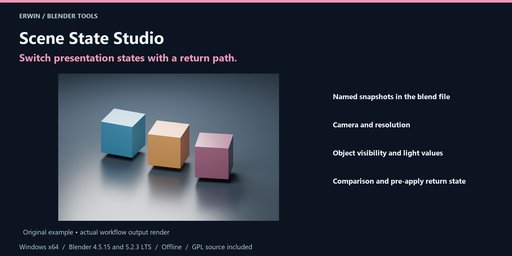
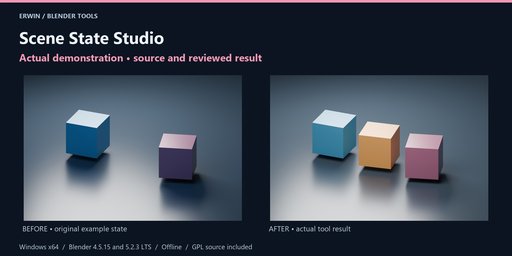
Switch presentation states with a return path.
Store named visibility, camera, light and render-resolution snapshots in the blend file, compare changes and missing references, apply with automatic return state and export JSON. No animation or shader snapshots.
Included workflow- Named snapshots in the blend file
- Camera and resolution
- Object visibility and light values
- Comparison and pre-apply return state
Store named visibility, camera, light and render-resolution snapshots in the blend file, compare changes and missing references, apply with automatic return state and export JSON. No animation or shader snapshots.
InstallationWindows x64. Intended Blender builds: 4.5.15 LTS and 5.2.3 LTS. See the included verification notes for completed verification; version targeting alone is not evidence of a passed test.
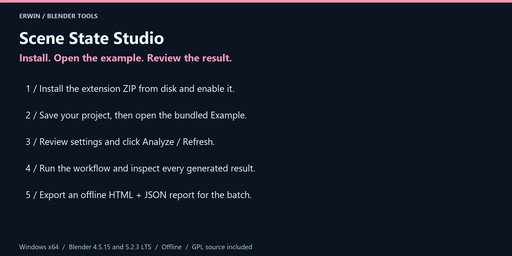
In Blender choose Edit > Preferences > Get Extensions > menu > Install from Disk. Select scene_state_studio-1.0.0.zip without extracting it, and enable the extension.
In the 3D Viewport press N and open the Scene State tab. No account, activation, external Python, subscription or network service is required.
Save a backup before bulk operations. Example opens the bundled scene only after you have saved your current changes. Guide opens this local offline documentation in your browser.
- Work in a local scene with at most 1,000 editable local objects and at most 30 snapshots. Every scene object must be included in the current view layer. Excluded objects, objects with animation and animated/linked lights are blocked. Collection exclusion, world/compositor, transforms, animation and materials are outside scope.
- Give the state a name and click Capture named snapshot. The plugin assigns a small persistent identity custom property to tracked objects so renaming remains supported. Snapshots store object hide_viewport, hide_render and per-view-layer hide state; light energy/color; active camera; and render X/Y/percentage.
- Capture each desired state after adjusting your scene. Snapshots and the return state are stored in the .blend file. Save the project to persist them. Choose a zero-based Snapshot index from the displayed numbered list.
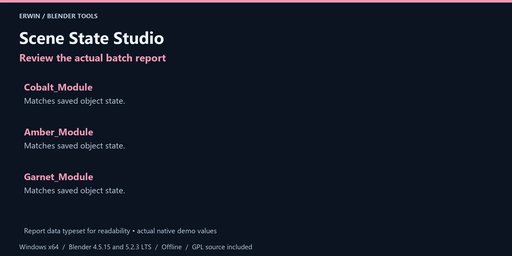
- Analyze compares the indexed snapshot with the current presentation state and lists object changes, missing references, camera changes and resolution changes in the report. Newly added objects are left unchanged when applying an older snapshot.
- Apply indexed snapshot validates every tracked reference and the active view-layer name before changing anything. Missing or incompatible objects block the whole apply. A current pre-apply state is captured automatically. Return to pre-apply state before applying another snapshot or capturing another state.
- Duplicate objects inherit custom properties in Blender. If two objects share the plugin identity, the operation refuses rather than restoring to the wrong object. On the duplicate only, remove scene_state_studio_identity from Object Properties > Custom Properties, then capture again. Do not copy identity properties manually.
- Light energy and color belong to the light datablock. Objects sharing that datablock share those settings. A return restores the pre-apply values, including changes made while the snapshot was active. Deleted objects or renamed view layers can block restore; recover with Undo or a saved project.
- Export an offline report containing the snapshot metadata and comparisons. Reports can reveal object names. This is not a render queue, animation system, complete project version control or external JSON state importer.
Choose an existing output folder and click Export offline report after analysis or completion. Every export uses a new timestamp/UUID folder. HTML and JSON are offline, with escaped user data in the HTML. Reports do not overwrite your existing files. They may contain private local paths and object names; review before sharing.
Settings, reports and supported restoration records are saved with your .blend file. Blender Undo applies to scene-data operations, not files written to disk. Keep separate project backups. None of the tools runs a background network service or deletes your source files.
GPL-3.0-or-later, complete original Python source included. Original example scene included. Blender itself is not included. Use Blendkit creator messaging for support; provide your Blender version, exact error and a minimal non-confidential reproduction project.
No income, runtime performance, target-engine compatibility or arbitrary-scene conversion guarantee is made. Review actual results before delivery.


