Models
 Materials
 HDRIs
 Scenes
 Brushes
 Node Groups
 Printables
 Creators
 Creations
texture resizer
 add-on
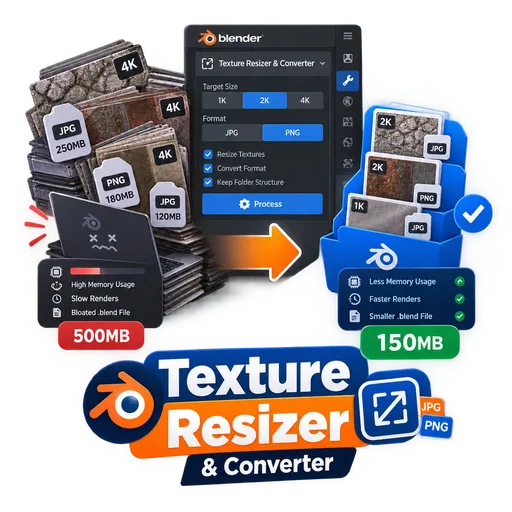
Resize scene and Object textures to 1K/2K/4K JPG or PNG
Texture Resizer & Converter
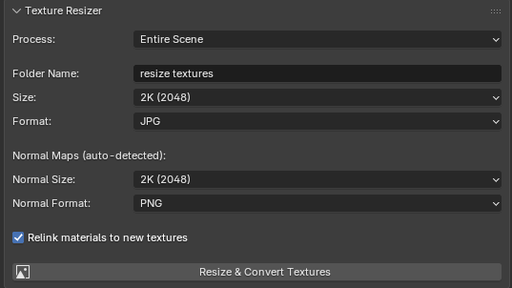
Makes heavy scenes lighter by shrinking the textures. It saves the resized copies into a new, separate folder right next to your .blend file, so your originals stay where they are. The folder name is editable.
What it does
- Resize to 1K, 2K or 4K
- Convert to JPG or PNG
- Run on the whole scene, or only on the objects you have selected
- Separate size and format for normal maps, so you can use JPG for color maps and keep normals as PNG. Normal maps are detected automatically
- Relink materials to the new textures, or export copies only and leave the scene untouched
- Textures that are already smaller than your target size are not scaled up
- Duplicate image datablocks pointing to the same file are converted once
How to use
1. Save your .blend file
2. Go to Properties > Render > Texture Resizer
3. Choose scope, size and format
4. Click Resize & Convert Textures
Needs Blender 4.2+. UDIM textures: only the first tile is converted.