 Models
 Materials
 HDRIs
HDRIs
 Scenes
 Brushes
 Printables
 Add-ons
 Creators
 Creations
 Node Group
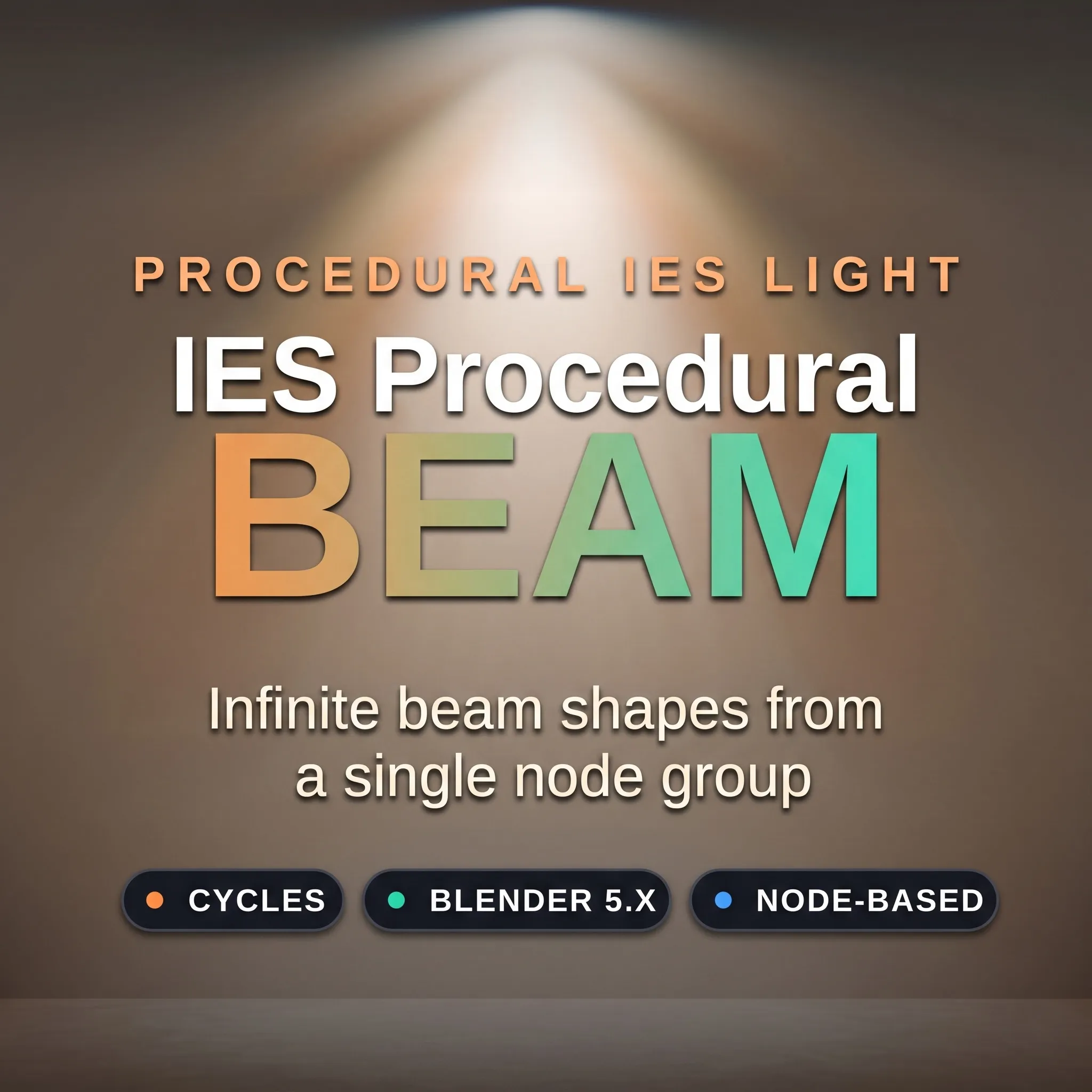
Ies Procedural Beam
Get this Node GroupA fully procedural, node-based beam light for Blender
How to use — IES Procedural Beam
Renderer: Cycles (uses Blackbody and IES texture nodes).
Select a light and set it to Point in Light Properties, then enable Use Nodes.
Open the light's Shader editor, add the IES Procedural Beam node group.
Connect the group's Shader output to Light Output → Surface.
You can stack multiple chains to get infinite variations of light.
Controls (on the group, grouped into panels):
Shape — Inner/Outer Angle + Falloff define the beam. Inner Angle 0 = solid cone; raise it for a ring.
Color — Color Temp (K) and Saturation.
Caustics — Density / Strength / Sharpness, and Speed (>0 animates over the timeline).
Master Brightness, IES Mix (optional real .ies blend), Chain In (stack modules for rings, cores and multi-lobe beams).
Shape — Inner/Outer Angle + Falloff define the beam. Inner Angle 0 = solid cone; raise it for a ring.
Color — Color Temp (K) and Saturation.
Caustics — Density / Strength / Sharpness, and Speed (>0 animates over the timeline).
Master Brightness, IES Mix (optional real .ies blend), Chain In (stack modules for rings, cores and multi-lobe beams).


