Models
 Materials
 HDRIs
HDRIs
 Scenes
 Brushes
 Node Groups
 Printables
 Creators
 Creations
Blender Preview
 add-on
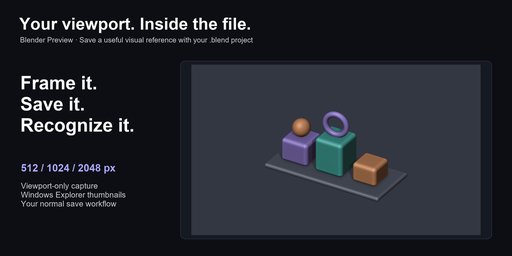
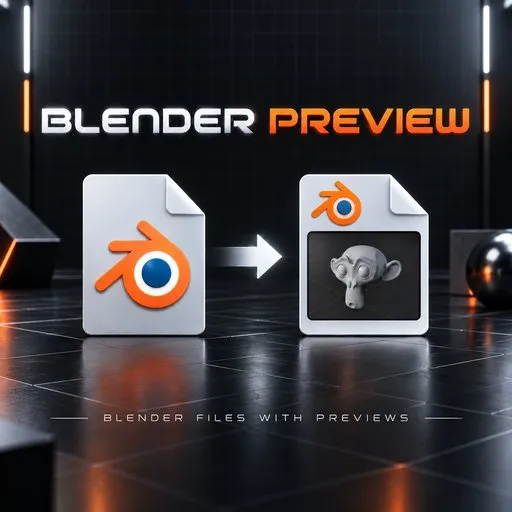
Save detailed viewport thumbnails inside .blend files and browse them in Windows Explorer. Choose 512, 1024 or 2048-pixel previews and capture through your normal save workflow. Windows x64 only.
Find the project by its viewport.
Frame your subject, save, and give your .blend file a useful visual reference. Blender Preview stores a viewport thumbnail inside the file for Windows Explorer's thumbnail views.
Windows x64 only · Blender 4.2–5.2 extension · Version 0.5.1
What it does
- Capture the 3D view without the timeline, Outliner, Properties editor, toolbar or sidebar. Disable overlays for a clean image.
- Choose 512, 1024 or 2048 pixels on the longest edge; the default is 1024.
- Capture with Ctrl+S, Save As or Save Preview. Your current viewport determines the image, even when the scene has a camera.
- Manage preview settings and Explorer registration/restoration in Preferences.
Quick start
Install the extension, enable Explorer thumbnails in its preferences, frame the subject and save. Open the folder using Large or Extra large icons; refresh it if the old thumbnail is cached.
Practical limits
A 3D Viewport must be open for capture. Existing files must be opened and saved again; there is no library-wide batch conversion. Compressed files need recompression, extra disk space and save time. Higher resolutions increase file size and GPU work. This provides icon thumbnails, not an interactive Explorer Preview pane. macOS, Linux and Windows ARM64 integration are unsupported.
This listing supplies the Blender 4.2–5.2 extension, not the separate legacy installer or a model library. Python source and license notices are included. GPL-3.0-or-later. Capture works offline; Discord is optional.
Documentation and support
Full documentation · Tachyon Studio Discord
Created by Tachyon Studio.