
 Models
 Materials
 HDRIs
 Scenes
 Brushes
 Node Groups
 Printables
 Creators
 Creations
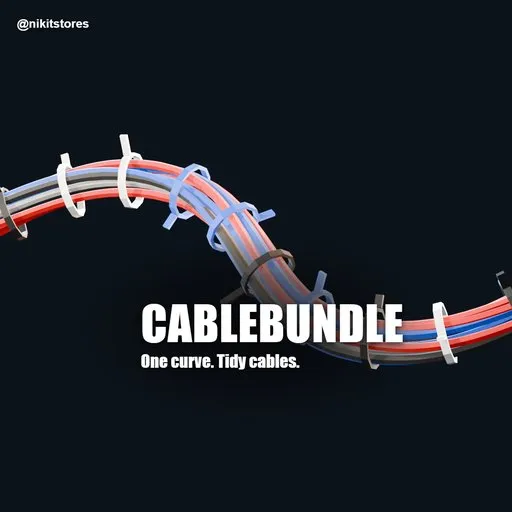
CableBundle - Cable Bundles, Zip Ties & Clips
 add-on
Turn one curve into a bundle of cables with zip ties, wall clips and connectors. For Blender 4.2+. 8 cables build in under 0.1 s. Snaps to walls and desks. For hard-surface, set dressing and tech artists.
$9.99
$6.69
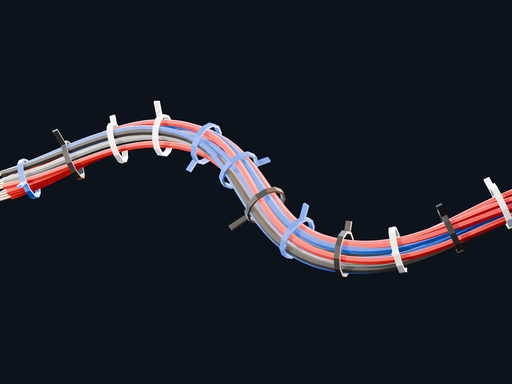
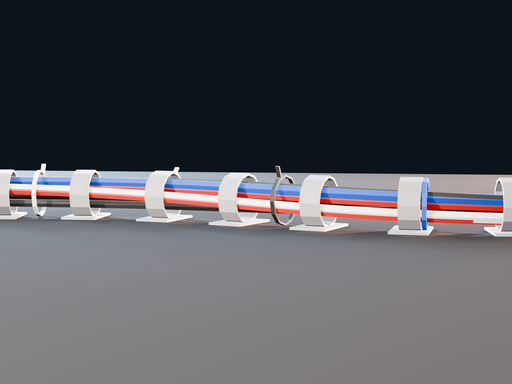
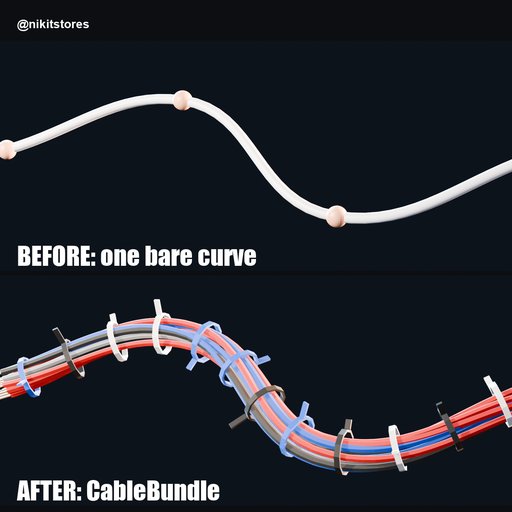
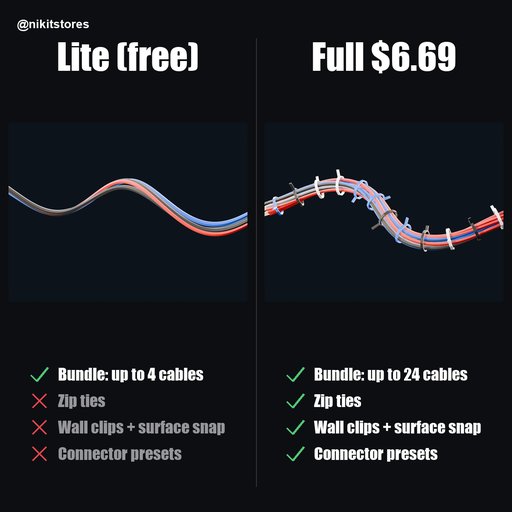
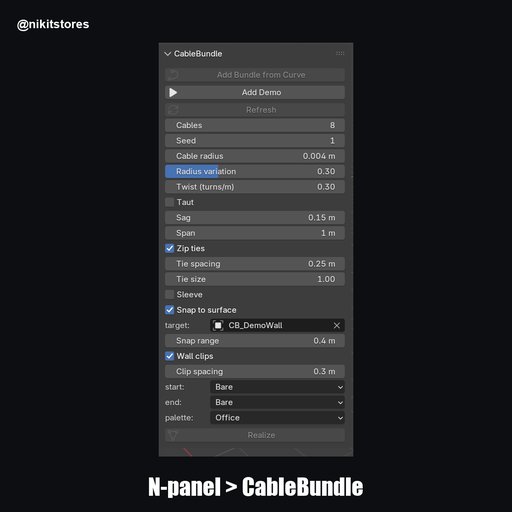
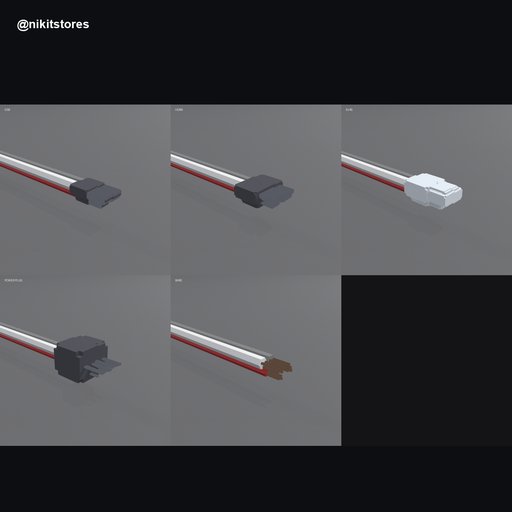
Draw one curve. Get a bundle of cables with zip ties and wall clips.
EVERYTHING IN- 1 to 24 cables per curve, each with its own color, radius and twist
- Six color palettes: Office, Server, Power, Neon, Industrial, Pastel
- Sag between supports, or taut
- Zip ties with spacing and size settings
- Wall clips that snap to any mesh surface
- Sleeve wrap
- Connector presets: USB, HDMI, RJ45, power plug, bare copper ends
- Edit the curve and the bundle rebuilds
- Install cable_bundle-0.1.1.zip from Edit > Preferences > Get Extensions > Install from Disk.
- Press Add Demo in the CableBundle panel, or select your own curve with one spline. The Full works on your own curves, not only the demo.
- Press Bundle Selected Curve. Change settings and the mesh updates.
- Raise Tie spacing for a loose loom, lower it for a tight one.
- Pick a surface in Snap to surface, then turn on Wall clips for a desk or wall run.
- 8 cables on a 3.6 m run: 19,200 vertices, built in about 65 ms.
- 24 cables with zip ties: 58,384 vertices, 14 ties, about 21 ms.
- Blender 4.2 or newer. Tested on 4.2.0, 4.5 and 5.2.4.
- The source curve needs exactly one spline.
- The output is a mesh with a vertex-color material. Use Realize to freeze it.
CableBundle Lite is free on Blendkit. It builds 4 cables with sag, one bundle at a time.
Remove Lite before installing the full version.
By


