
 Models
 Materials
 HDRIs
 Scenes
 Brushes
 Node Groups
 Printables
 Creators
 Creations
UV Density Studio
 add-on
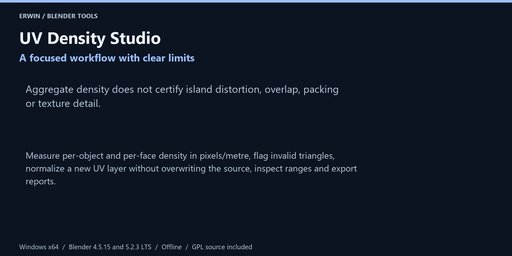
Measure per-object and per-face density in pixels/metre, flag invalid triangles, normalize a new UV layer without overwriting the source, inspect ranges and export reports.
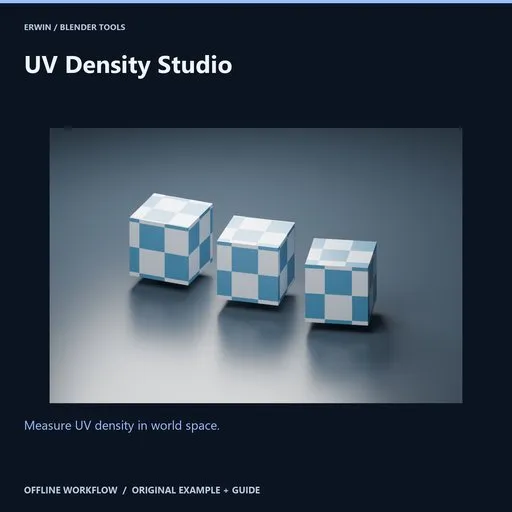
Measure UV density in world space.
Measure per-object and per-face density in pixels/metre, flag invalid triangles, normalize a new UV layer without overwriting the source, inspect ranges and export reports.
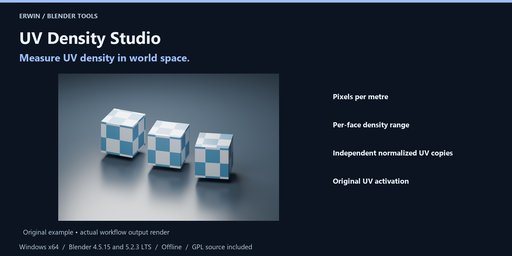
Included workflow- Pixels per metre
- Per-face density range
- Independent normalized UV copies
- Original UV activation
Measure per-object and per-face density in pixels/metre, flag invalid triangles, normalize a new UV layer without overwriting the source, inspect ranges and export reports.
InstallationWindows x64. Intended Blender builds: 4.5.15 LTS and 5.2.3 LTS. See the included verification notes for completed verification; version targeting alone is not evidence of a passed test.
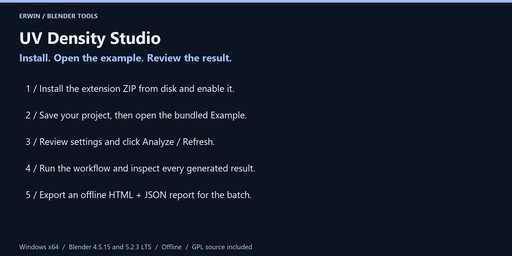
In Blender choose Edit > Preferences > Get Extensions > menu > Install from Disk. Select uv_density_studio-1.0.0.zip without extracting it, and enable the extension.
In the 3D Viewport press N and open the UV Density tab. No account, activation, external Python, subscription or network service is required.
Save a backup before bulk operations. Example opens the bundled scene only after you have saved your current changes. Guide opens this local offline documentation in your browser.
- Set scene units and scale accurately. Select unparented static local mesh objects, with modifiers already applied to a reviewed copy. Shape keys, constraints, animation, instancing and linked data are blocked. Maximum 250,000 polygons / 500,000 vertices per mesh.
- Choose the square texture resolution in pixels and target pixels per metre. Blender scene scale_length is interpreted as metres per Blender unit, including when the unit-system display is None. This tool does not infer a correct real-world scale.
- Analyze measures triangulated world-space surface area and active-UV area, including object nonuniform scale. Aggregate density = resolution × sqrt(UV area / surface area in square metres). Per-face minimum and maximum density help reveal variation. Invalid triangles block normalization. Overlaps count multiple times; this is not a UV-overlap audit.
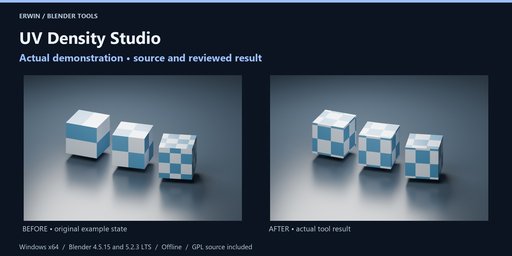
- Create normalized UV layer copies makes each selected object's mesh independent and adds a new UV layer with uniformly scaled coordinates around their loop-weighted centroid. Original mesh datablocks and original UV coordinates are retained. A mesh with eight UV maps is blocked.
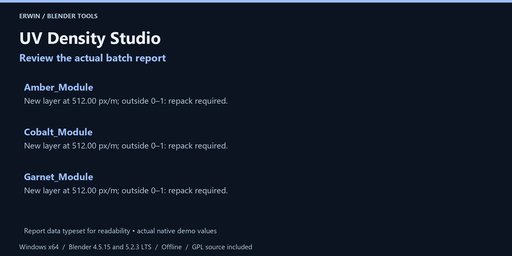
- Inspect every result. Uniform scaling preserves the relative distortion already present; it does not flatten distortion. UVs may extend outside 0–1 or overlap. Repack or unwrap manually before baking. Named UV Map shader nodes are not rewritten and may keep using the old layer; connect the new layer explicitly when needed.
- Activate original UV layers switches the copied mesh back to its previous active/render UV map and retains normalized layers for review. It does not discard later mesh edits or swap the entire mesh back. Restore is refused if object, mesh or layer references are replaced.
- Export the report to retain area, density, scale factor and out-of-tile warnings. Smaller textures still lose detail; no visual-quality or memory/performance improvement is guaranteed.
Choose an existing output folder and click Export offline report after analysis or completion. Every export uses a new timestamp/UUID folder. HTML and JSON are offline, with escaped user data in the HTML. Reports do not overwrite your existing files. They may contain private local paths and object names; review before sharing.
Settings, reports and supported restoration records are saved with your .blend file. Blender Undo applies to scene-data operations, not files written to disk. Keep separate project backups. None of the tools runs a background network service or deletes your source files.
GPL-3.0-or-later, complete original Python source included. Original example scene included. Blender itself is not included. Use Blendkit creator messaging for support; provide your Blender version, exact error and a minimal non-confidential reproduction project.
No income, runtime performance, target-engine compatibility or arbitrary-scene conversion guarantee is made. Review actual results before delivery.


