
 Add-ons
 Models
 Materials
 HDRIs
 Scenes
 Brushes
 Node Groups
 Printables
 Creators
 Creations

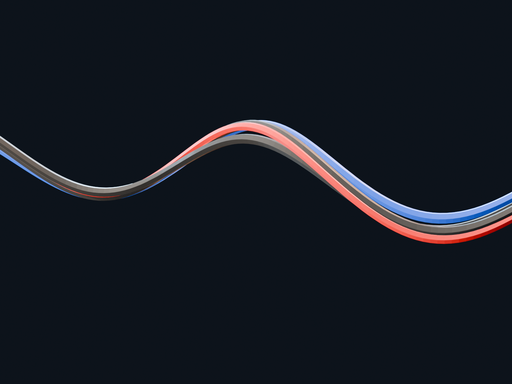
Draw one curve. Get four cables that hang between your points.
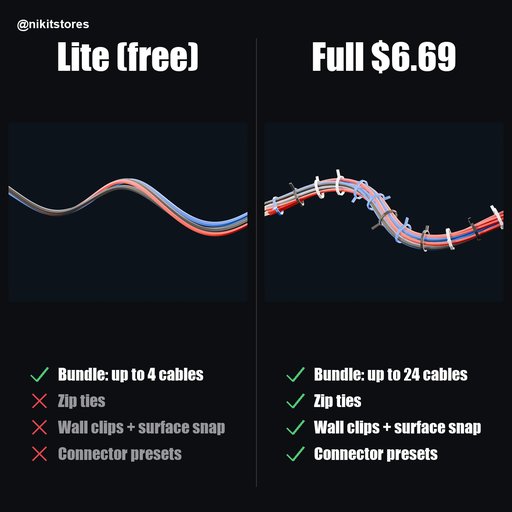
EVERYTHING IN (LITE)- 4 cables per curve, each with its own color, radius and twist
- Sag between supports
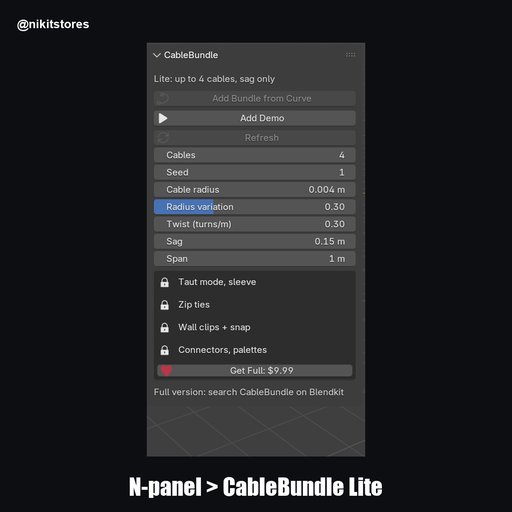
- Add Demo button that builds a ready scene
- One bundle at a time
- Install cable_bundle-0.1.0_lite.zip from Edit > Preferences > Get Extensions > Install from Disk.
- Press Add Demo, or select your own curve with one spline.
- Press Add Bundle from Curve.
- Raise Sag for a loose run.
- Raise Twist for a braided look.
- Four cables build in a few milliseconds on the demo curve.
- Blender 4.2 or newer. Tested on 4.2.0, 4.5 and 5.2.4.
- Lite stops at 4 cables and one bundle.
Full adds up to 24 cables, zip ties, wall clips with surface snap, sleeve wrap, taut mode, six palettes and five connector presets. Search CableBundle on Blendkit.
Remove Lite before installing the full version.
By


