Add-ons
 Models
 Materials
 HDRIs
HDRIs
 Scenes
 Brushes
 Node Groups
 Printables
 Creators
 Creations
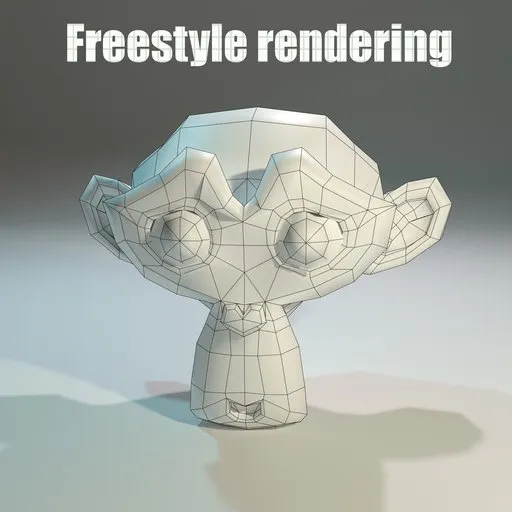
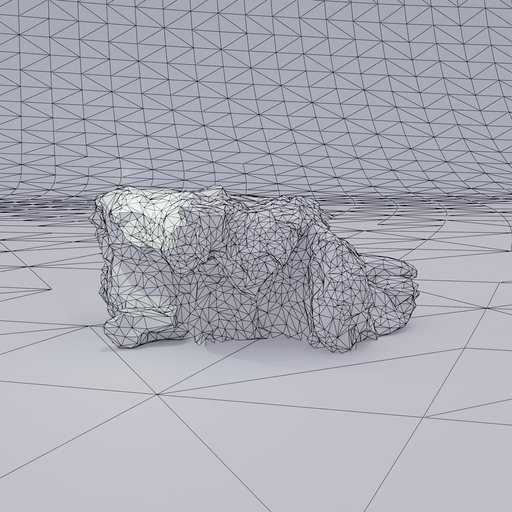
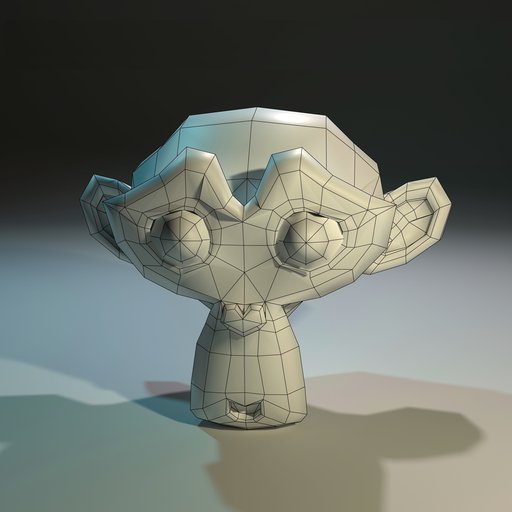
Renders the mesh wireframe/contours using Freestyle on F12, centres the object in the camera frame, then automatically reverts the camera to default. Right-Click on the mesh and select Freestyle Render.
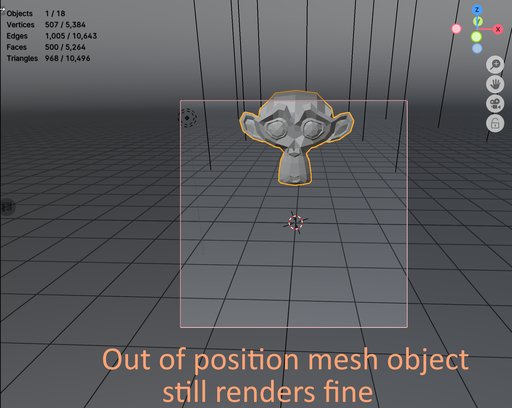
camera will be auto centered on selected object, even if the object is outside the camera view it will still render perfectly in frame, after render the scene camera is not edited by the script, the camera is only affected when you press the button
Every object—whether it's a tiny screw or a massive character—is automatically scaled and centered relative to the camera, ensuring uniform results. This is fantastic if you are generating batch previews or asset sheets.
The image rendered will be 2k, for a wireframe shot it should be enough
you can change that in
scene.render.resolution_x = 2048
scene.render.resolution_y = 2048
you can edit the
lineset.linestyle.thickness = 2.0
in the python file if you want to change the thickness of the lines
we can adjust the distance multiplier in the auto-framing math from 2.4 to a lower number if we want to zoom in
distance = max_dim * 2.4
Having fast wireframe renders is a good idea, e.g., on some marketplaces such as Turbosquid you need at last 4 rendered wireframe shoots to be able to publish your model
potential issues: may fail to render edges on split normals, camera auto-snapping is till being tested
tested in Blender 4.1 up to newest, should work fine in older versions
PROS: 1) programmatically creates line sets, 2) fast right-click and no configuration necessary, 3) crash Free, 4) automatically cleans up by disabling Freestyle, removing the temporary line set, as well as restoring the camera's original clipping values alongside its location and rotation. leaving your project file pristine, 5) features an advanced auto-framing algorithm: dynamically adjust clip start and end to support tiny objects (e.g. couple of centimeters) and large assets without clipping.