
 Models
 Materials
 HDRIs
HDRIs
 Scenes
 Brushes
 Node Groups
 Printables
 Creators
 Creations
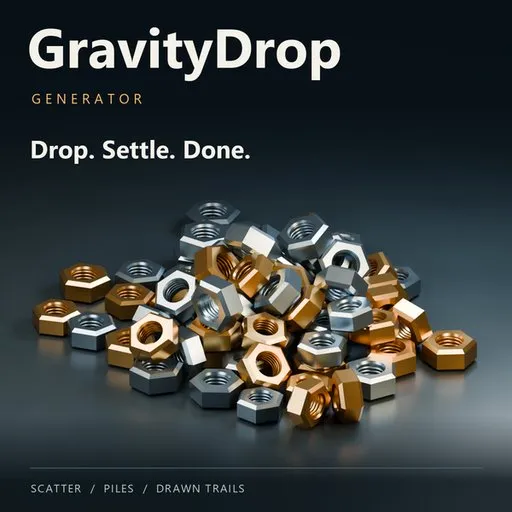
GravityDrop Generator
 add-on
Create natural scatter, layered piles and drawn trails with real rigid-body physics. Choose your objects and a surface, press DROP, and keep static, editable results. Eight interface languages included.
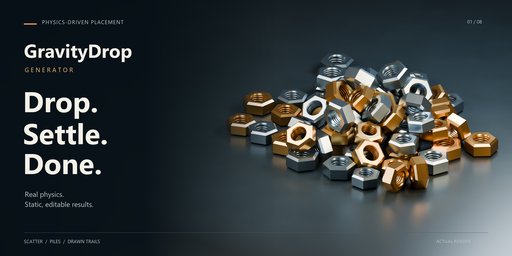
Drop. Settle. Done.
GravityDrop Generator turns your own objects into natural arrangements using real Blender rigid-body physics.
Choose your source objects, pick a landing surface and press DROP. The settled result becomes ordinary, editable mesh objects.
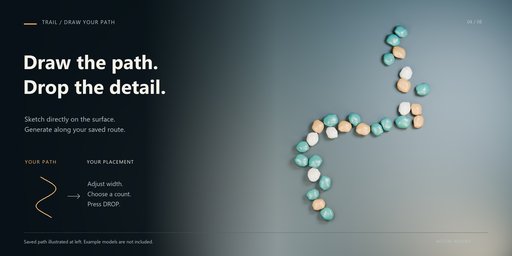
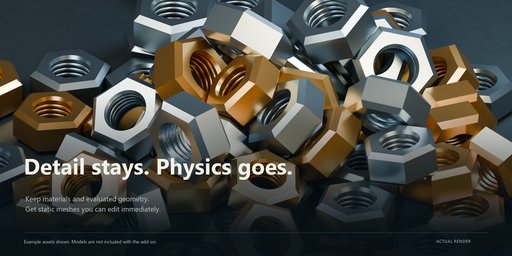
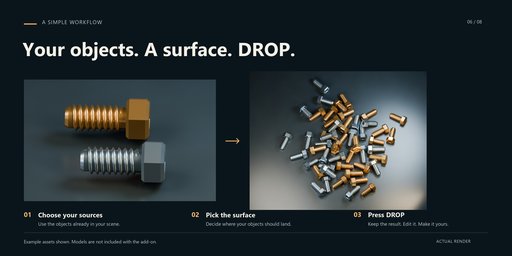
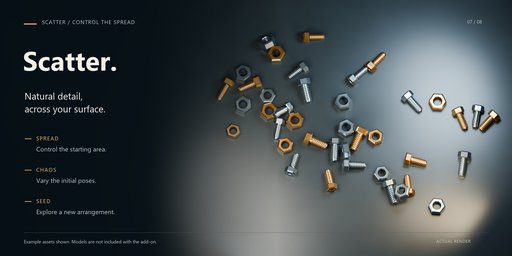
Three placement modes
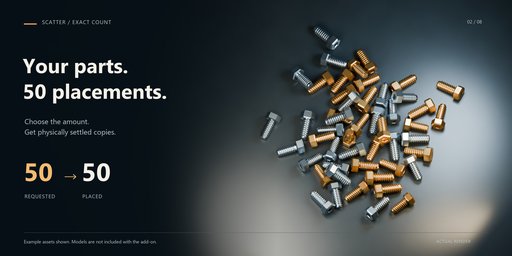
Scatter: distribute details across a surface with varied starting positions, rotations and scales.
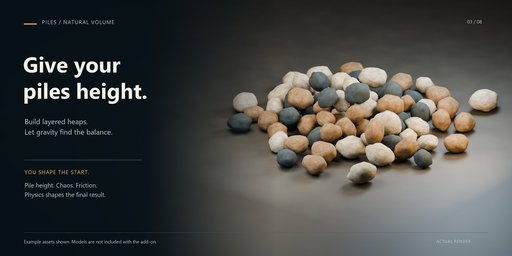
Piles: build layered heaps with controls for concentration, pile height, friction and bounce.
Trail: draw a path directly on the selected surface and generate objects along it.
Control your composition
Adjust count, chaos, scale, drop height, fall direction and seed.
Successful generation preserves the exact requested count: 50 requested means 50 placed. If a complete arrangement cannot settle, your previous result is preserved.
Original source objects remain unchanged. Finished arrangements need no ongoing simulation. Regenerate, keep separate results, and use Undo or Redo.
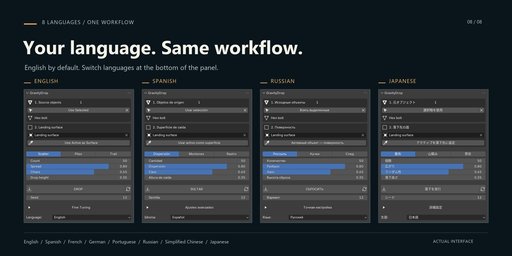
Eight interface languages
English, Spanish, French, German, Portuguese, Russian, Simplified Chinese and Japanese.
English is the default. Change the language at the bottom of the panel, independently of Blender’s interface language.
Getting started
After installation, press N in the 3D Viewport and open GravityDrop.
Select your source objects and click Use Selected.
Choose a landing surface.
Select a mode and set Count.
Press DROP.
For a drawn trail, choose Trail → Draw Path, draw over the surface with the left mouse button, release, then generate.
Compatibility
Minimum supported version: Blender 4.2.
Tested in Blender 5.2.2 LTS on Windows. Blender 4.2–5.1 compatibility was reviewed against published APIs and source code without running those versions. macOS and Linux have not been runtime tested.
Included and practical notes
Includes the extension, README, Python source and GPL-3.0-or-later license.
Example models and demonstration scenes are not included.
Copies use convex collision shapes that approximate their outer form. Hollow interiors and interlocking parts are not simulated. Small contact tolerances may remain. Large counts and complex surfaces require more processing time.
Works offline, with no additional Python packages required.
GravityDrop Generator 2.3.0 — by Mars0hod


