Add-ons
 Models
 Materials
 HDRIs
 Scenes
 Brushes
 Node Groups
 Printables
 Creators
 Creations
UPDATE:
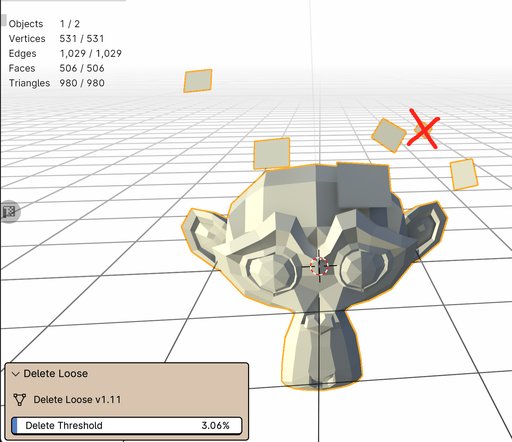
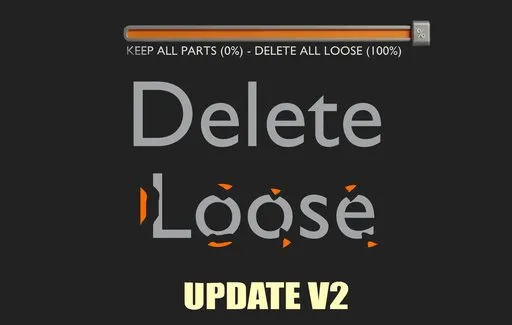
1. added a slider which evaluates components based on volumetric characteristic length (V^(1/3) instead of the bounding box diagonal) after pressing the addon's button
2. the slider allows to remove some loose parts only or every loose part - having 100% mean delete all loose parts and scaling down means filter smaller debris until all are kept (at 0%)
3. moved addon button from object to right click context menu
4. fixed how the addon addresses uninstallation of the current and previous versions
5. code optimization, e.g. removed bmesh overhead
Description:
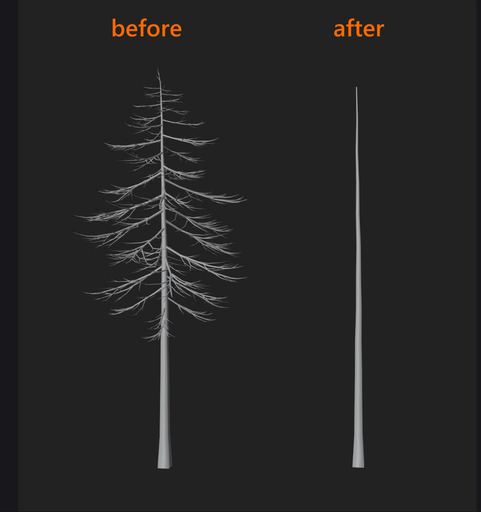
With a click of a button, you eliminate smaller and loose parts of a mesh while keeping the largest parts intact.
It is similar to Houdini's Labs Delete Small Parts geometry node and Agisoft clean mesh.
Ok. But how?
right click context menu ---> click delete loose
Conditions:
The plugin operates on a selection.
The plugin expects a mesh type object.
The plugin operates on objects from the same layer.
Ok. But why?
useful during sculping when a lot of garbage accumulates, or after a particle simulation, you name it
can save tons of time and it is useful for mesh cleaning
I did not pay attention; what does it do again?
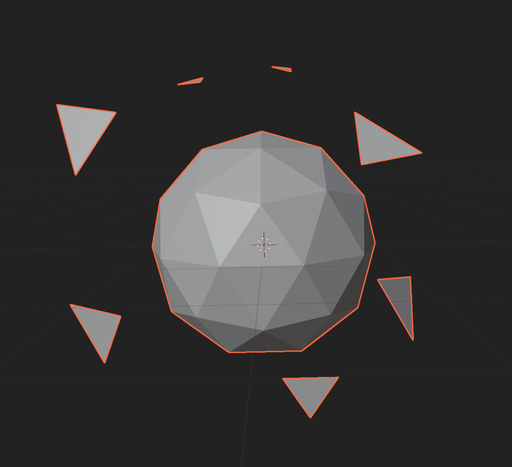
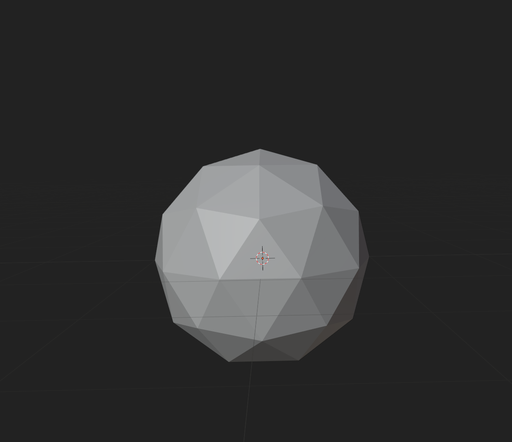
Automatically separates the selected mesh object by loose parts, selects the smaller loose parts (after volume calculations), and deletes them, leaving the larger part untouched. Only one object remains from the layer.
Tested in Blender 2.8+, including latest Blender