
 Materials
 HDRIs
HDRIs
 Scenes
 Brushes
 Node Groups
 Printables
 Add-ons
 Creators
 Creations
 model
model
Sparks With Collision
Get this modelDocumentation for every setting is included inside the geometry nodes setup, open the node tree and you'll find it in the documentation frame on the left.
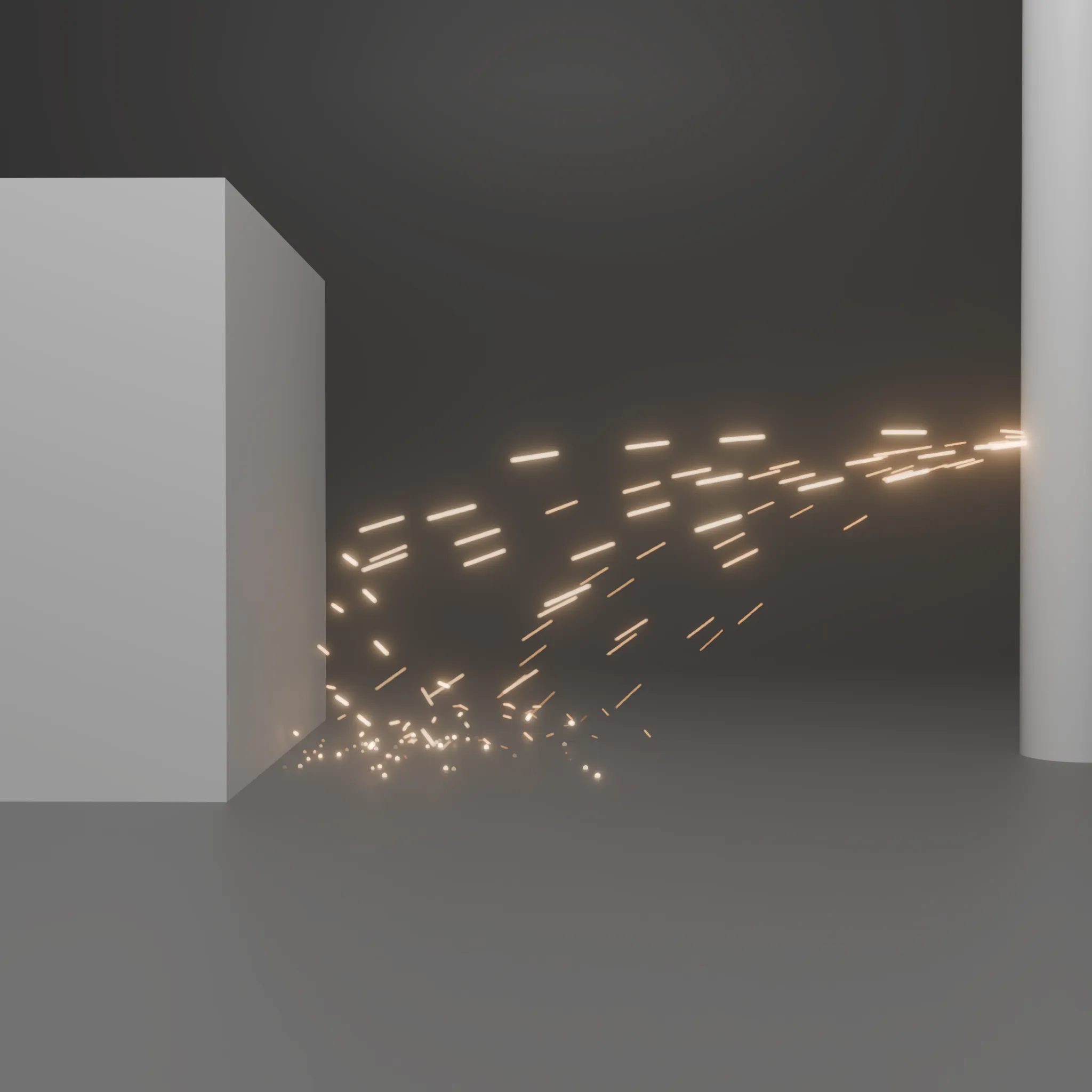
A procedural spark effect built with Geometry Nodes simulation zones. Sparks emit from the object's origin, so simply move and rotate the direction from Geometry Nodes properties to aim them. Adjust emission amount, speed, direction, spread, turbulence, gravity, lifetime, size, color, and brightness from the modifier panel. Sparks fade out smoothly as they die, and you can optionally assign a collision collection to make them bounce off surfaces or stick on impact. Works in both EEVEE and Cycles. After changing settings, jump back to frame 1 to reset the simulation.


