
 Materials
 HDRIs
HDRIs
 Scenes
 Brushes
 Node Groups
 Printables
 Add-ons
 Creators
 Creations
 model
model
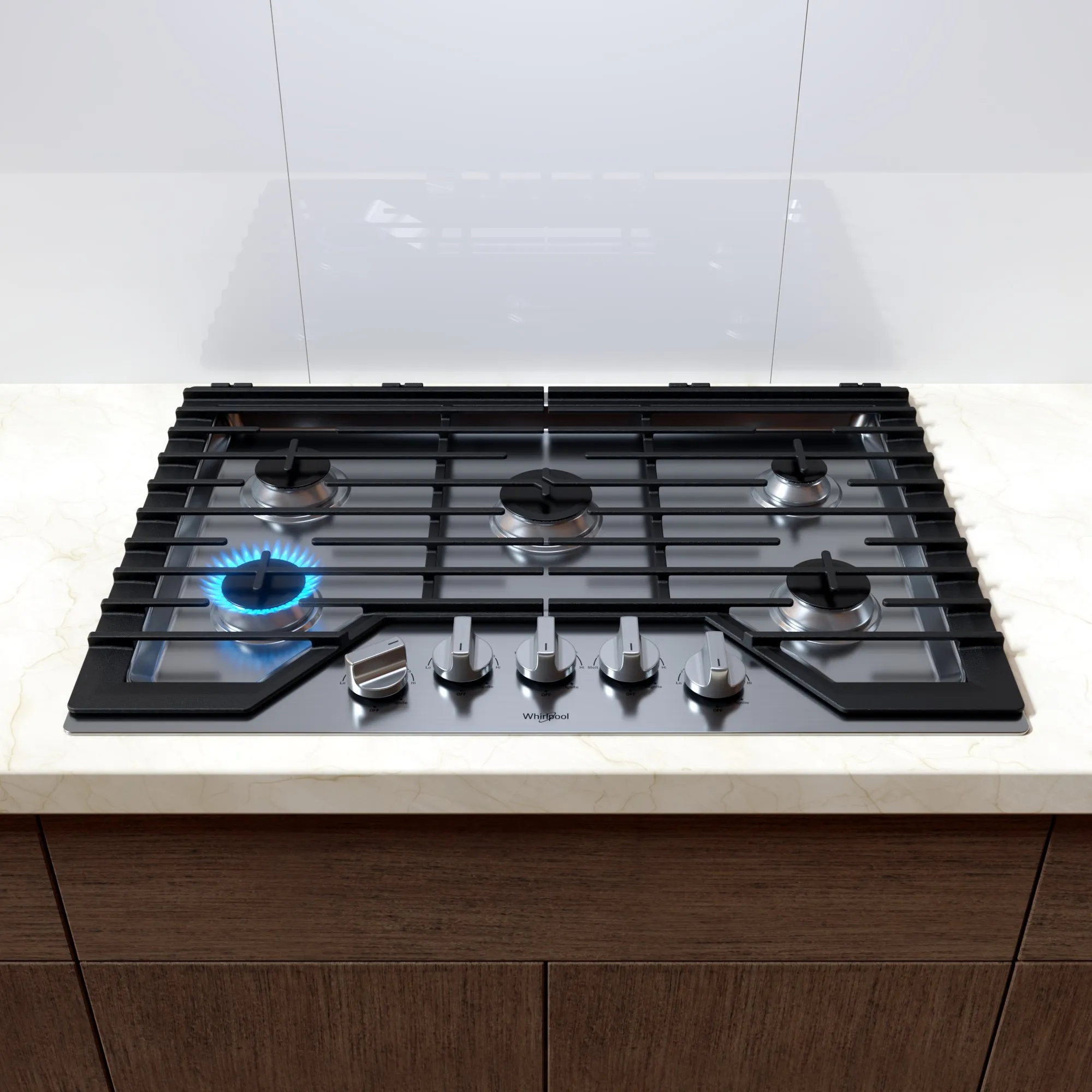
Gas Cooktop - Whirlpool
Get this model-
- Do not place the cooktop directly on the object, the flame will not appear correctly; instead, place the cooktop in the 3D area.
-
To ignite the flame, go to the Outliner, select the "Single_Flame" object, then in the Modifiers Property tab, ignite the flame in the GeometryNodes modifier.
- I also created an animation for the flame with 250 frames.
- Each stovetop burner has an animated flame.
- The flame was created using the particle/hair system.
- I created a simple node to turn the knob in the Modifiers Property tab.
- Get the most out of your mealtime routine with a 5-burner cooktop


