 Models
 Materials
 HDRIs
 Scenes
 Brushes
 Printables
 Add-ons
 Creators
 Creations
 Node Group
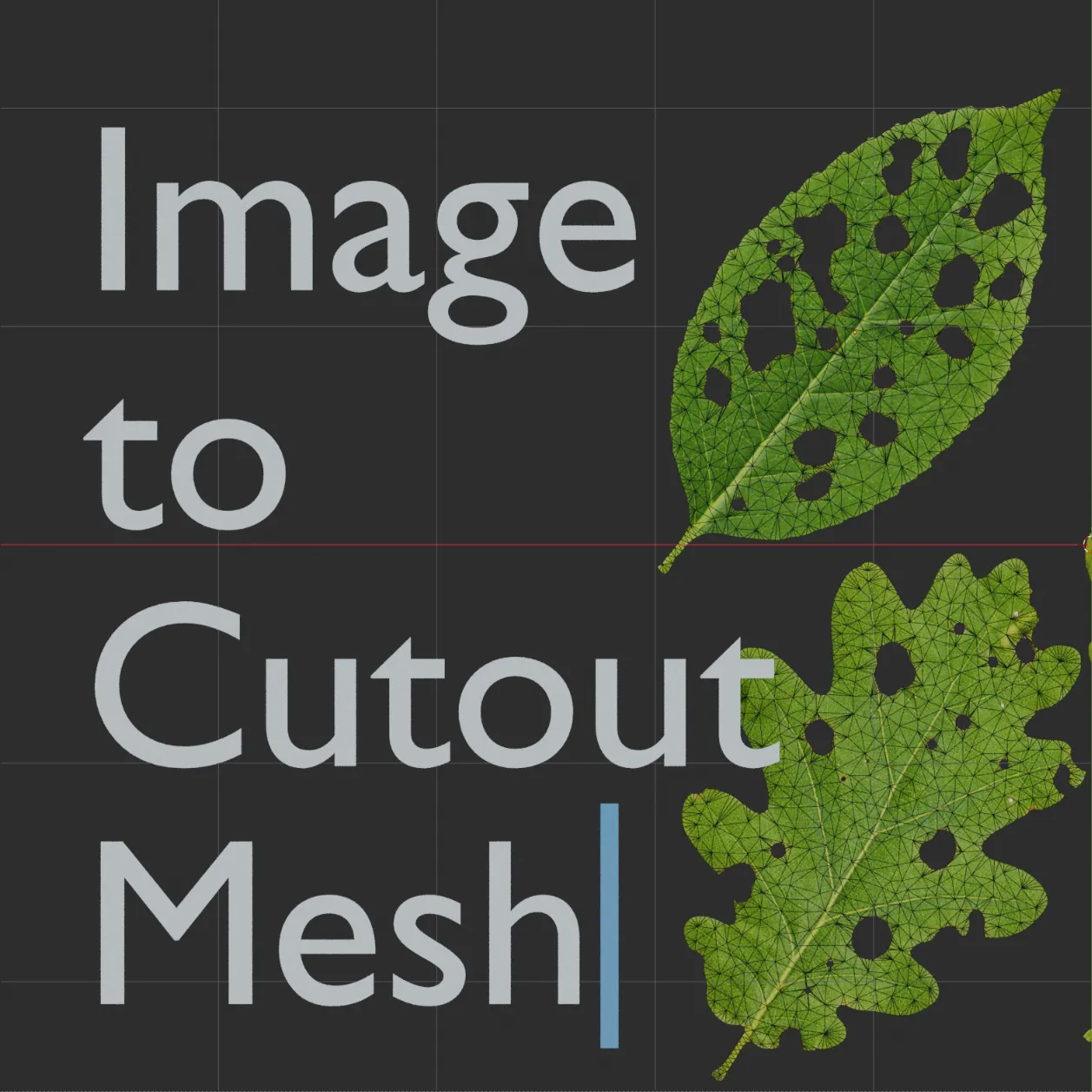
Image To Cutout Mesh
Get this Node GroupGenerate a flat, filled triangular mesh from an image silhouette. Supports color-difference and optional alpha masks, internal holes, and separate controls for outline detail and interior mesh density. Designed for one main silhouette with optional holes. Requires Blender 5.0 or newer.
QUICK START
- Load Image to Cutout Mesh into your Geometry Nodes setup.
- Assign your source image to Input Image. An image must be assigned before the tool can generate a cutout.
- Leave Use Alpha disabled to extract the silhouette using color differences. Enable it to use the image’s alpha channel instead.
- Adjust Threshold and Color Mask Smoothing to obtain a clean silhouette.
- Adjust Outline Length to control boundary detail, then adjust Poisson Spacing to set the interior triangle density.
SETTINGS
• Input Image: The source image used to generate the cutout mesh.
• Use Alpha: Enables masking from the image’s alpha channel. Leave this disabled for images without useful transparency.
• Threshold: Adjusts the cutoff used to extract the silhouette.
• Color Mask Smoothing: Adjusts smoothing of the color-derived mask.
• Outline Length: Controls the spacing of points along the extracted boundary. Smaller values preserve finer details but can increase processing time.
• Poisson Spacing: Controls the minimum spacing between points inside the silhouette. Smaller values produce a denser triangular mesh.
LIMITATIONS
Multiple separate outer silhouettes and opaque islands nested inside holes are not supported.


