Put the model on the ground 🔗
Put the model on the ground 🔗
Place the model so that it rests naturally on the ground plane and does not float above or sink below it.
The origin of the parent object must be positioned at world coordinates 0, 0, 0. The complete asset should be positioned relative to this parent so it can be placed correctly when dragged into a scene.
Correct ground placement and origin position are important for consistent drag and drop behavior in BlendKit.
Before uploading, check both the model position and the parent object origin.
Exception for game ready assets 🔗
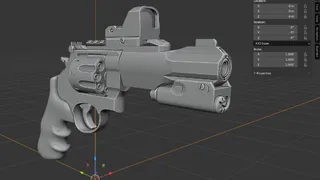
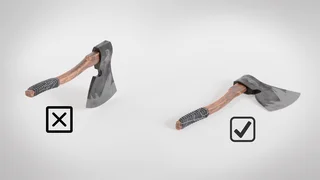
Game-ready assets do not always need to rest on the ground plane. For assets such as weapons, tools, or other objects intended for direct use in a game engine, it is acceptable to position the model around its origin when this better matches the expected export and implementation workflow.
In these cases, prioritize a clean, practical origin and placement suitable for use in the target engine rather than forcing the asset onto the ground.
Whether a specific asset qualifies for this exception is determined by the validator.