05 Jun 2022
Models without materials 🔗
All models uploaded to BlendKit must have materials assigned.
Materials are an essential part of the asset and should be included even when the model has a simple appearance or uses only basic colors.
This requirement applies to all models, regardless of their style or category.
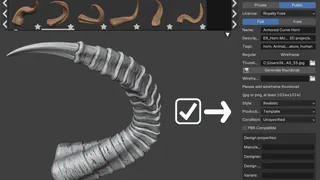
The only exception is for specific template assets. These must be marked as templates during upload. Whether a particular asset can be accepted as a template without materials is determined by the validators.
Before uploading, make sure that all relevant parts of the model have the intended materials assigned.