
 Add-ons
 Models
 Materials
 HDRIs
HDRIs
 Scenes
 Brushes
 Node Groups
 Printables
 Creators
 Creations
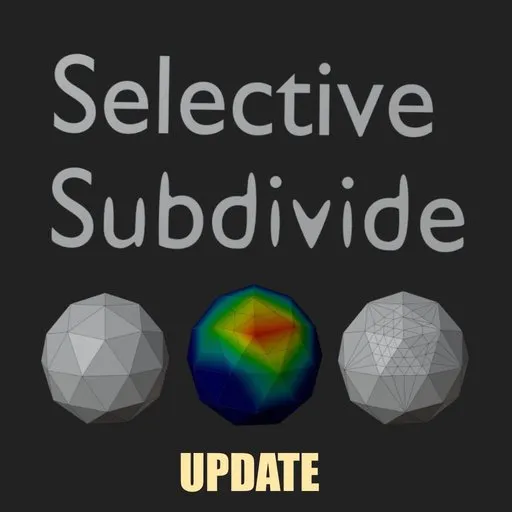
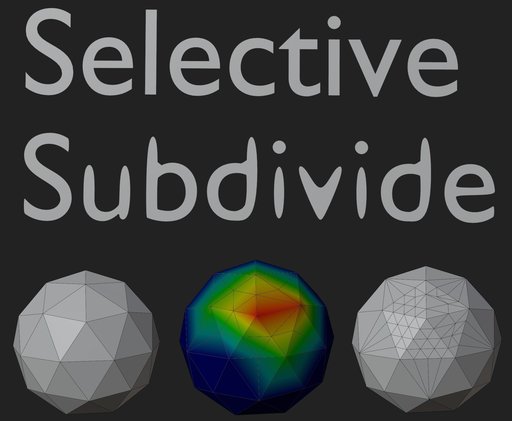
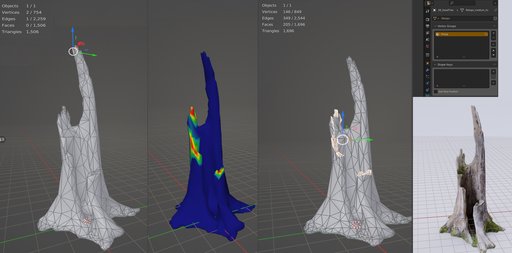
This plugin applies subdivision to a selection with clean topology afterward and without separating polygons.
Useful when you need to fix selected mesh areas affected by topology errors or low poly problems,
be it shadow problems or the object not having enough geometry resulting in spiky vertices.
e.g., imagine a wheel without enough polygons that you need to make round.
If you finished a mesh complete with UV and textures, you may need to apply a topology fix to a problematic area without backtracking or redoing your work.
Ok but how does it work?
You need to select the areas of the mesh in weight paint mode, then switch to object mode and press a button; the selected areas will be subdivided and cleaned.
The Vertex Group must be called "Group."
Installation
install like any other blender plugin, i.e., navigate to edit -> preferences -> Add-ons and select install;
then select the zip file provided (Subdivide selected.zip).
The plugin is installed in the View3D-> misc section
Tested in blender 2.9 and 3.5+, in older blenders like 2.7 it works too but registers at the bottom of the old viewport toolbar
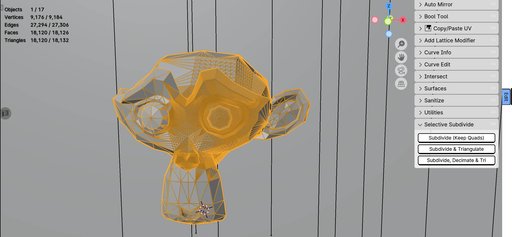
UPDATE: the addon provides three convenient operators in the 3D Viewport sidebar (see second image):
- Subdivide (Keep Quads): Subdivides the weighted vertices while preserving quad topology.
- Subdivide & Triangulate: Subdivides the vertices and converts all mesh faces to triangles.
- Subdivide, Decimate & Triangulate: Subdivides the mesh, applies a lightweight decimate modifier, and triangulates the result.
Naming convention fixed to be selective subdivide in the preferences menu. Fixes on how selection is handled and stored; specifically, setting the active vertex group index properly and handling edit/object mode switches safely to prevent exponential bugs and selection errors from the original version. Fixed so it install in 5.2+ seamlessly


