
 Models
 Materials
 HDRIs
 Scenes
 Brushes
 Node Groups
 Printables
 Creators
 Creations
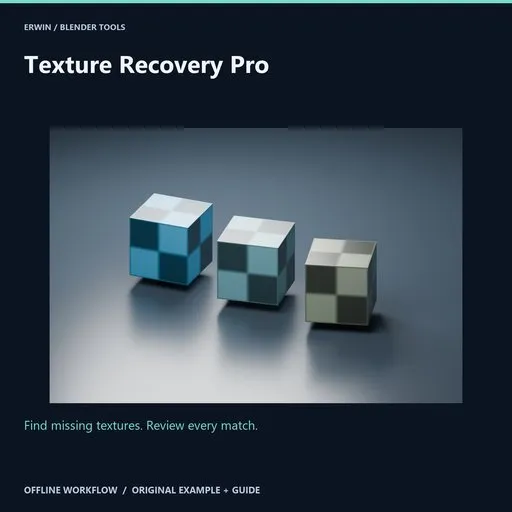
Texture Recovery Pro
 add-on
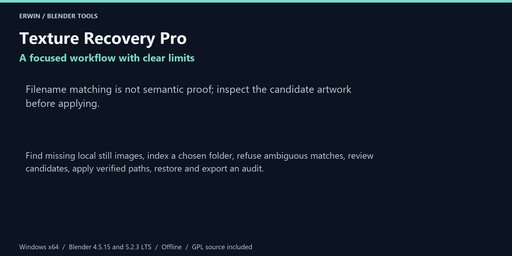
Find missing local still images, index a chosen folder, refuse ambiguous matches, review candidates, apply verified paths, restore and export an audit.
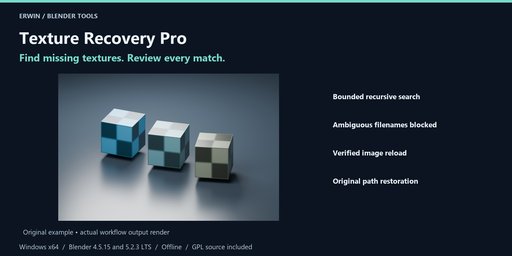
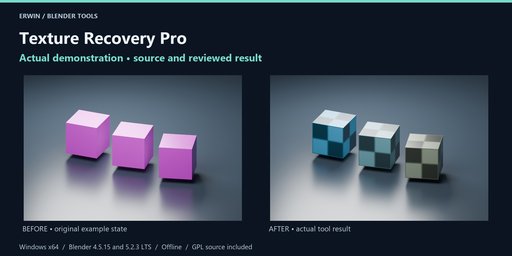
Find missing textures. Review every match.
Find missing local still images, index a chosen folder, refuse ambiguous matches, review candidates, apply verified paths, restore and export an audit.
Included workflow- Bounded recursive search
- Ambiguous filenames blocked
- Verified image reload
- Original path restoration
Find missing local still images, index a chosen folder, refuse ambiguous matches, review candidates, apply verified paths, restore and export an audit.
InstallationWindows x64. Intended Blender builds: 4.5.15 LTS and 5.2.3 LTS. See the included verification notes for completed verification; version targeting alone is not evidence of a passed test.
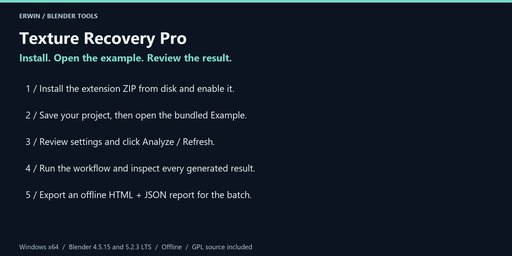
In Blender choose Edit > Preferences > Get Extensions > menu > Install from Disk. Select texture_recovery_pro-1.0.0.zip without extracting it, and enable the extension.
In the 3D Viewport press N and open the Recovery tab. No account, activation, external Python, subscription or network service is required.
Save a backup before bulk operations. Example opens the bundled scene only after you have saved your current changes. Guide opens this local offline documentation in your browser.
- Select local mesh objects whose materials reference missing images. Only image textures reached through those material node trees and nested shader groups are scanned; world/compositor references are outside scope.
- Choose a narrow Search folder containing recovered texture files. Analyze recursively indexes at most 50,000 entries, with symlinks and Windows reparse directories skipped. At most 1,000 selected-material images are supported.
- Inspect each row. An existing file, packed image, linked image, dirty image, UDIM, sequence, movie or empty path is skipped. A single case-insensitive basename match is offered; two or more matches are blocked. No match is an error for manual review, not a reason to guess.
- Check only candidates you recognize. A matching filename does not prove it is the right artwork. Limit the search folder to resolve ambiguity or use Blender's image browser manually.
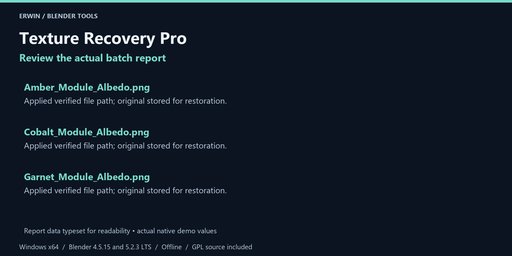
- Apply checked unique matches verifies candidate SHA-256 and the current image paths, decodes candidates through Blender, then relinks the existing image datablocks. All objects sharing those image datablocks see the change. No image pixels, source files or color-space settings are rewritten. Files over 256 MiB are not offered.
- Restore previous image paths uses saved image pointers. Restore refuses if an image is deleted, its path changes again or it has unsaved pixel edits. Missing original paths may remain missing after restore. Restore the batch before starting another batch.
- Export an offline report to a unique folder. Reports contain local paths; review before sharing. Blender Undo is also available for data changes. Save a project backup before starting.
Choose an existing output folder and click Export offline report after analysis or completion. Every export uses a new timestamp/UUID folder. HTML and JSON are offline, with escaped user data in the HTML. Reports do not overwrite your existing files. They may contain private local paths and object names; review before sharing.
Settings, reports and supported restoration records are saved with your .blend file. Blender Undo applies to scene-data operations, not files written to disk. Keep separate project backups. None of the tools runs a background network service or deletes your source files.
GPL-3.0-or-later, complete original Python source included. Original example scene included. Blender itself is not included. Use Blendkit creator messaging for support; provide your Blender version, exact error and a minimal non-confidential reproduction project.
No income, runtime performance, target-engine compatibility or arbitrary-scene conversion guarantee is made. Review actual results before delivery.


