
 Models
 Materials
 HDRIs
HDRIs
 Scenes
 Brushes
 Node Groups
 Printables
 Creators
 Creations
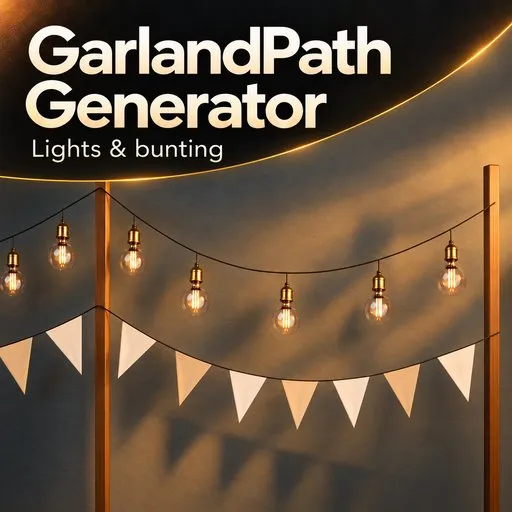
GarlandPath Generator
 add-on
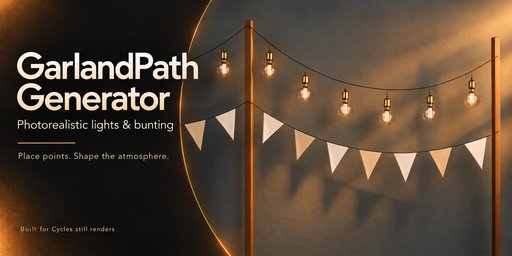
Create realistic light strings and fabric bunting in Blender with visual catalogs, editable paths and physics settling. Built for Cycles.
Place points. Shape the atmosphere.
Create realistic light strings and fabric bunting directly in your Blender scene. Place support points on surfaces, adjust the path, and choose your decorations from visual catalogs.
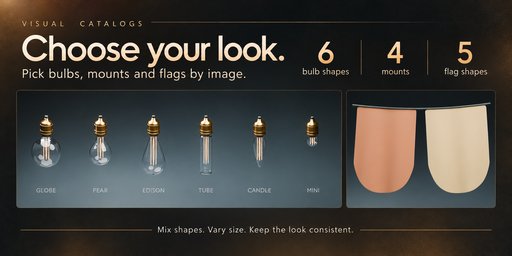

Choose your look
6 bulb designs for different lighting styles.
4 mounting styles, including protective cages.
5 flag shapes for fabric bunting.
4 cable styles: round, twin, twisted and braided.
Use lights, flags, or combine both.
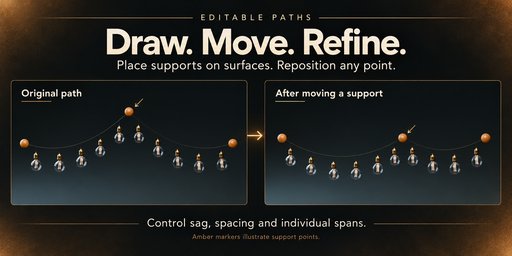
Draw, move and refine
Move existing support points and adjust sag, spacing and decoration size as your scene develops.
Fine-tune glass tint, roughness, filament brightness, light temperature and fabric colors. Add natural size variation for a less uniform appearance.
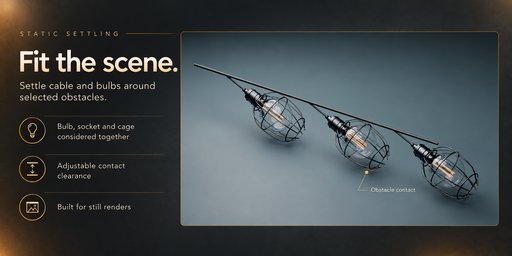
Fit your scene
Settle cables against selected obstacles, position lamp assemblies around surrounding geometry, and simulate pinned fabric under gravity.
Designed for static scenes and still renders. Leave enough space between decorations and inspect the settled result before rendering.
Keep it editable
Render your garland directly or use Create Mesh Copy to create an independent mesh version.
Eight interface languages
English, German, French, Spanish, Portuguese, Russian, Simplified Chinese and Japanese — including tooltips.
The language selector is located at the bottom of the add-on panel.
Requirements
Blender 5.2 or later
Designed for Cycles
Tested with Blender 5.2.2 on Windows
No additional asset packs or external Python packages required
Installation
Install the add-on ZIP through Edit → Preferences → Get Extensions → Install from Disk without unpacking it.
Enable GarlandPath Generator, press N in the 3D Viewport, and open the GarlandPath tab.
Created by Mars0hod.


