
 Models
 Materials
 HDRIs
 Scenes
 Brushes
 Node Groups
 Printables
 Creators
 Creations
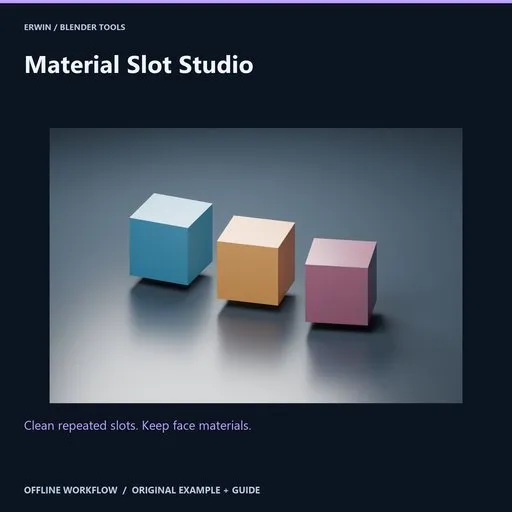
Material Slot Studio
 add-on
Analyze empty, unused and repeated material-pointer slots, consolidate with exact face assignment preservation on independent meshes, preview affected objects, restore and report. No shader-equivalence guessing.
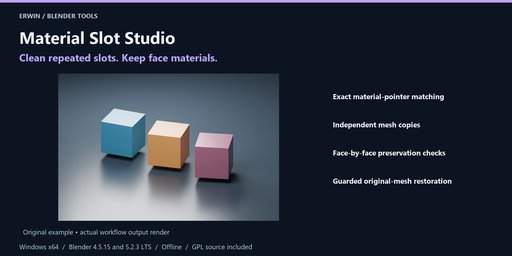
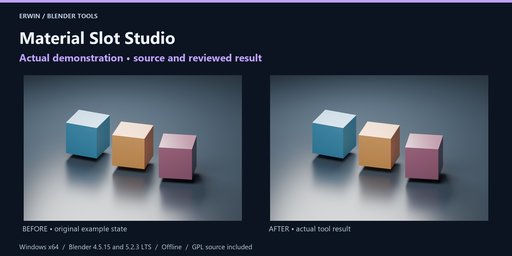
Clean repeated slots. Keep face materials.
Analyze empty, unused and repeated material-pointer slots, consolidate with exact face assignment preservation on independent meshes, preview affected objects, restore and report. No shader-equivalence guessing.
Included workflow- Exact material-pointer matching
- Independent mesh copies
- Face-by-face preservation checks
- Guarded original-mesh restoration
Analyze empty, unused and repeated material-pointer slots, consolidate with exact face assignment preservation on independent meshes, preview affected objects, restore and report. No shader-equivalence guessing.
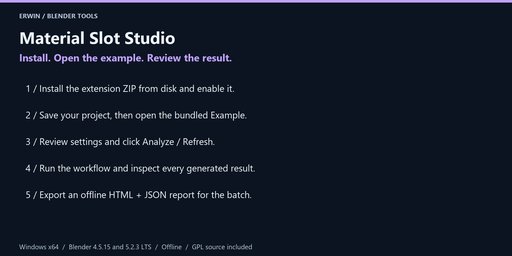
InstallationWindows x64. Intended Blender builds: 4.5.15 LTS and 5.2.3 LTS. See the included verification notes for completed verification; version targeting alone is not evidence of a passed test.
In Blender choose Edit > Preferences > Get Extensions > menu > Install from Disk. Select material_slot_studio-1.0.0.zip without extracting it, and enable the extension.
In the 3D Viewport press N and open the Material Slots tab. No account, activation, external Python, subscription or network service is required.
Save a backup before bulk operations. Example opens the bundled scene only after you have saved your current changes. Guide opens this local offline documentation in your browser.
- Select local static mesh objects using DATA-linked material slots. Apply modifiers to reviewed copies first. Animated, linked, constrained, parented, instanced or shape-key meshes are blocked. Processing is bounded at 250,000 polygons / 500,000 vertices per mesh.
- Analyze finds unused slots and repeated slots referencing the exact same material datablock. It does not compare shader appearance, material names, node graphs or similar images. Different material datablocks are deliberately kept separate.
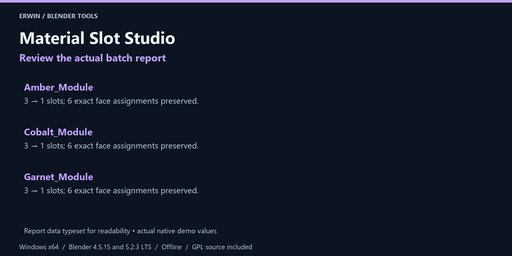
- Consolidate slots on mesh copies creates an independent mesh for each object that needs cleanup. It maps each face's previous slot to the same material pointer in the compacted list and verifies that identity face by face. An empty slot used by a face is preserved as an empty slot. Unused and redundant slots are omitted.
- Original mesh datablocks, shared-mesh siblings and material datablocks are preserved. Nothing is purged or deleted from your project. Objects without redundant slots are left unchanged.
- Restore original mesh assignments switches the affected objects back to their saved original mesh pointers. Restore refuses if an object/mesh is removed, replaced, or if consolidated geometry or face indices were edited after applying. Use Blender Undo or your saved project for a broader rollback. Restore before starting another batch.
- This is material-slot bookkeeping; it does not reduce draw calls automatically, build atlases, merge distinct shaders or certify appearance in a game engine.
- Export the report with per-object slot counts and the exact index mapping. Save a project backup before bulk operations.
Choose an existing output folder and click Export offline report after analysis or completion. Every export uses a new timestamp/UUID folder. HTML and JSON are offline, with escaped user data in the HTML. Reports do not overwrite your existing files. They may contain private local paths and object names; review before sharing.
Settings, reports and supported restoration records are saved with your .blend file. Blender Undo applies to scene-data operations, not files written to disk. Keep separate project backups. None of the tools runs a background network service or deletes your source files.
GPL-3.0-or-later, complete original Python source included. Original example scene included. Blender itself is not included. Use Blendkit creator messaging for support; provide your Blender version, exact error and a minimal non-confidential reproduction project.
No income, runtime performance, target-engine compatibility or arbitrary-scene conversion guarantee is made. Review actual results before delivery.


