
 Models
 Materials
 HDRIs
HDRIs
 Scenes
 Brushes
 Printables
 Add-ons
 Creators
 Creations
 Node Group
Parabolic Curve Generator
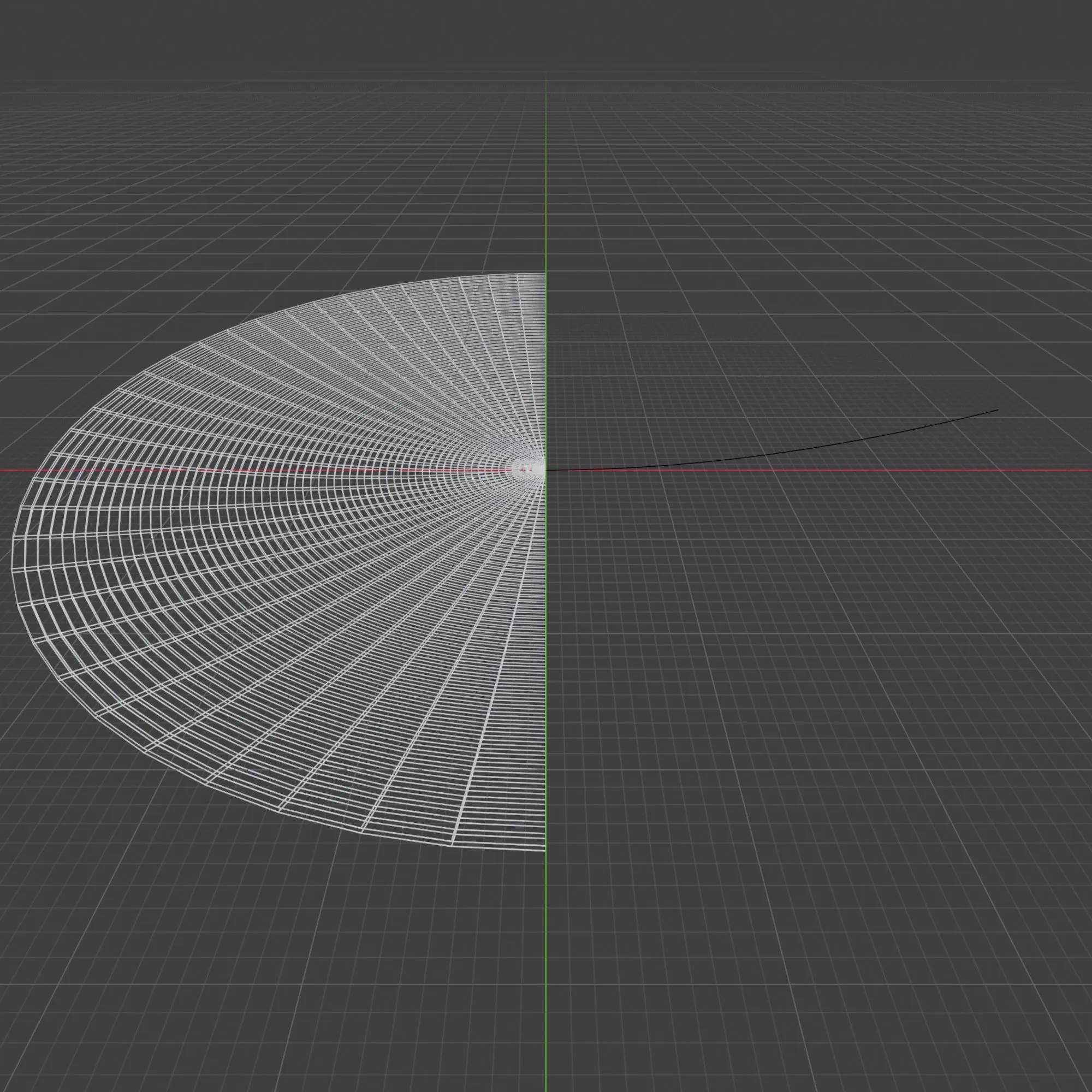
Get this Node GroupGenerate a parabolic curve using three types of formulas:
A: Antenna
B: Standard
C: Generic
Steps to use Node
Type -> Standard Parabolic:
1) Focal point height. (only Z axis)
2) Points to be generated.
3) Start Direction, where the curve will go towards.
4) Direction, additionally manipulate the direction of the final point.
Optional:
Track - Instead of Copy pasting the location of object, you can select an object to track it's vector.
Doing so will the vector location of the object.
Type -> Parabolic Antenna:
same as all the above with the addition of the following parameter...
5) Length or Diameter of the parabolic antenna.
Type -> Generic Parabolic:
same as all the above with the addition of the following parameter...
5) Factor, how tight the curve is.
As this node generates it's own geometry, preferably import it as a modifier of a empty object.
After Generating the curve geometry you can optionally use the following modifier to make the desired mesh:
Screw Modifier: this will generate the mesh by rotating around the curve and adding faces depending on the resolution desired.
Solid Modifier: this will add volume to your mesh if desired.


