
 Add-ons
 Models
 Materials
 HDRIs
HDRIs
 Scenes
 Brushes
 Node Groups
 Printables
 Creators
 Creations
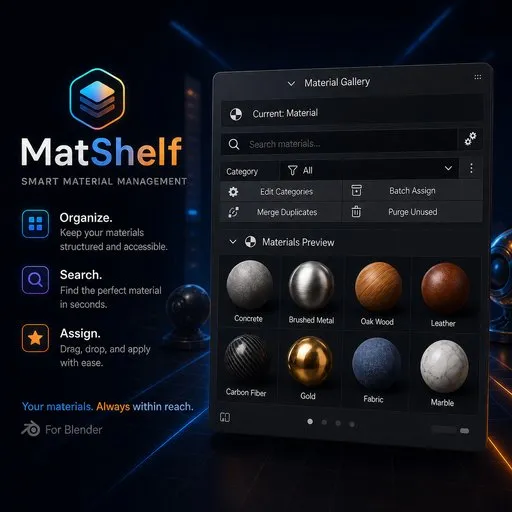
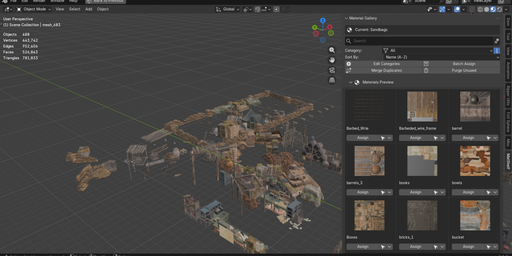
Key Features
-
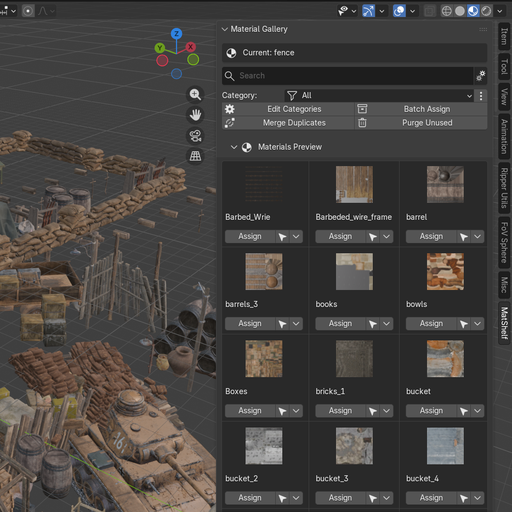
Visual Gallery with Thumbnails
Browse all your materials as live preview thumbnails in a multi-column grid or a compact list view. Adjust column count and preview size to fit your workflow. -
Instant Search & Category Filtering
Type to filter materials in real time. Create custom categories (Metals, Glass, Wood…), assign materials to them, and filter the gallery by category. -
Smart Assignment (Object + Edit Mode)
Click "Assign" to apply any material to all selected objects. In Edit Mode, it applies the material only to selected faces using bmesh — perfect for multi-material setups. -
Advanced Sorting
Sort materials by Name (A→Z or Z→A) or by Usage Count (Most / Least used). Quickly find the materials you need. -
Per-Material Operations Menu
Right from the gallery, rename, duplicate, delete, select all users, or change the category of any material via the ▼ dropdown menu.
Everything Included
- Grid & List views — switch layout styles to suit your screen
- Real-time search — type to filter instantly
- Custom categories — add, rename, remove, and batch-assign
- Sort by name or usage — A-Z, Z-A, most/least used
- One-click assign — works in Object & Edit mode
- Merge duplicates — auto-merges .001, .002 copies
- 7 preview shapes — Sphere, Cube, Shader Ball, Flat, Hair, Cloth, Fluid
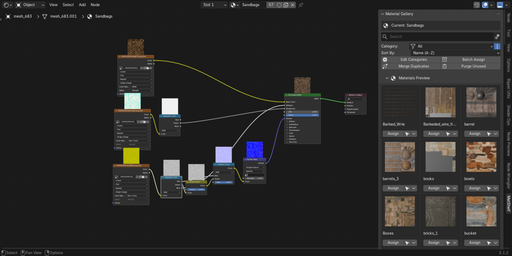
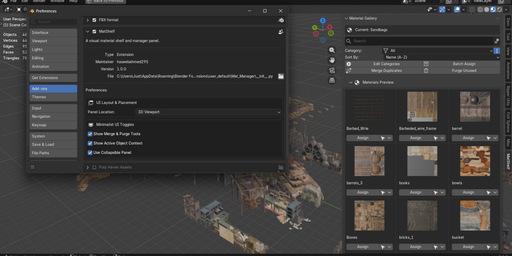
- Customizable panel location — 3D Viewport, Shader Editor, or Properties panel


