
 Add-ons
 Models
 Materials
 HDRIs
HDRIs
 Scenes
 Brushes
 Node Groups
 Printables
 Creators
 Creations
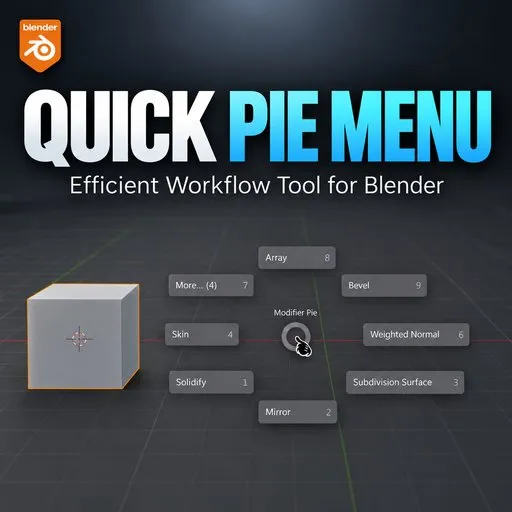
INSTALLATION:
To install the addon just drag the zipper file to the blender, and the addon will be installed.
HOW TO USE :
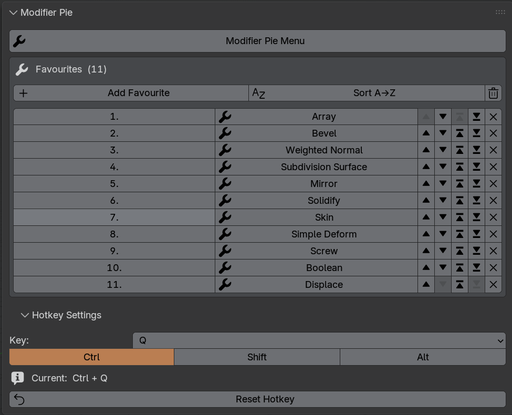
Open N-panel by pressing "N". Expand the "hotkey section" to set your hotkey, you can see your hotkey set in the hotkey section.
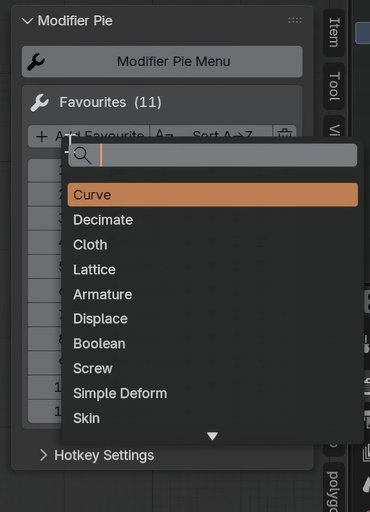
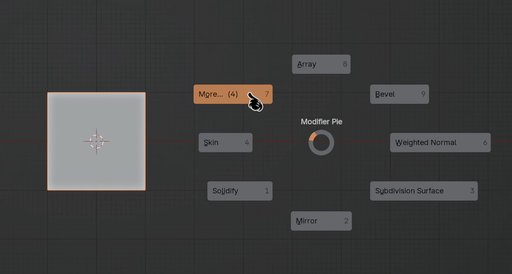
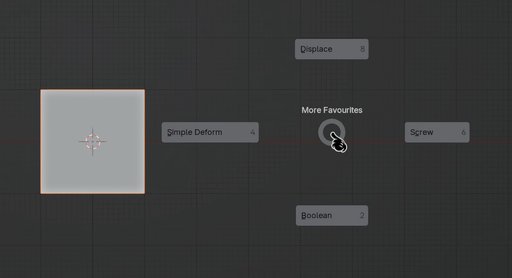
Click on "Add Favorite" to add your modifiers. You can add as many modifiers you want.
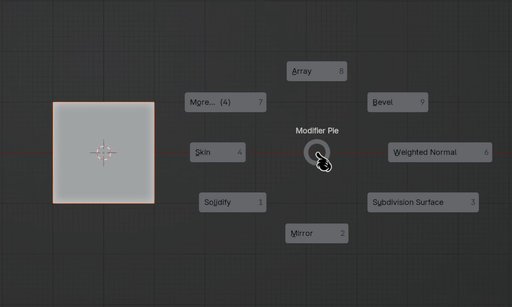
You can click on the "Sort A->Z" to arrange the modifier stack alphabetically which will also be set in the pie-menu.
You can change the position of the modifiers, from the arrows on the right side or by changing the serial no. on the left side.
- You can watch the YouTube video for better understanding.*
By


