
 Models
 Materials
 HDRIs
 Scenes
 Brushes
 Node Groups
 Printables
 Creators
 Creations
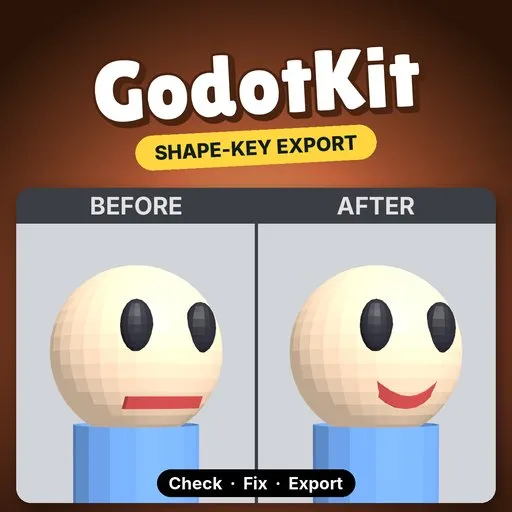
GodotKit - Blender to Godot Character Export
 add-on
One-click Blender 4.2+ to Godot export of bone and shape-key animation, one clip per action, plus a pre-export checker. Godot 4.7.2 import tested. For indie devs, riggers and jam teams.
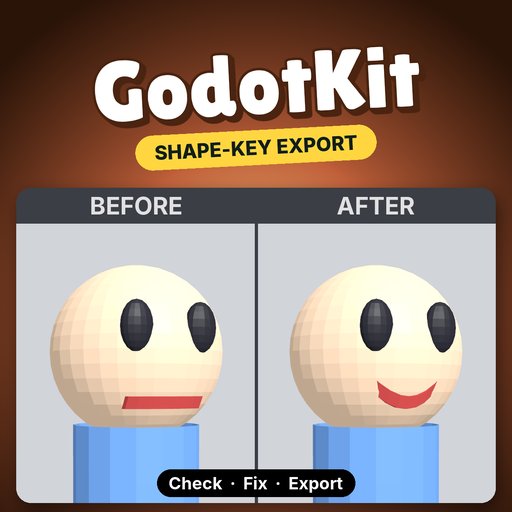
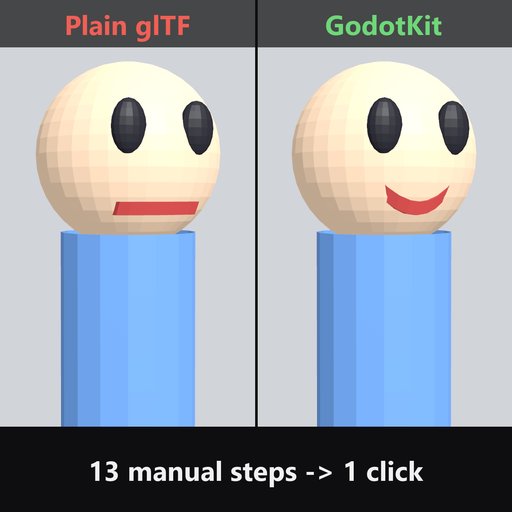
Every action with its shape keys, in Godot, in one click.
In Blender, shape-key animation lives in its own action, separate from the bone action. The plain glTF exporter does not join them on its own. GodotKit pairs "Walk" with "Walk_keys" for you, exports a .glb with one button, and checks the character first.
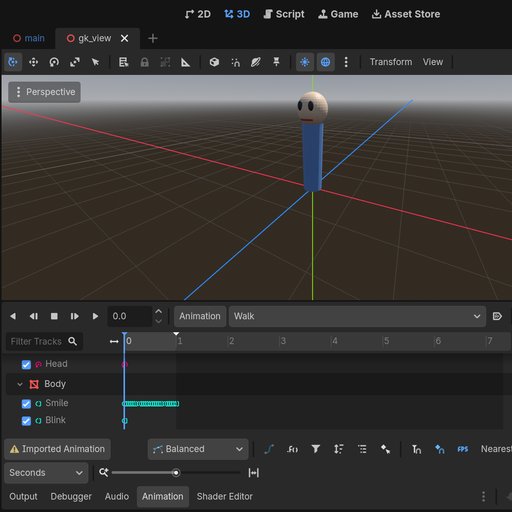
WHAT IT DOES- Multi-action shape-key export: pairs "Walk" (bones) with "Walk_keys" (shape keys) on same-named NLA tracks and exports in NLA Tracks mode. Godot gets one "Walk" clip with bone and blend-shape tracks, one clip per action.
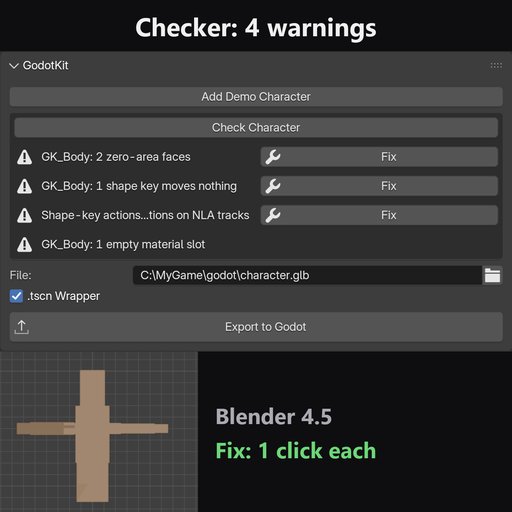
- Pre-export checker: flags zero-area faces, shape keys that move nothing, empty material slots, image textures missing on disk and not packed, and surface shaders that are not Principled BSDF
- One-click fixes: zero-area faces, idle shape keys, unpaired actions
- Export to Godot: one button writes the .glb, with an optional .tscn wrapper
- Add Demo: a 12-bone character with 3 shape keys and Walk and Wave actions, ready to export
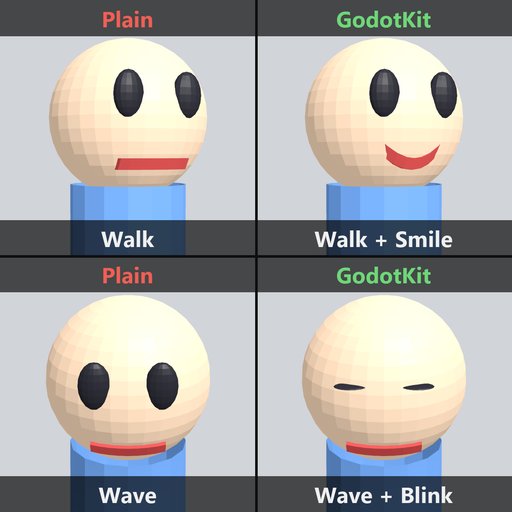
Test rig: 2 bone actions (Walk, Wave), each with a shape-key action (Walk_keys, Wave_keys). Blender 4.5.10 to Godot 4.7.2 headless import.
- The plain Blender glTF exporter with its defaults ("Actions" mode) gives Walk and Wave with no blend-shape tracks. A shape-key action that is still assigned to the Key becomes a separate extra clip. "NLA Tracks" mode with no NLA work gives no animations.
- Pushing the actions down to NLA tracks is not enough on its own. In "Actions" mode, and in "NLA Tracks" mode with default track names, you get separate clips for bones and shape keys. With track names that match, "Actions" mode plus Merge Animation "NLA Track Names" gives one clip per action, but each clip moves every shape key, not only its own.
- The plain exporter does get the correct result with one setup: NLA Tracks mode, all 4 actions pushed down to NLA tracks, and the two tracks of each pair renamed to the same name. That is 13 manual steps for this 2-action rig (6 per action pair, plus the exporter setting), 61 for 10 actions.
- GodotKit: 1 click (Export to Godot), same result as that setup.
- Fair to say: the free manual path (NLA Tracks mode, Push Down x4, rename each pair's tracks) gives the same result. GodotKit saves the steps and the chance of a silent wrong result.
- Install: Edit > Preferences > Get Extensions > Install from Disk, and pick godot_kit-0.1.1.zip.
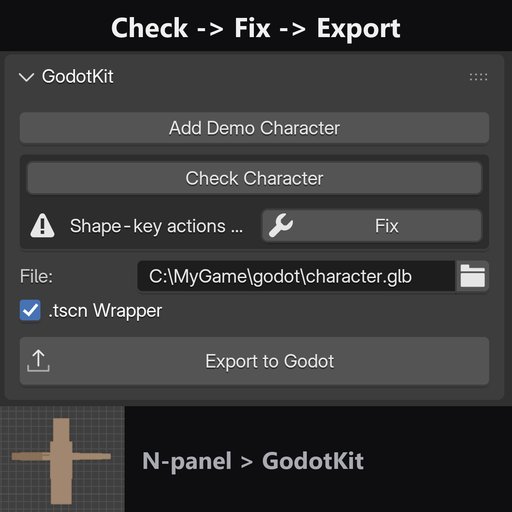
- Press N in the 3D viewport and open the GodotKit tab. Click Add Demo, or select your character.
- Click Check. Click the fix button next to each issue.
- Click Export to Godot and drop the .glb (or .tscn) into your Godot project.
- Name each shape-key action after its bone action with "_keys" (Walk + Walk_keys), and the pairing fix does the rest.
- Material issues are flagged but not fixed: fix them in the shader editor, then click Check again.
- Imported: 1 mesh, 12 bones, 3 blend shapes, Walk and Wave actions, and the Walk blend-shape track.
- Tested on Blender 4.2.23, 4.5.10 and 5.0.1
- Import tested on Godot 4.7.2 (headless)
- Materials are exported as Principled BSDF via glTF; the checker only flags material issues, it does not fix them
- If you are happy to do the 13-step NLA setup by hand for every export, the plain Blender exporter gives the same result for free. GodotKit saves the steps and the chance of a silent wrong result.
- Tested with the 12-bone demo character and a 2-action test rig. Material issues are lint only, with no fix button.
GodotKit Lite is free here on Blendkit. It exports characters up to 16 deform bones, 4 shape keys and 2 bone actions. Remove Lite before installing the full version.


