Models
 Materials
 HDRIs
HDRIs
 Scenes
 Brushes
 Node Groups
 Printables
 Creators
 Creations
Rimlighter
 add-on
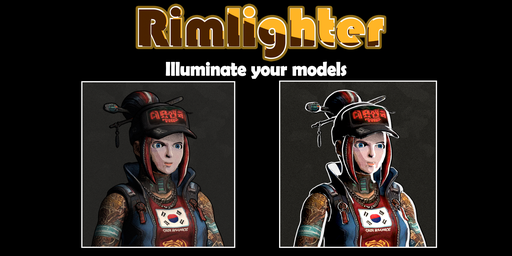
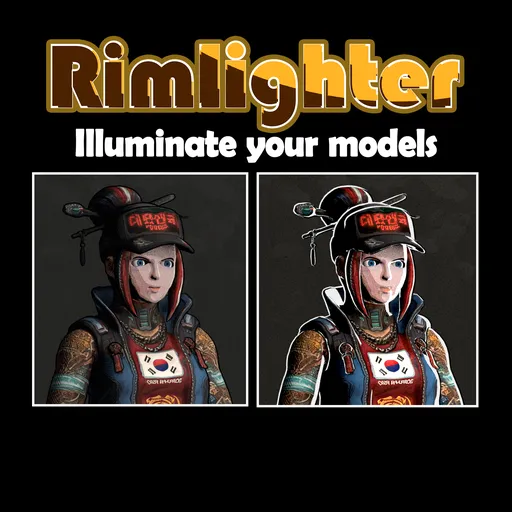
Rimlighter | Illuminate your models with stunning rim lighting effect
One shader can completely change how your models look.
With Rimlighter, you can add fully customizable rim lighting to any object in just one click—no complicated shader setup
Rimlighter features
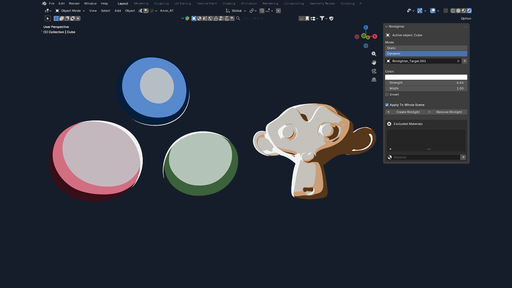
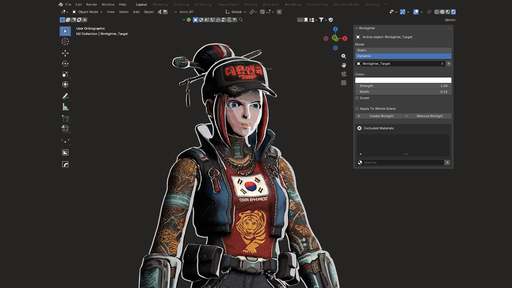
- Display the active object currently selected ; Multi-selection of objects is supported
- Set color, strength and width of the rim light
- Generate or remove rim light from the selection
- Invert rim light and main color of the materials
Rim light mode:
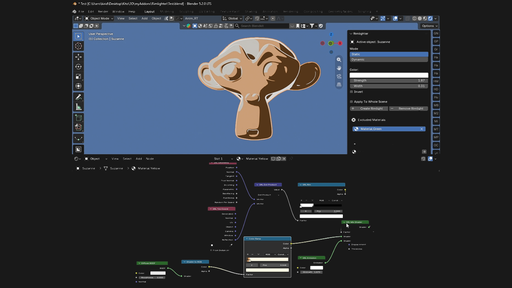
* Static : Generate a static rim light on objects, based on their "reflection" output
* Dynamic : Generate a dynamic rim light based on another object. The associated object will act as the "source of the rim light". You can associate different "rim light objects" to your different material
- "Apply to whole scene" option : Allow to apply consistent rim light to all the objects of the scene
- Material exclusion list : Allow to exclude some materials from getting rim light
Be aware the rim light effect is adding to the materials of the objects, not the objects themselves. It means:
* If multiple objects share the same materials, they will get the same rim light
* If object has several materials, each will get the same rim light. You can only exclude some materials from getting rim light.